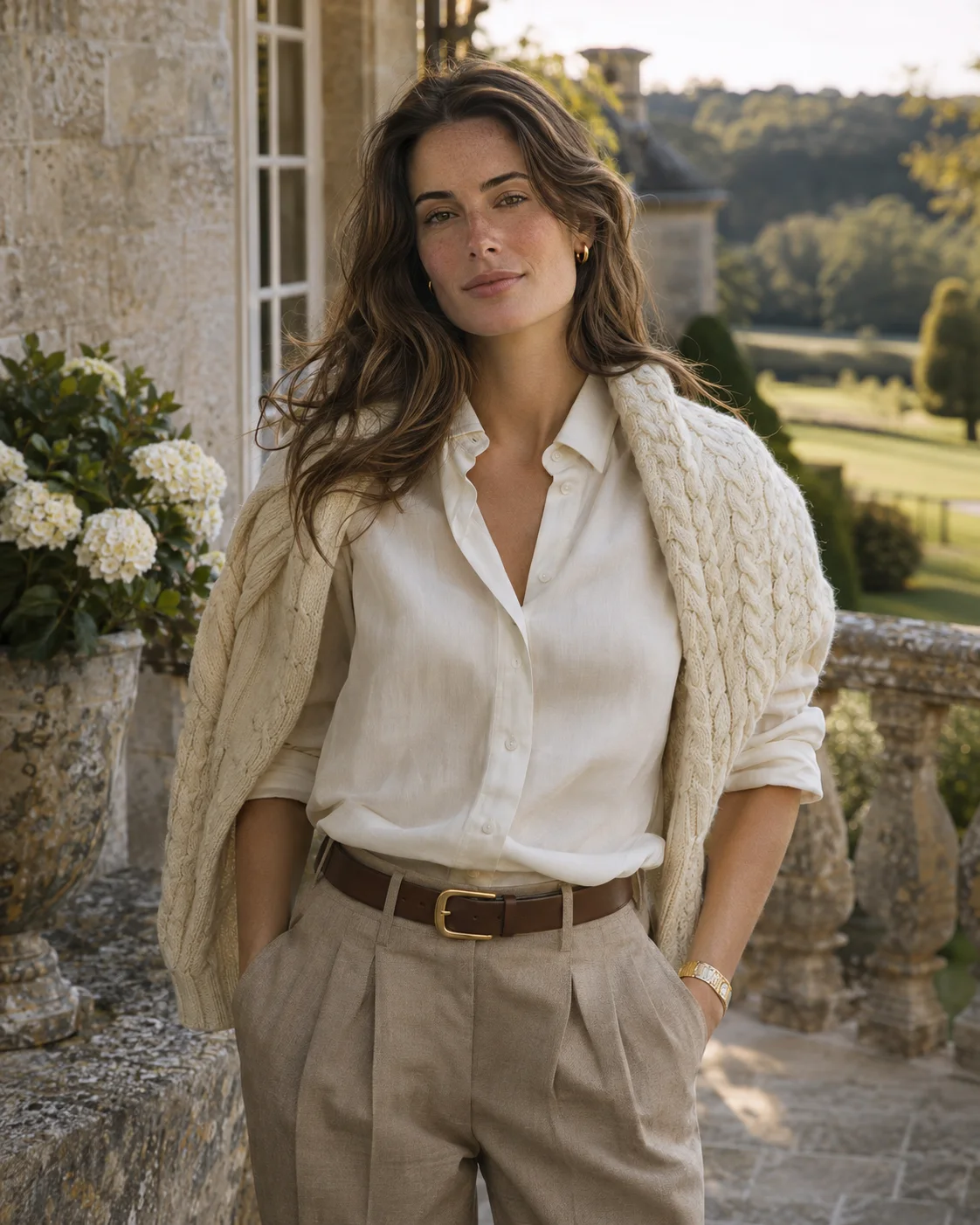
Browse AI Photoshoot Templates and Ideas
Find a look for your next portrait. Browse AI photoshoot ideas by the people in the photo, the occasion or the visual style, then open a template to see sample photos and create your own.
Start with your photoAI Photoshoot Templates by Occasion
Start with what the photos are for. Each occasion has its own look, from work profiles to milestone birthdays and bridal portraits.
AI Portrait Generator
Solo portraits in a chosen style, from soft studio light to beach holidays and bold editorial looks.
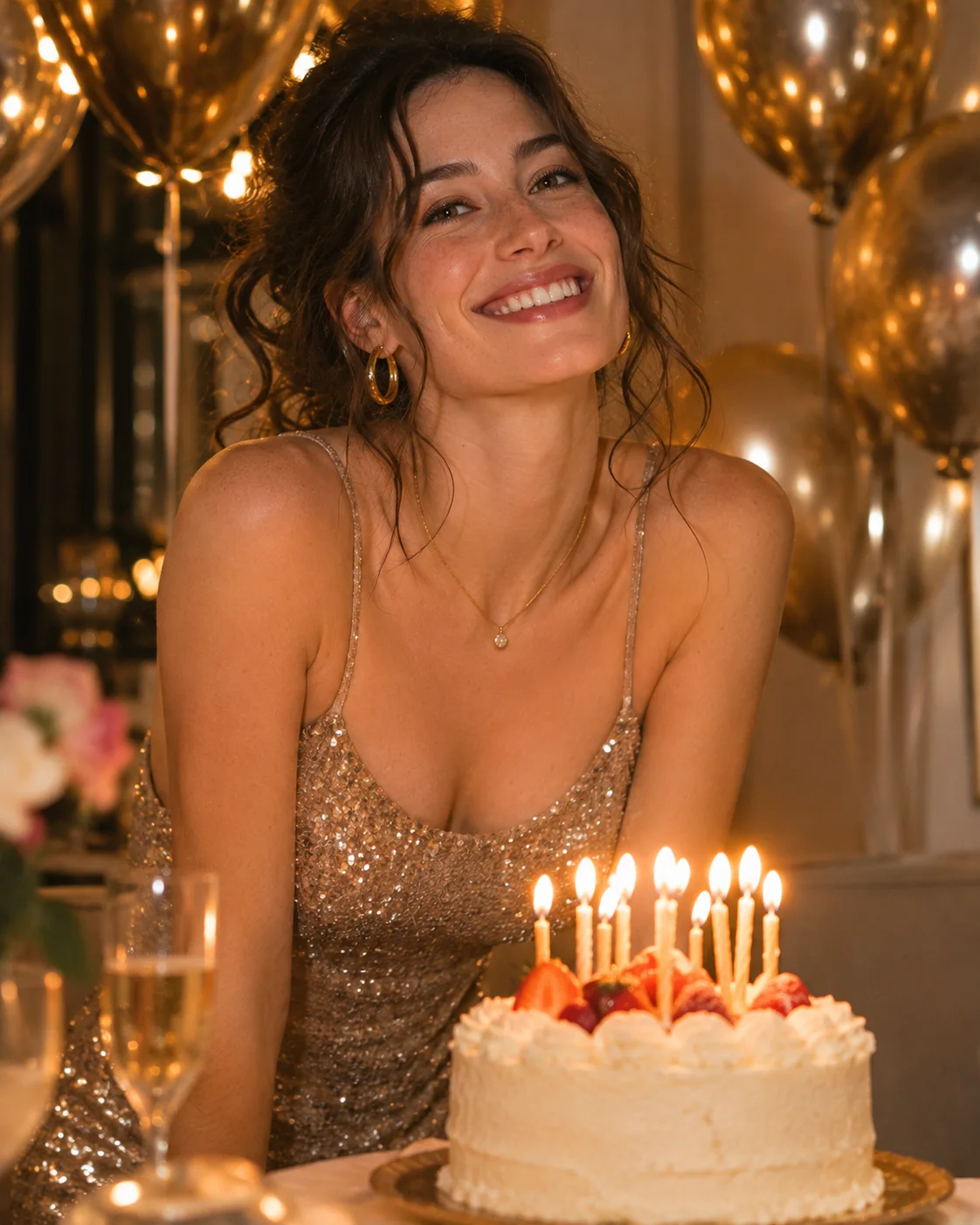
AI Birthday Photoshoot
Birthday portraits with balloons, candles and milestone party themes.
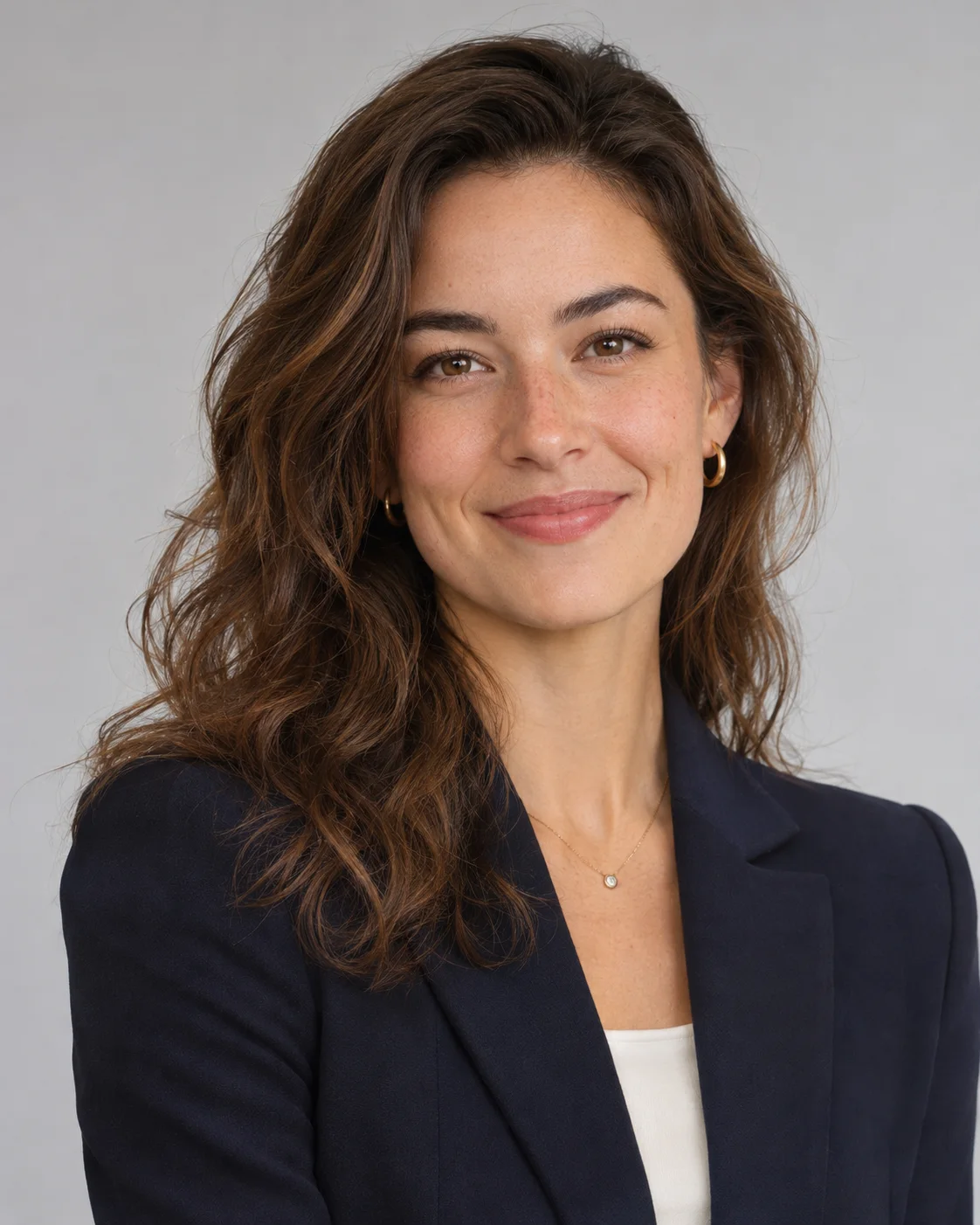
AI Headshot Generator
Clean professional headshots for profiles, resumes and company pages.
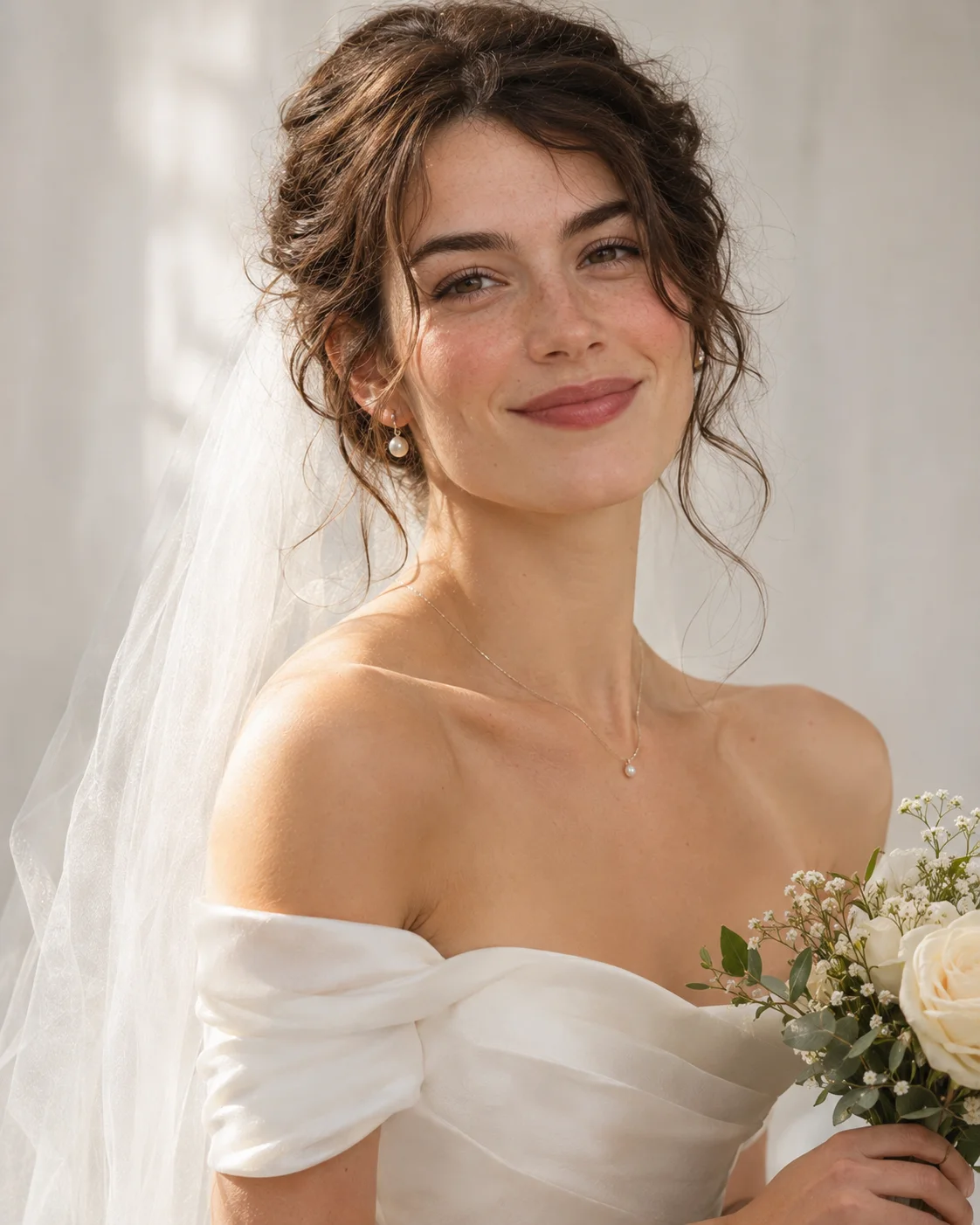
AI Wedding Photo Generator
Bridal portraits in classic and modern wedding styles.
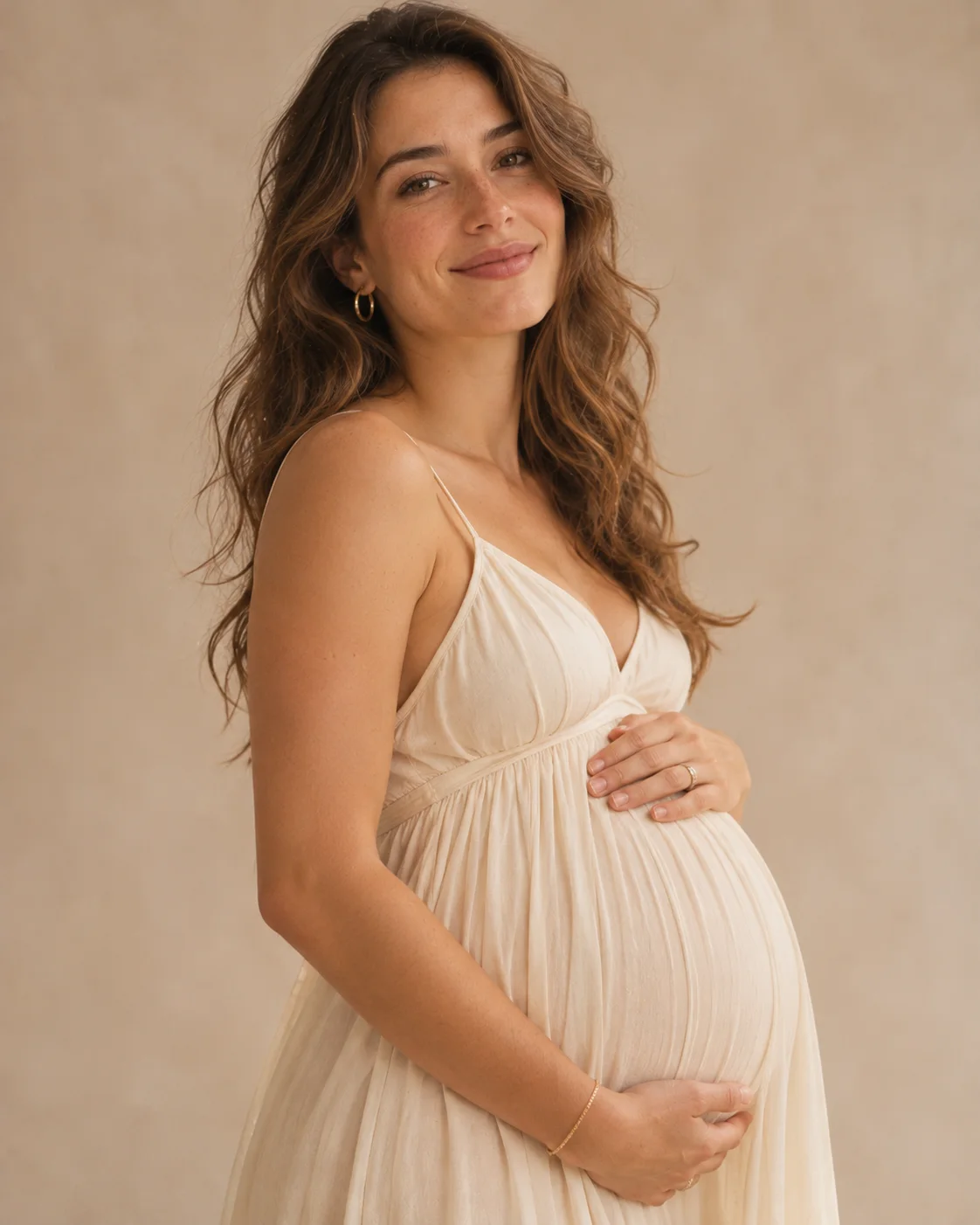
AI Maternity Photoshoot
Soft pregnancy portraits in studio and outdoor settings.
Popular AI Photoshoot Templates
Filter by people, occasion or style. Open a card for more about that look, or use its button to go straight to the generator with the template already selected.
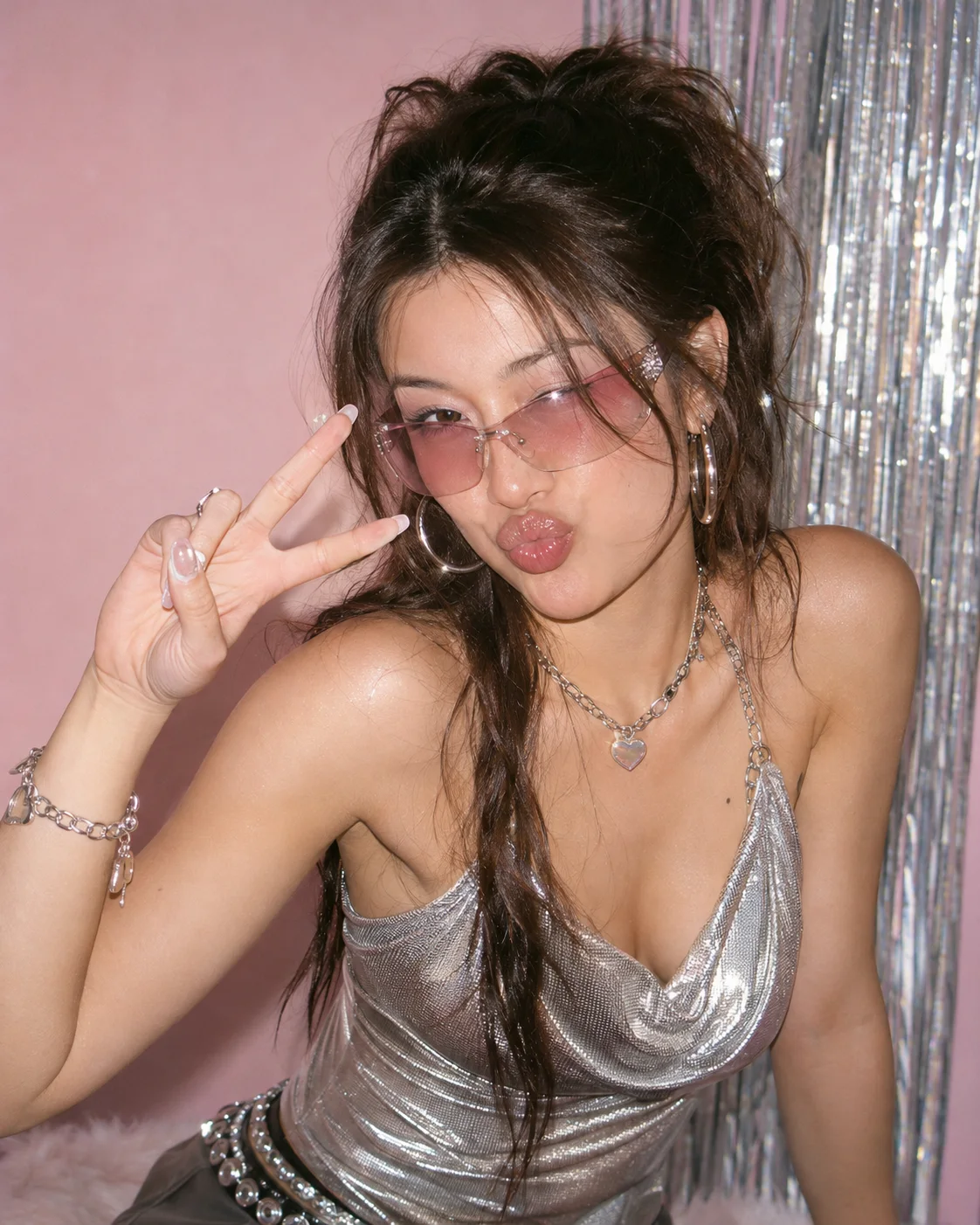
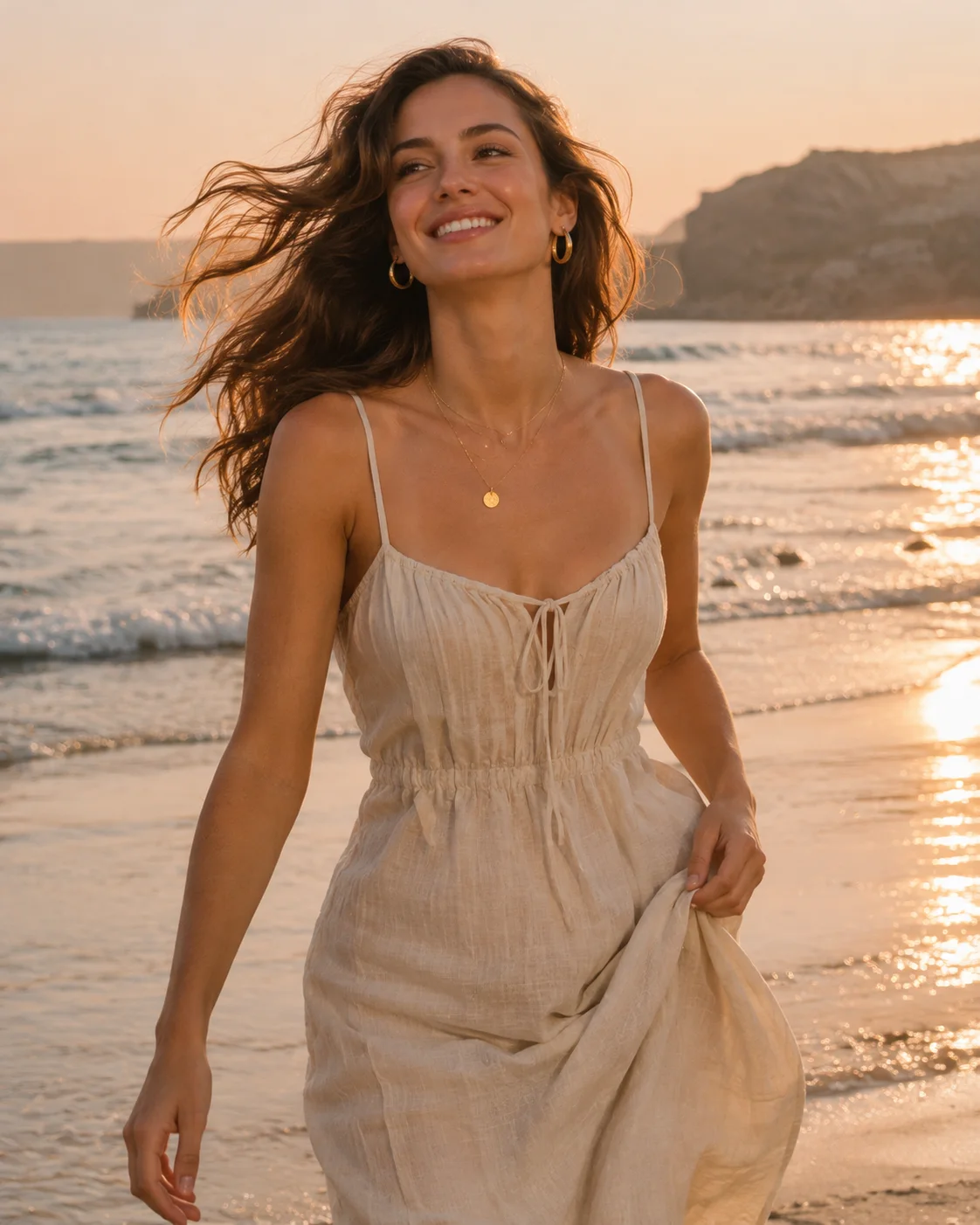
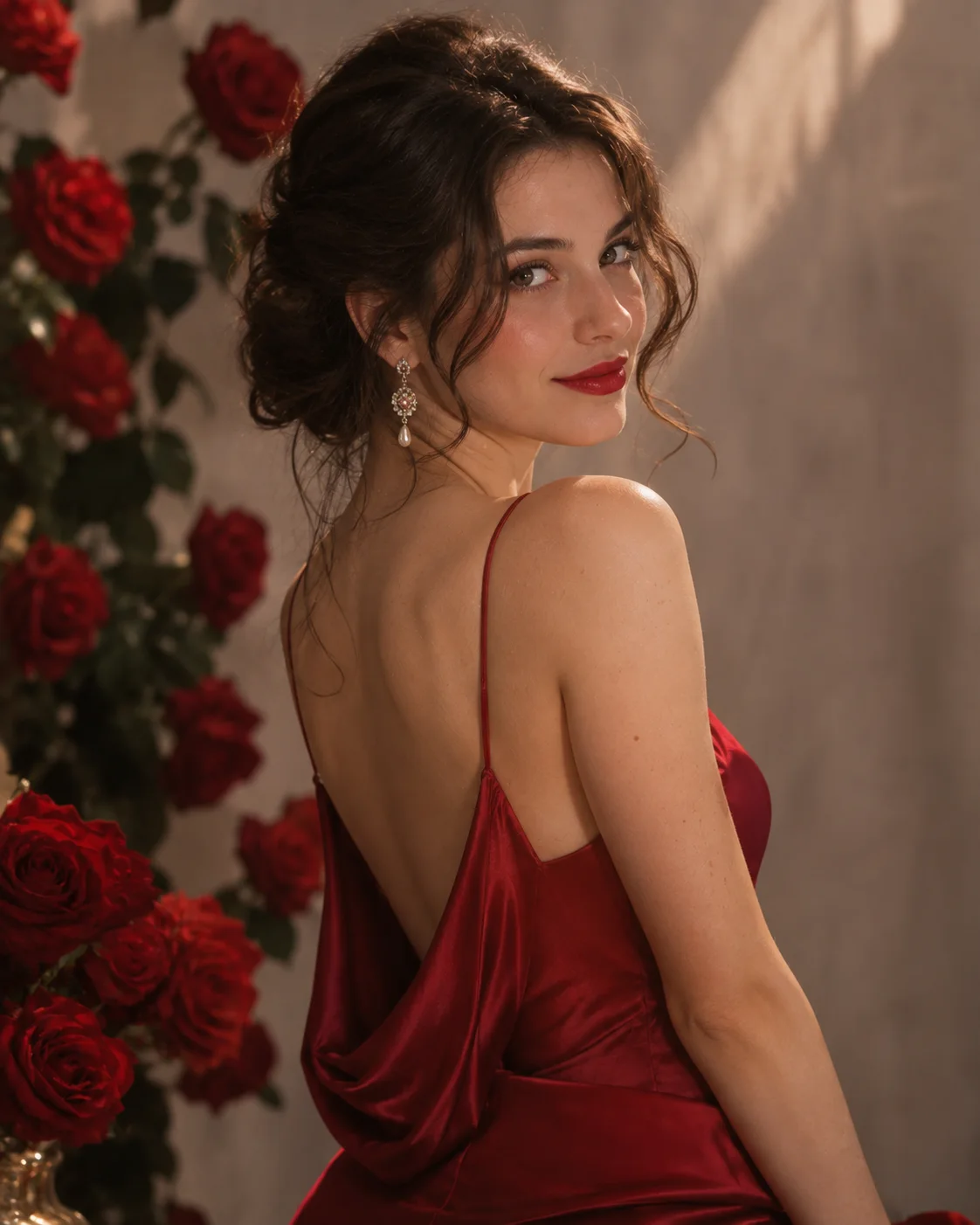
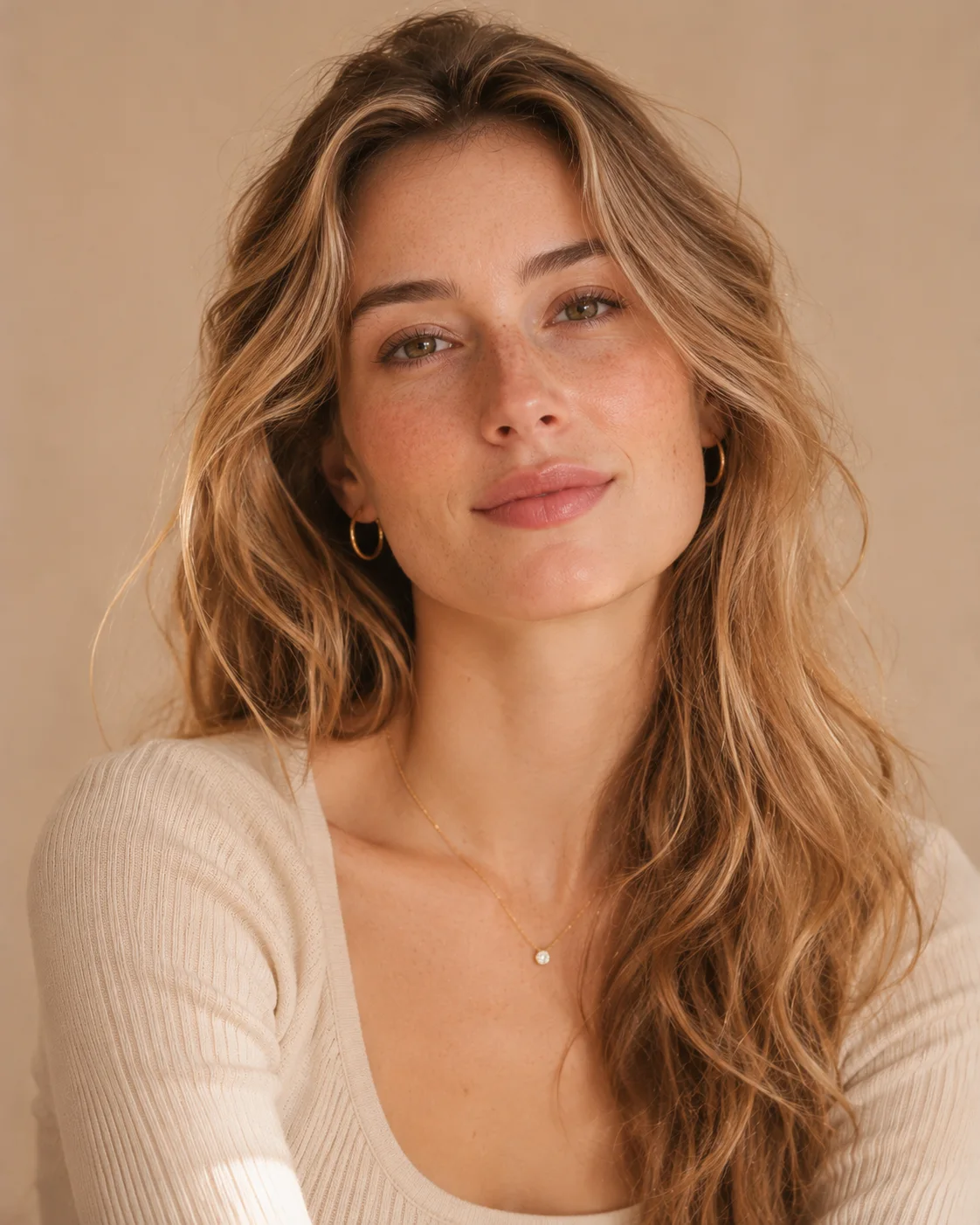
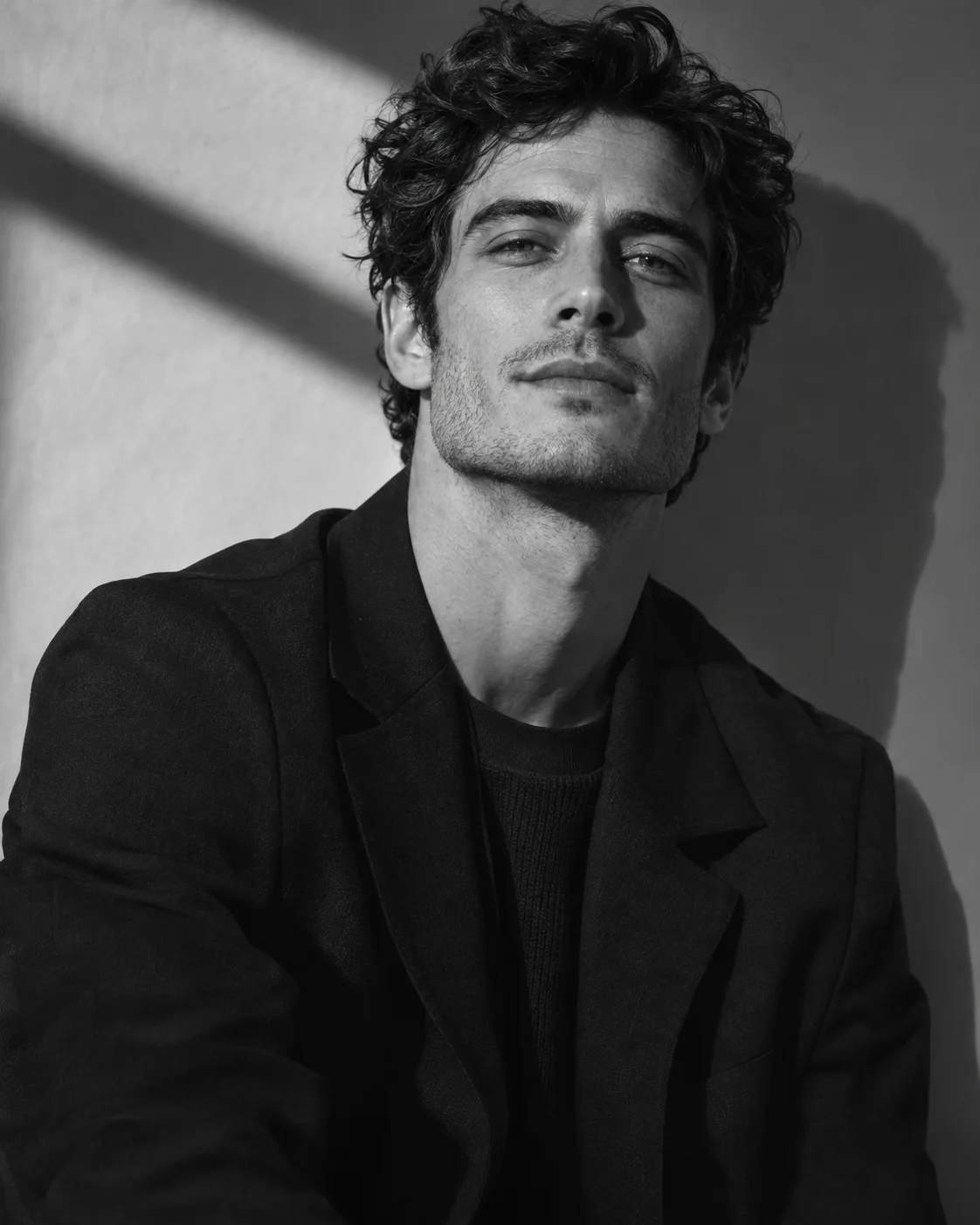
How to Choose the Right AI Photoshoot
With many templates to pick from, these suggestions will usually get you to the right style in a minute or two, even if you have never used an AI photo tool before.
Know How Templates Are Organised
Each template can be found in three ways. People describes who appears in the picture, Occasion covers the event or reason for the photo, and Style describes the visual look. Use whichever filter matches what you already know.
Start With the Purpose
Think about the final use before you think about the look. A LinkedIn profile, a birthday post and a themed Instagram carousel each need something different, and narrowing this down first removes most of the options.
Consider the Occasion
Occasion templates already include the props, clothing and mood you would expect, such as candles for a birthday or a gown for a bridal portrait. They are the simplest choice when you have a specific event in mind.
Choose a Style You Would Wear
Portraits tend to feel most believable when the styling is close to your own taste. If you are unsure, begin with a soft studio or natural look, then try more dramatic editorial styles once you have seen a first result.
Check the Photo You Plan to Upload
A template can change the clothes and the setting, but it still relies on your photo for your face. Pick a sharp picture with even light, and avoid sunglasses, filters and group shots.
Compare More Than One Result
The first style you choose may not be the one you like most. Trying the same photo with two very different templates gives you a clear comparison, and it often shows which direction suits you better.
AI Photoshoot Template FAQ
Quick answers about how templates work and how to pick one.
Start with your photoWhat is an AI photoshoot template?
It is a ready-made creative direction for your photos. A template sets the outfit, location, colour and lighting, so you only need to choose a style and upload a picture of yourself.
How do I choose the right AI photoshoot style?
Start with where the photo will appear. Calm studio styles suit profile pictures and work pages, while bolder editorial or themed styles stand out more on social media.
Can I use any template with my own photo?
Yes, every template on this page starts from a photo you upload. A clear, front-facing picture usually gives the best result, and you can try the same photo with different styles.
Do I need to write a prompt to use a template?
No. The prompt work is already built into each template, so you choose a style by looking at its sample photos rather than describing the image in words.
Your next portrait starts with one photo.
Start with your photo