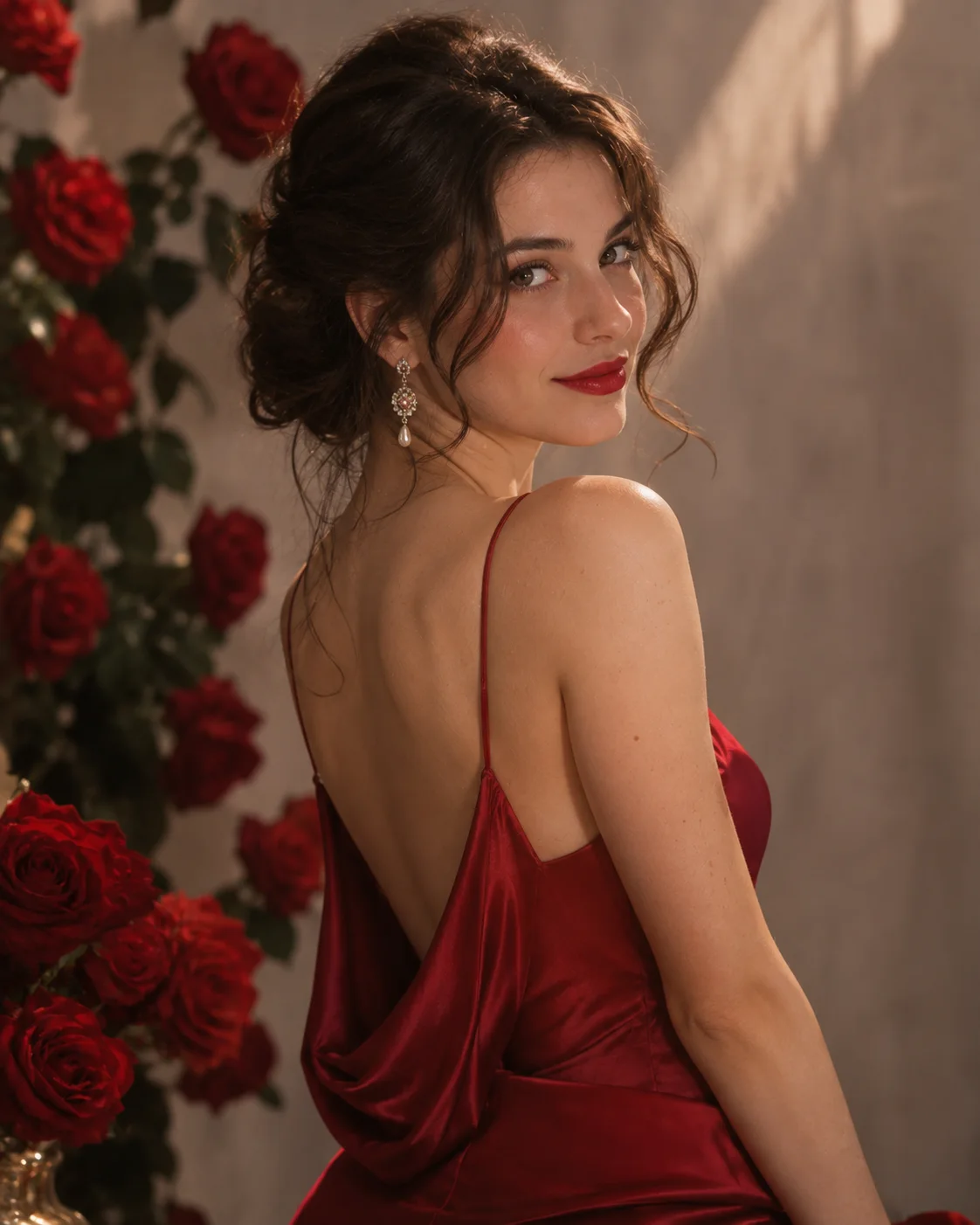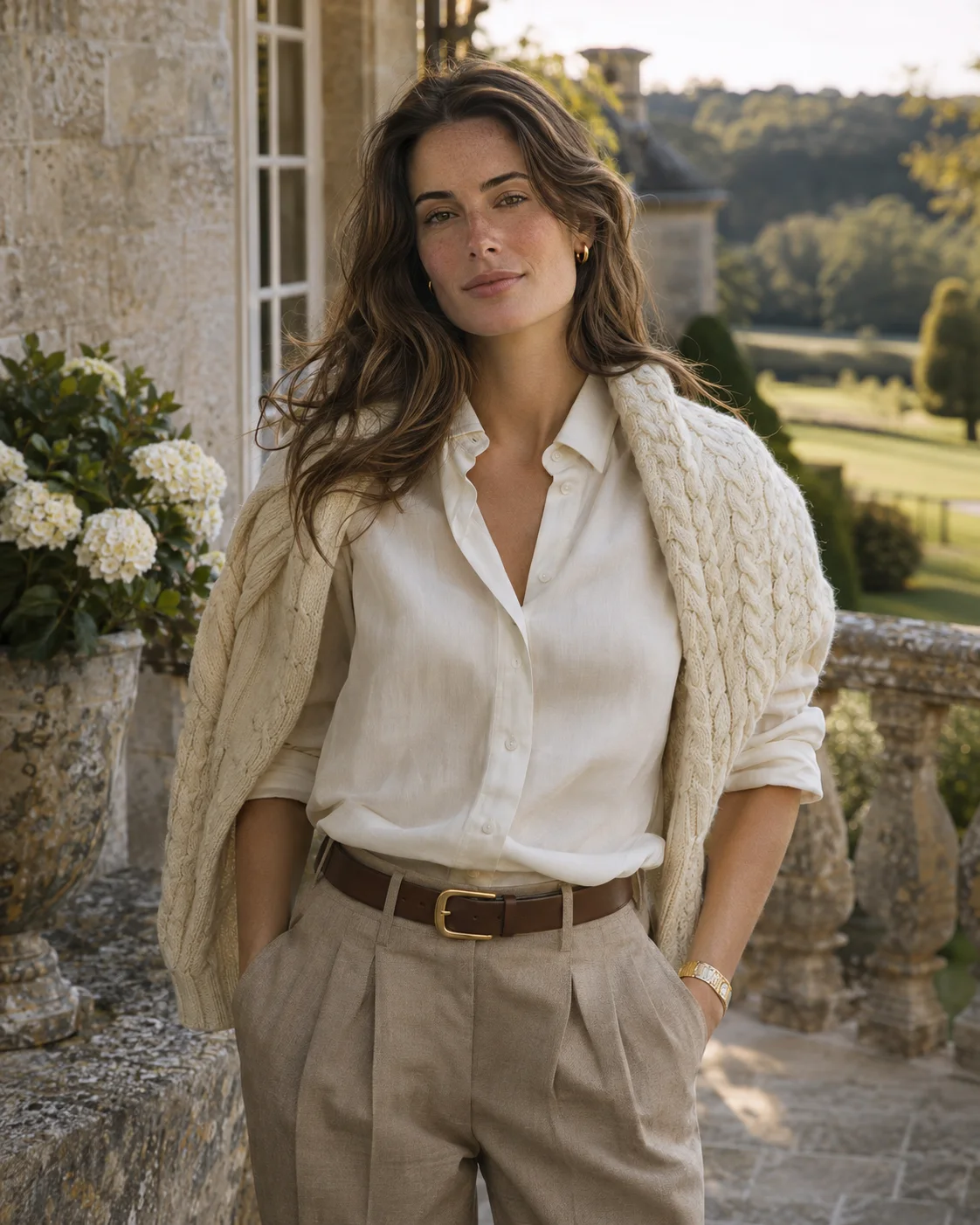
Main sample photo from the AI monochrome photoshoot template

Create an AI Monochrome Portrait From Your Selfie

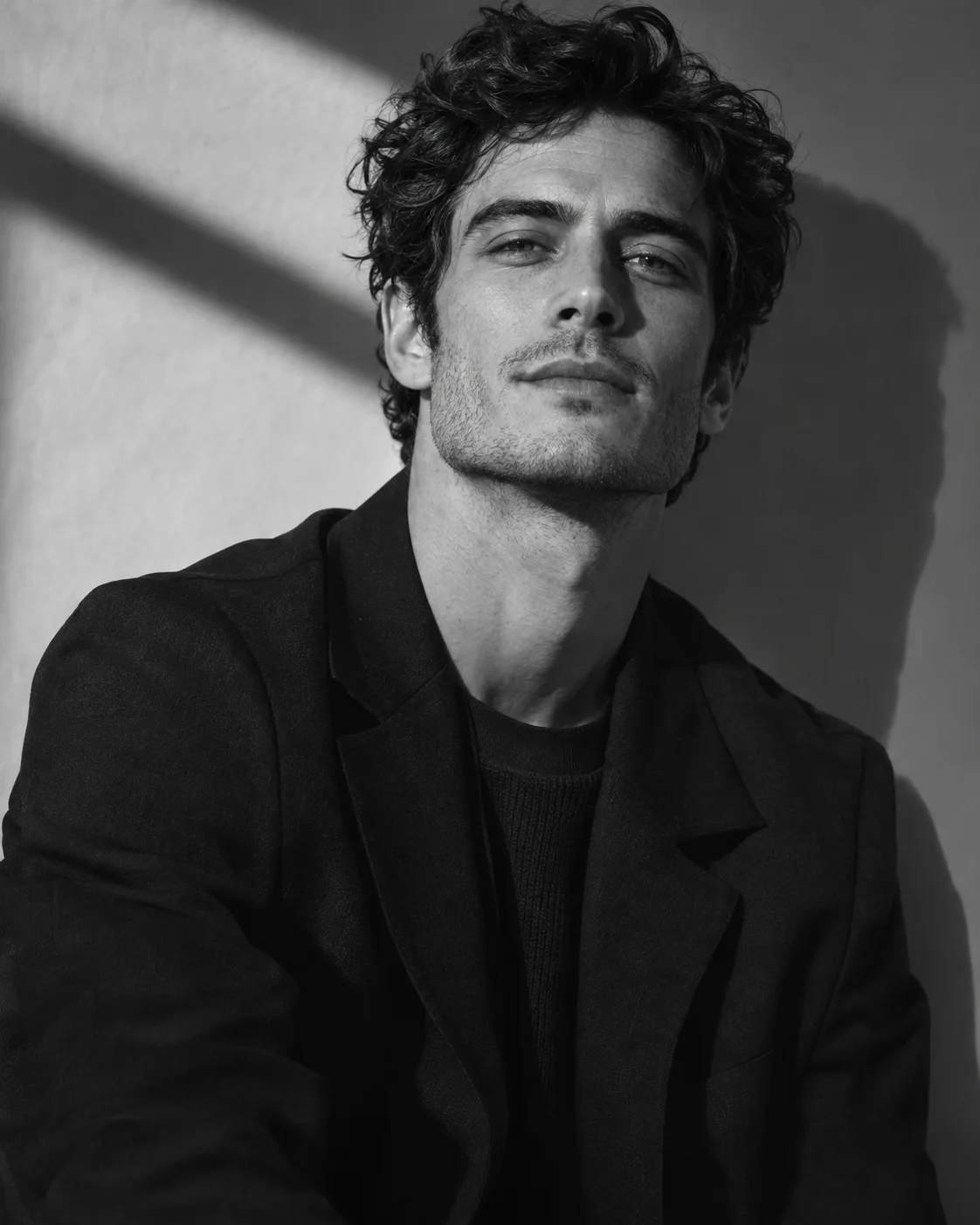
Graphic black and white with deep shadow

This template removes colour to put the focus on expression, shape and shadow. Upload one clear photo and get a graphic black and white portrait.

Upload your photo

Only upload photos of yourself or of an adult who gave permission. No minors, sexual or harmful content. Content rules

New accounts get 16 free credits to try it.

What's Included in This Template

The template sets the styling for you, so you never have to plan or describe it.

Wardrobe

Simple dark tailoring that keeps the image clean and lets your face stand out.

Settings

A plain studio wall with shadow falling across it, adding depth without any distractions.

Light and colour

Strong directional light and rich blacks, which make a simple image feel more deliberate.

Best Photos to Upload for the Monochrome Template

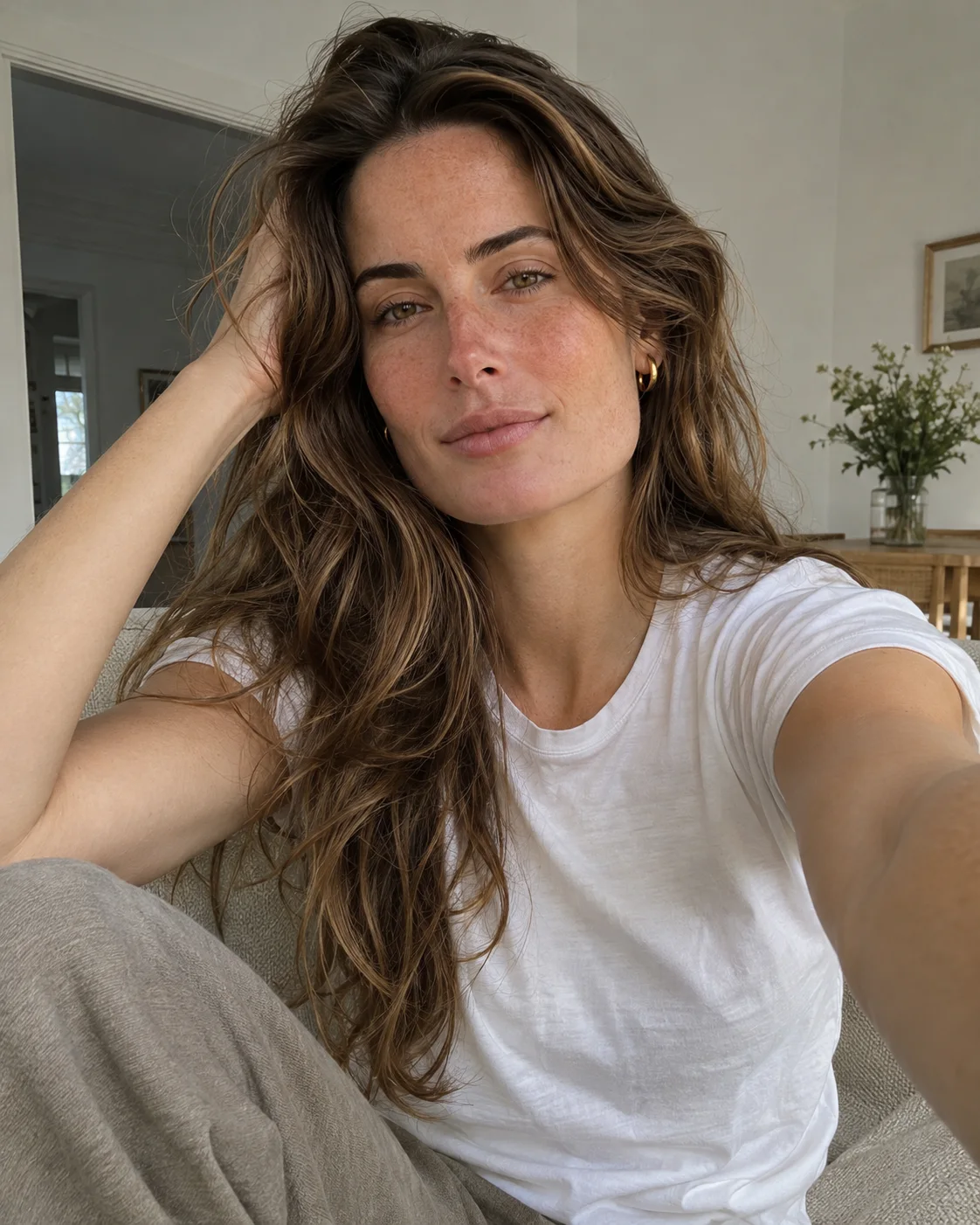
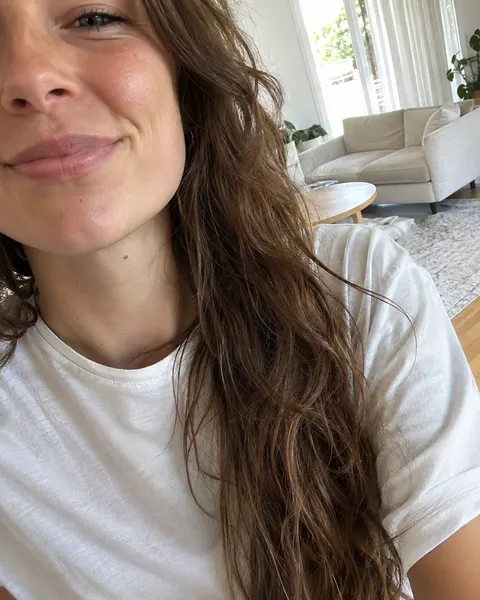
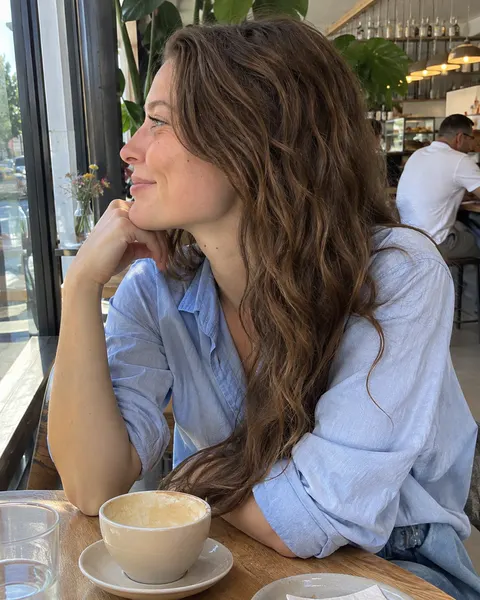
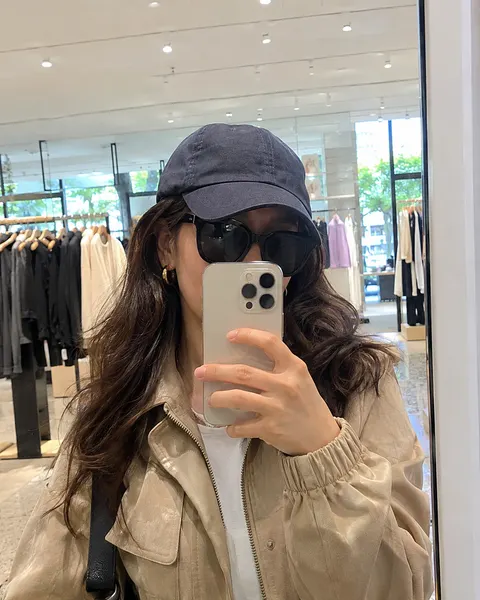
A clear view of your whole face gives the template the most to work with. These sample images show what works and what makes your face hard to read.

A sharp, well lit selfie showing the whole face
Clear front view
A close-up selfie with the forehead and one side of the face cut off
Face cut off
A woman in side profile at a cafe with only one side of her face visible
Side profile
A mirror selfie with sunglasses, a cap and a phone covering the face
Face covered
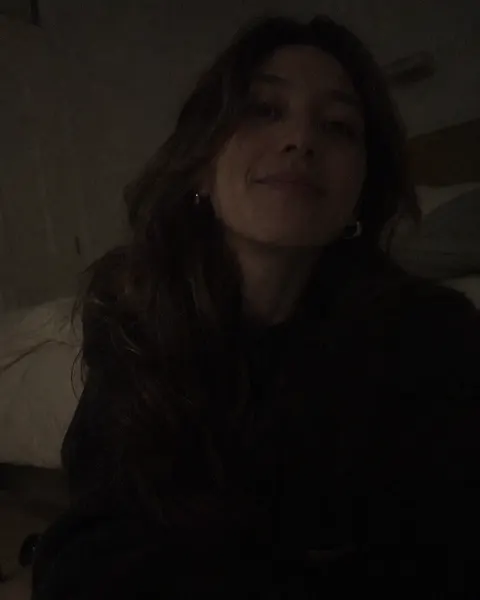
An underexposed selfie in a dark room with hard to see features
Too dark
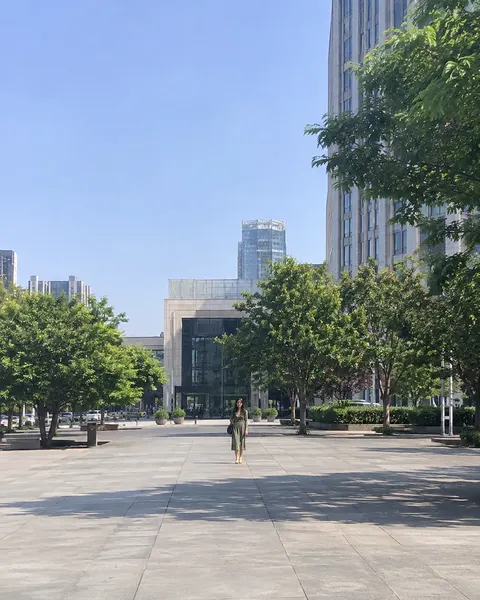
A woman standing far away on a city plaza with a tiny face
Too far away

Works Well

  • A sharp picture with your whole face in view
  • Soft, even daylight without strong shadows
  • You looking towards the camera with a natural expression

Avoid

  • Side views, or tight crops that cut off part of your face
  • Sunglasses, hats, hands or hair that cover your face
  • Group shots, or pictures taken from far away

How to Use the Monochrome Template

Three steps, with the template already chosen for you.

  1. A casual selfie ready to upload
    Upload photo
    1

    Upload Your Photo

    Add one clear, front-facing photo of yourself. The tool at the top of this page is ready to use.

  2. Monochrome template selected
    2

    Confirm the Template

    The Monochrome template is already selected, so there is nothing else to set up.

  3. Finished monochrome portrait
    Download
    3

    Download Your Photos

    Review your results and save the images you like best.

Similar AI Photoshoot Styles

Like this look? These templates are worth trying with the same photo.

AI old money photoshoot template sample

Old Money

Country club portraits with soft estate light
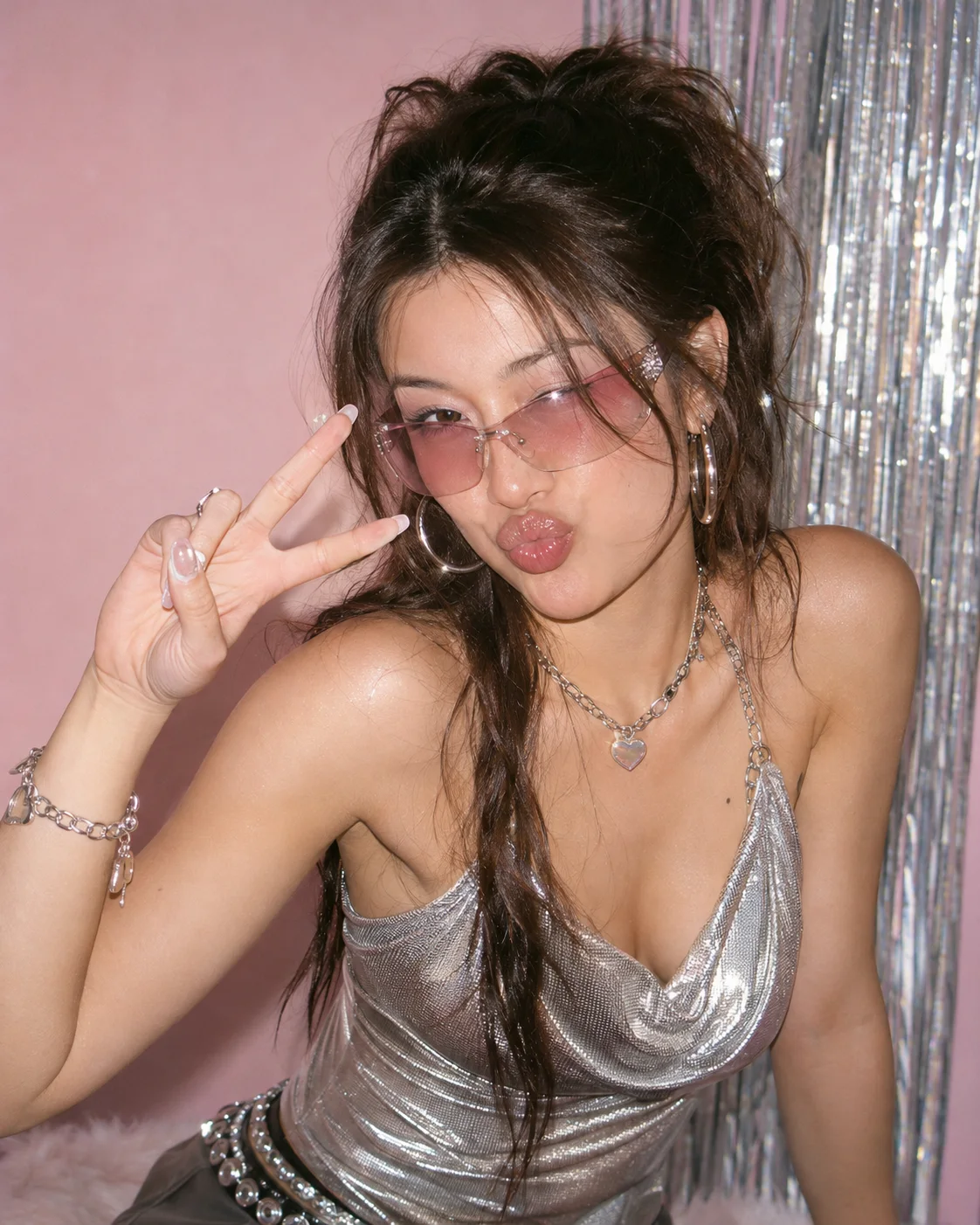
AI y2k photoshoot template sample

Y2K

Glossy 2000s colour and on-camera flash

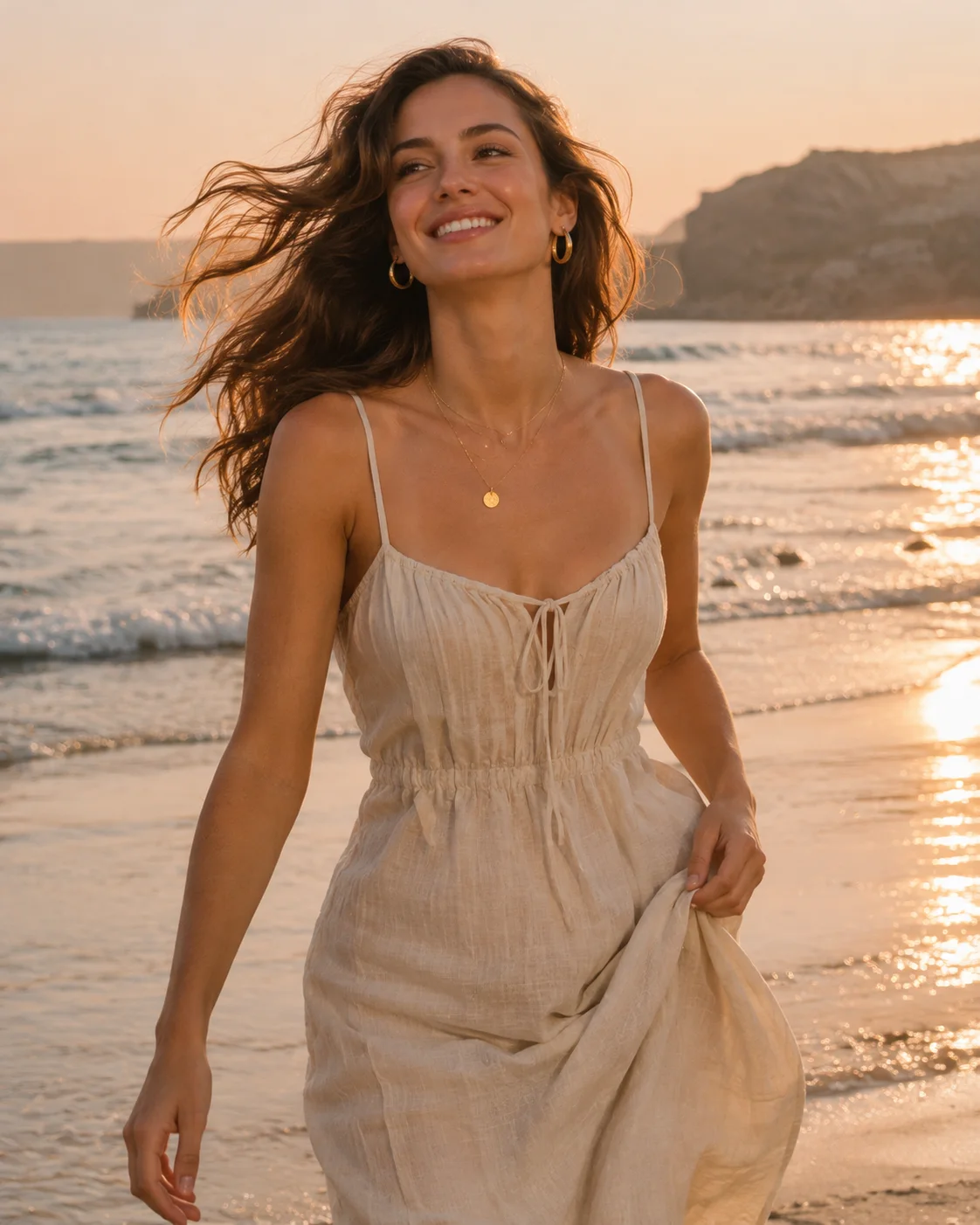
AI beach photoshoot template sample

Beach

Warm vacation portraits by the water

AI red dress photoshoot template sample

Red Dress

Rose-lit back view with a glamorous finish

Your next portrait starts with one photo.

Start with your photo