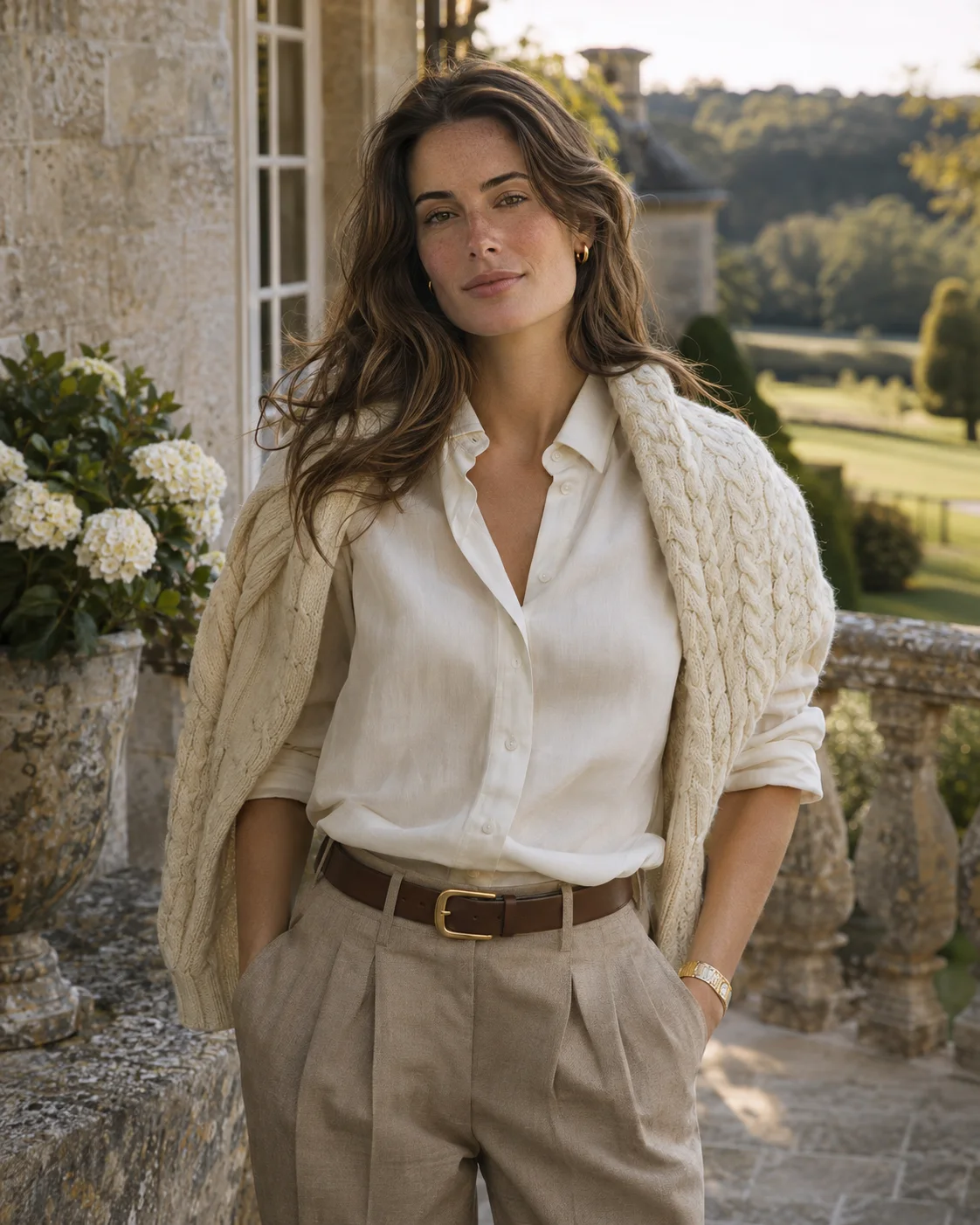
Create AI Portraits in Any Style From One Selfie
This AI portrait generator turns an everyday photo into a finished portrait. Pick a style, upload a clear picture of your face and let the template handle the wardrobe, setting and light.
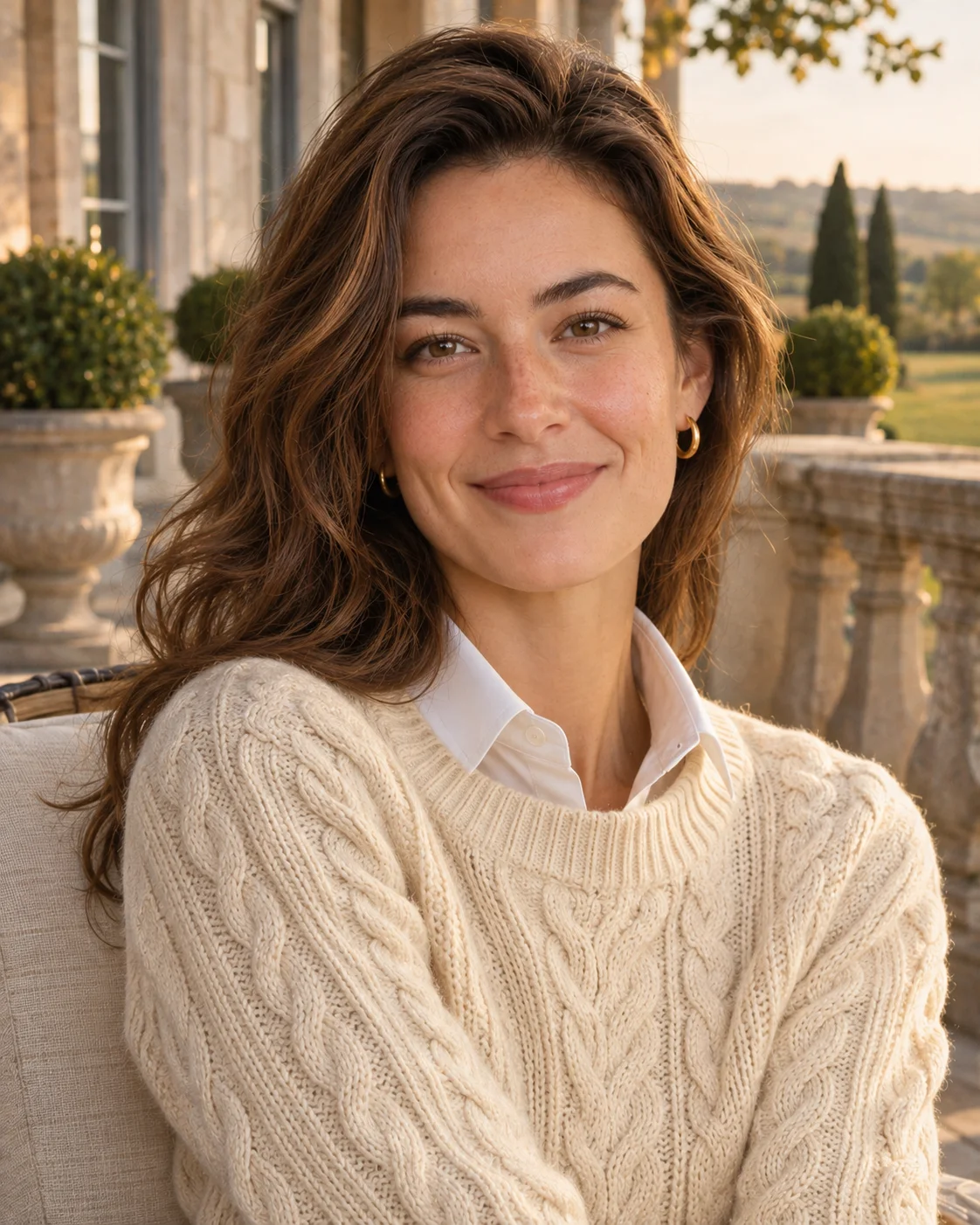
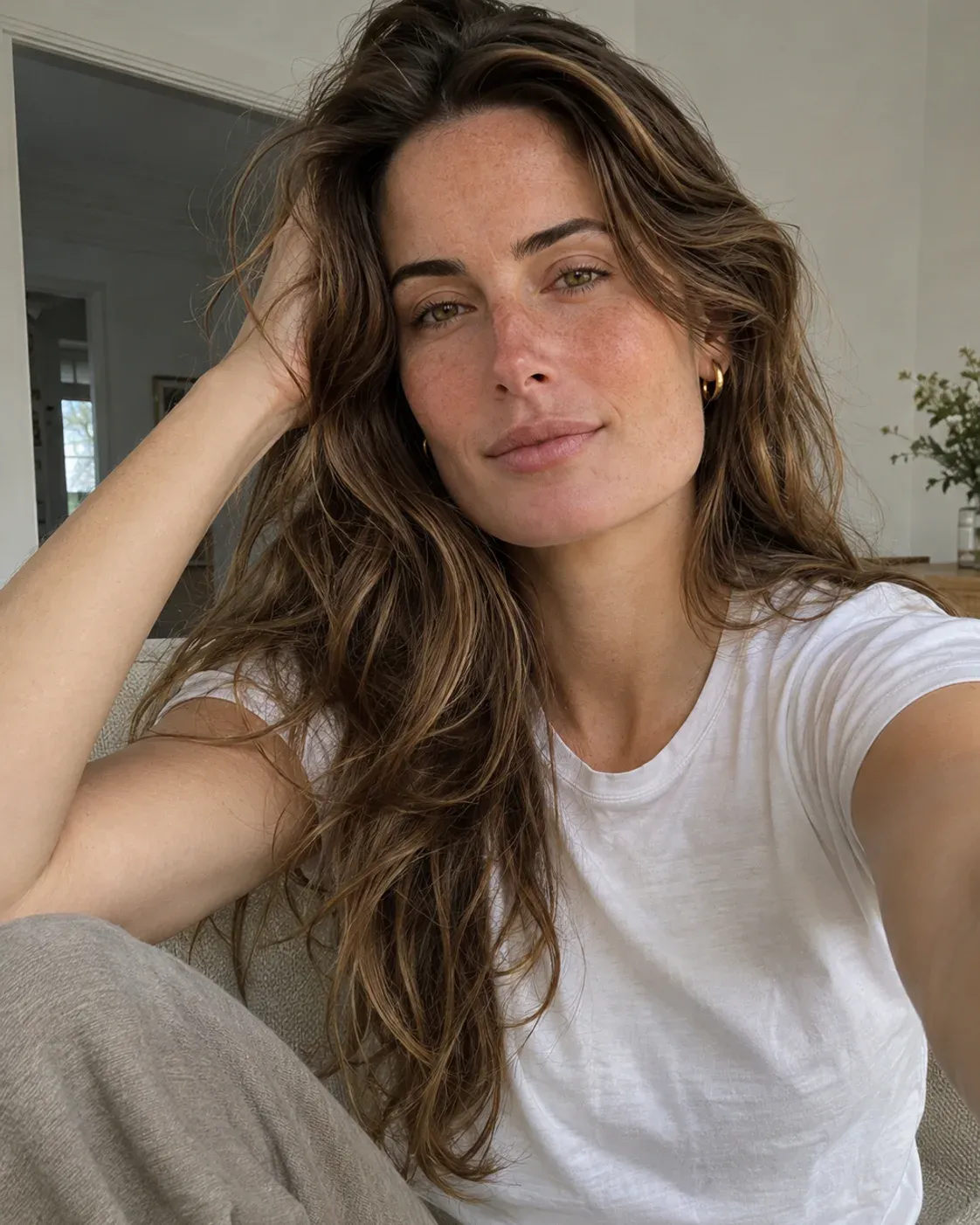 OriginalAI photoshoot
AI Portrait Generator Templates
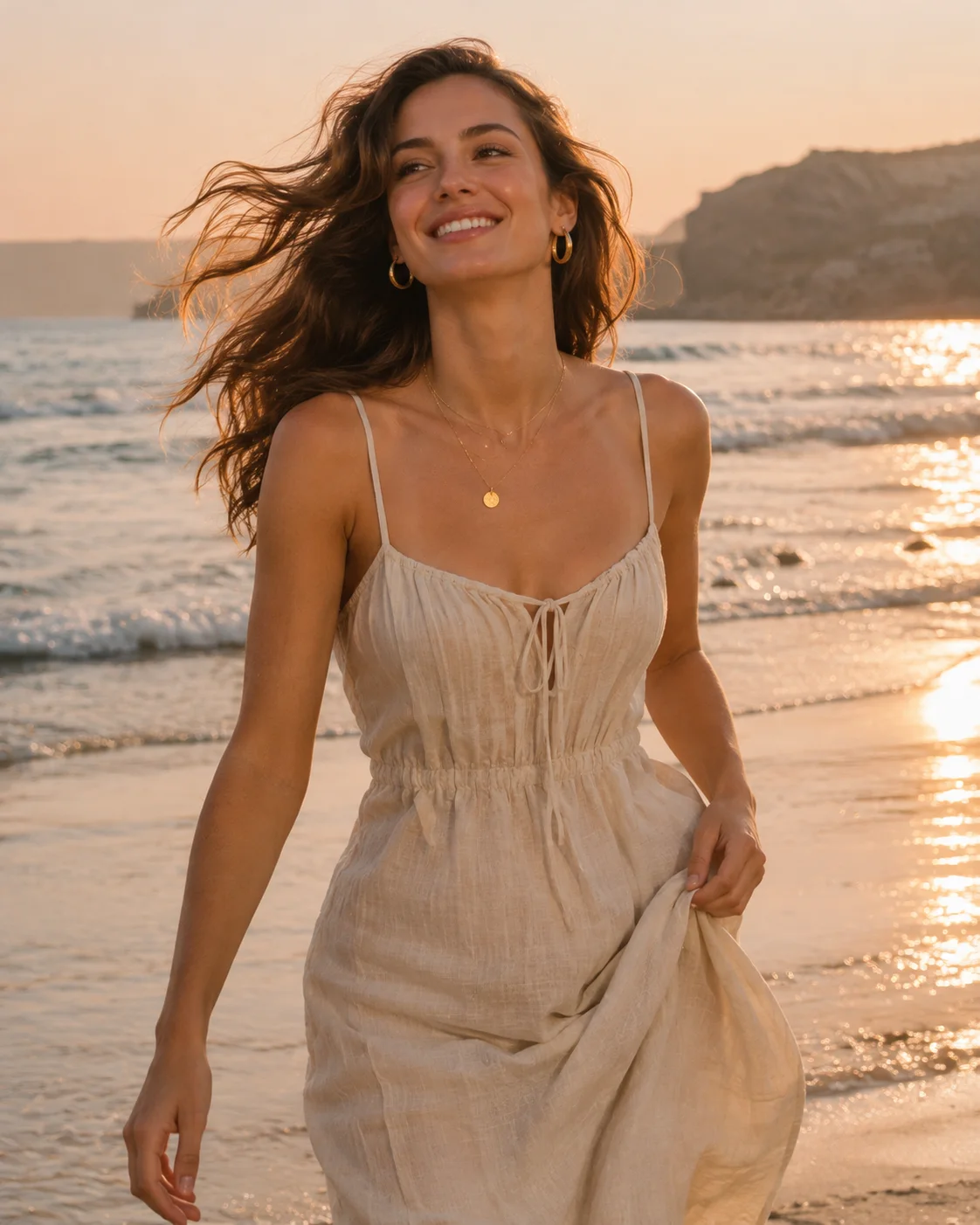
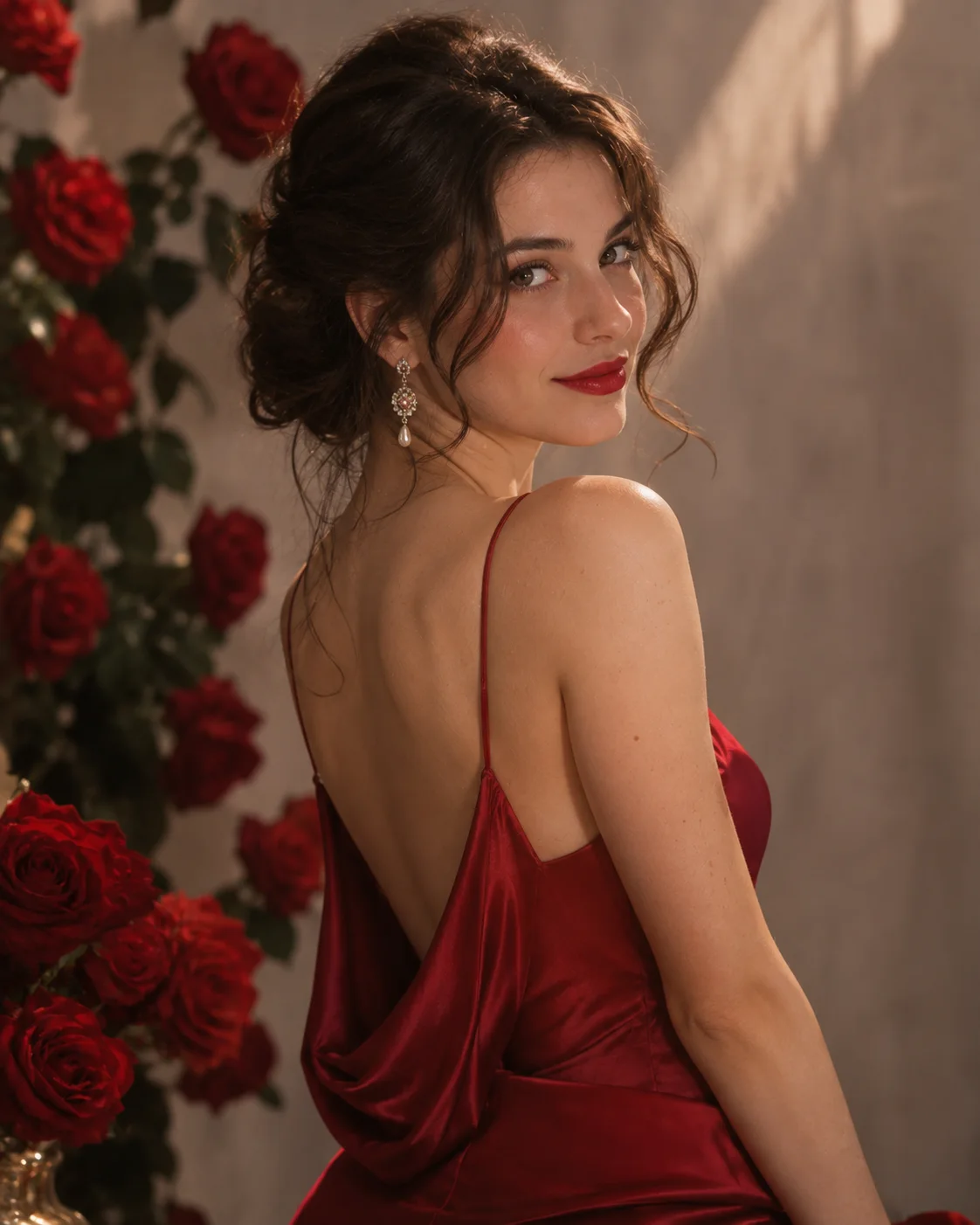
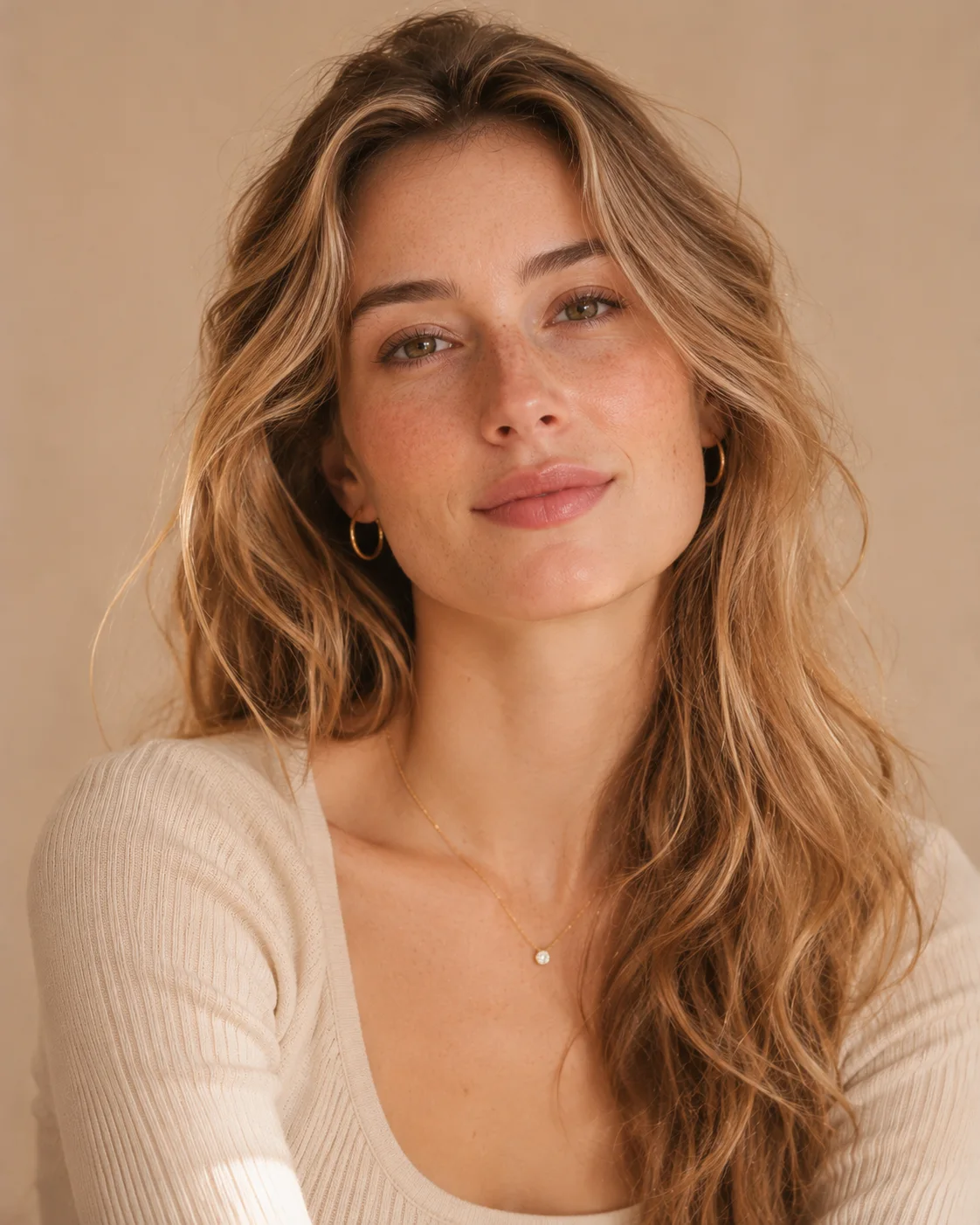
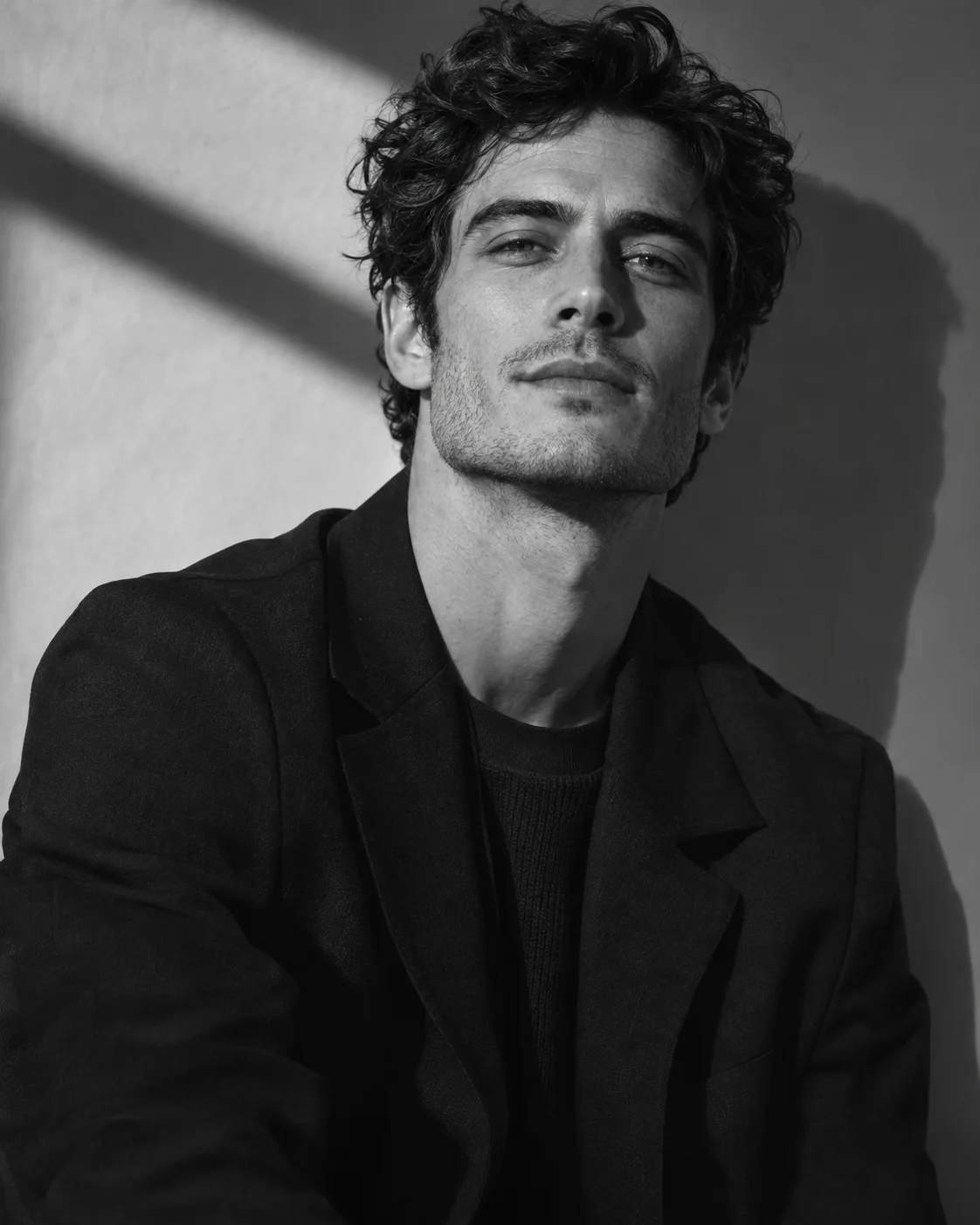
Pick a style from sample photos. Each template sets the outfit, setting and light for you.
How to Create an AI Portrait From a Photo
Three steps from an everyday picture to a finished portrait.
- Upload photo
 1
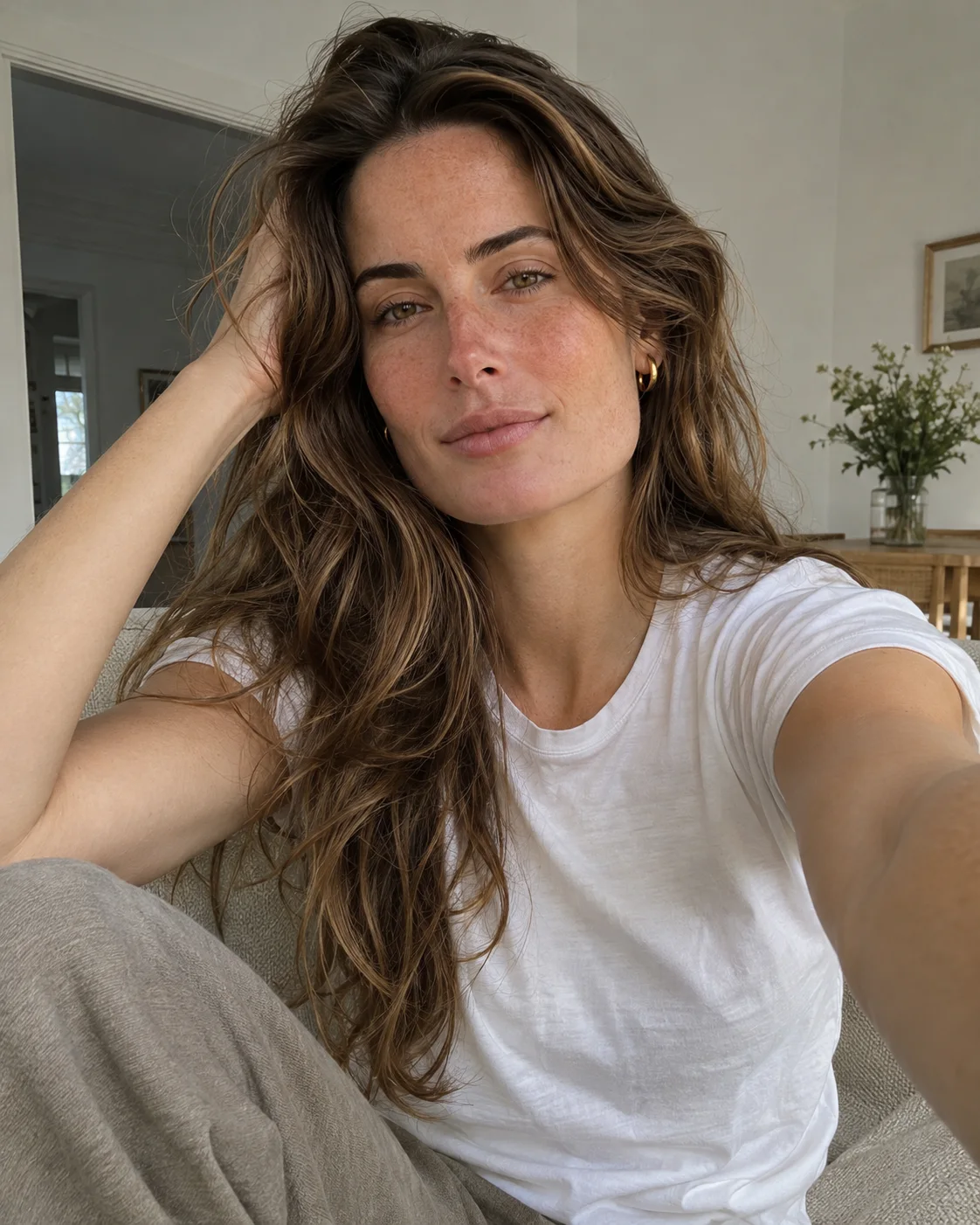
Upload a Clear Photo
Choose a sharp, front-facing picture of yourself with even light on your face.
- 2
Choose a Template
Open the portrait templates and pick the style you want to try first.
- Download3
Download Your Photos
Review your results, save the ones you like and try another style with the same photo.
What You Can Create With Our AI Portrait Maker
Most people come here with a use in mind rather than a technical style name. Start with the direction that fits, then open the matching template.
Classic Studio Portraits
A plain backdrop and soft directional light keep attention on your face. Studio portraits suit a profile photo, an about page or a printed gift, and they date slowly because nothing in the frame follows a trend.
Use the Soft Studio templateQuiet Luxury and Old Money Looks
Tailored knitwear, muted colour and estate or country club settings define this style. It works well for personal branding because the image reads as polished without looking corporate.
Use the Old Money templateVacation and Beach Portraits
Warm light and open backgrounds make these portraits feel relaxed. They are a simple way to refresh a social profile when you have no recent travel pictures to use. Choose an upload where your face is well lit.
Use the Beach templateBold Editorial Portraits
Strong colour, a statement outfit and confident framing give you an image closer to a magazine feature. These styles work best for social posts and creative profiles, where standing out matters more than looking conventional.
Use the Red Dress templateRetro and Nostalgic Portraits
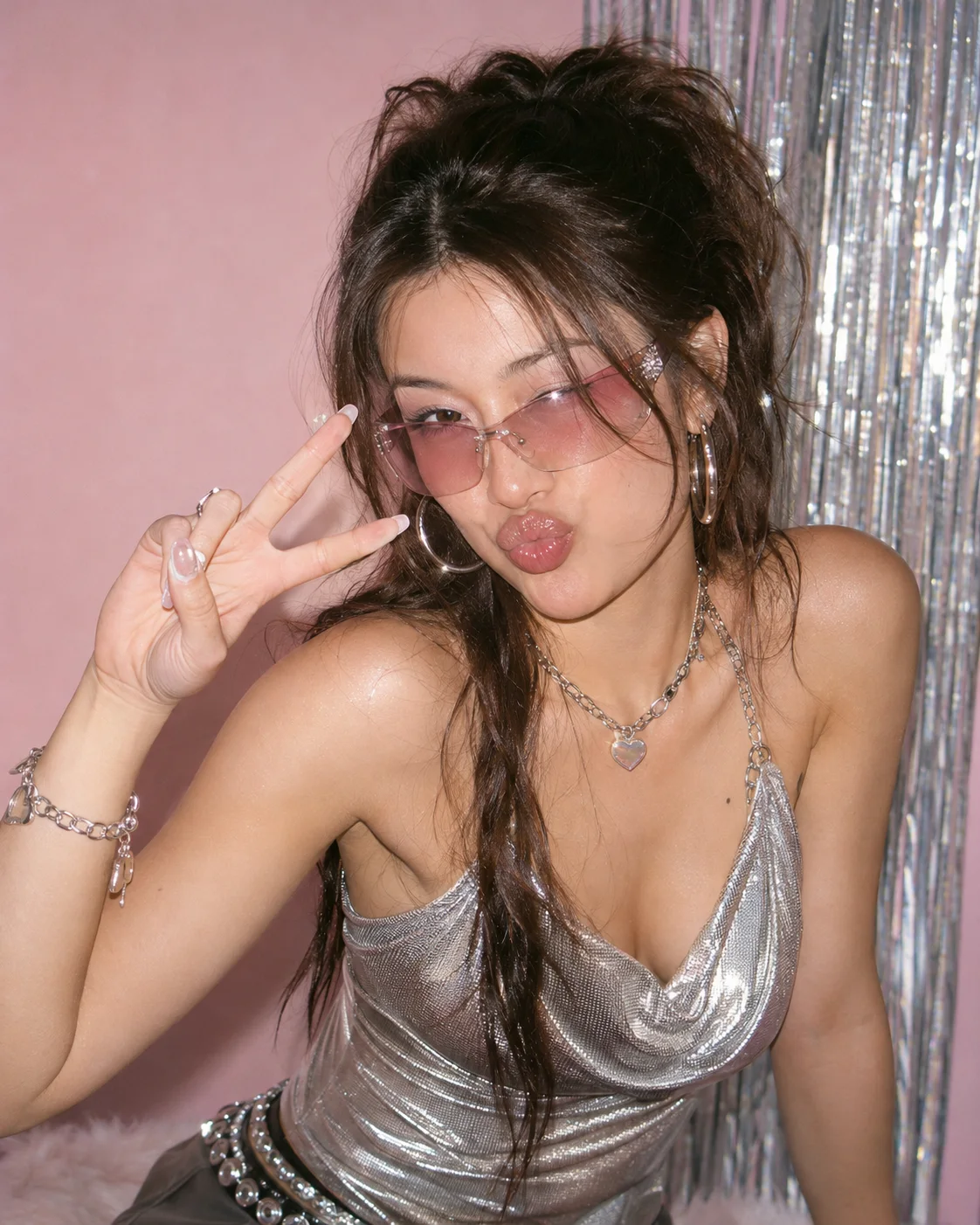
Y2K colour, flash lighting and period styling suit playful posts and themed profile updates. They are a fun way to try a look you would not plan a real shoot around, and they feel deliberately stylised rather than natural.
Use the Y2K templateBlack and White Portraits
Removing colour puts the focus on expression, shape and shadow. A monochrome portrait suits a creative profile or a personal website, and it can make a simple image feel more deliberate. Start from a clear view of your face.
Use the Monochrome templateHow to Get Better AI Portraits
The template handles the styling. These choices are the part that stays up to you.
Use a Clear, Front-Facing Photo
Your face should be easy to see, in focus and not covered by sunglasses, hands or heavy shadows. Clear photos give the template more accurate detail to work with.
Choose Even Light
Daylight from a window usually works better than an overhead lamp or a strong flash. Very dark or overexposed photos can reduce how closely the result resembles you.
Match the Template to Your Goal
Pick a classic studio style for a profile picture and a stronger editorial style for social posts. Starting from the final use makes the choice easier.
Change One Thing at a Time
The same photo can look quite different across templates. If you are comparing options, change the template first and the photo second, because that makes it easier to see what is causing the difference.
AI Portrait Generator FAQ
Quick answers to what people usually ask before they create their first AI portrait.
Start with your photoIs this AI portrait generator free?
Only your first try is free. After that, you can buy a credit pack if you want to create more portraits. There is no subscription to manage.
What is an AI portrait generator?
An AI portrait generator is a tool that creates a new portrait based on a photo of you. It aims to keep recognisable facial features while changing the setting, clothing, lighting and overall style, so you can get a finished image without booking a photographer or a studio.
Can I make an AI portrait from a photo of myself?
Yes. Upload a clear photo of your face, choose a template and the portrait is created from that image. You should only upload photos of yourself, or of an adult who has given you permission.
How is this different from a general AI image generator?
A general AI image generator starts from a written prompt and can produce any person or scene. A portrait maker built around templates works differently. Each template already defines the art direction, so you make a visual choice instead of learning how to describe lens choice, lighting and wardrobe in words.
Can I try different portrait styles with the same photo?
Yes. You can use one photo with as many templates as you like, and each new result after your free try uses credits. Trying two or three very different styles is often the quickest way to see which one suits you.
Is an AI portrait as good as a real photographer?
It depends on what you need. A photographer can direct you in person, capture true moments and make decisions on the day. An AI portrait is a low effort way to explore looks and get images for everyday online use, so think of it as an addition rather than a replacement for every real shoot.
Will the AI portrait look exactly like me?
待确认This answer will be confirmed once the generation technology is chosen and tested on real photos.
Can I use my AI portraits commercially?
待确认This answer will be confirmed once the terms of service are finalised.
Your next portrait starts with one photo.
Start with your photo