
Clean Headshot
Neutral backdrop for professional profiles

Blue shirt at a bright desk with plants
This template shows you at a bright home desk, laptop in front of you, with bookshelves and plants behind. It suits remote workers, freelancers and online tutors who want a professional photo that matches how they actually work.
The template sets the styling for you, so you never have to plan or describe it.
A soft blue button-up shirt, relaxed but tidy, the kind you would wear on a video call.
A bright home office with a laptop, a desk chair, bookshelves and trailing plants, all softly blurred.
Warm window light and fresh blues and greens, framed from the chest up.
A clear view of your whole face gives the template the most to work with. These sample images show what works and what makes your face hard to read.




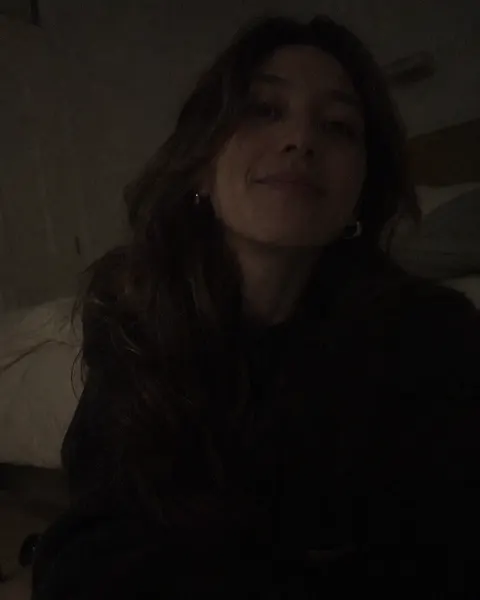
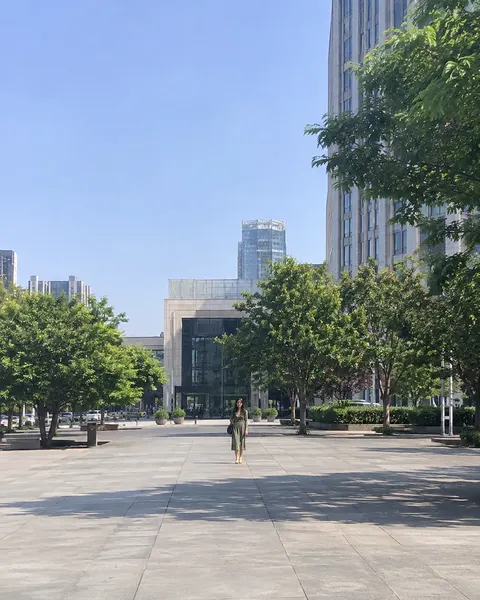
Three steps, with the template already chosen for you.
Add one clear, front-facing photo of yourself. The tool at the top of this page is ready to use.
The Home Office template is already selected, so there is nothing else to set up.
Review your results and save the images you like best.
Like this look? These templates are worth trying with the same photo.
Neutral backdrop for professional profiles
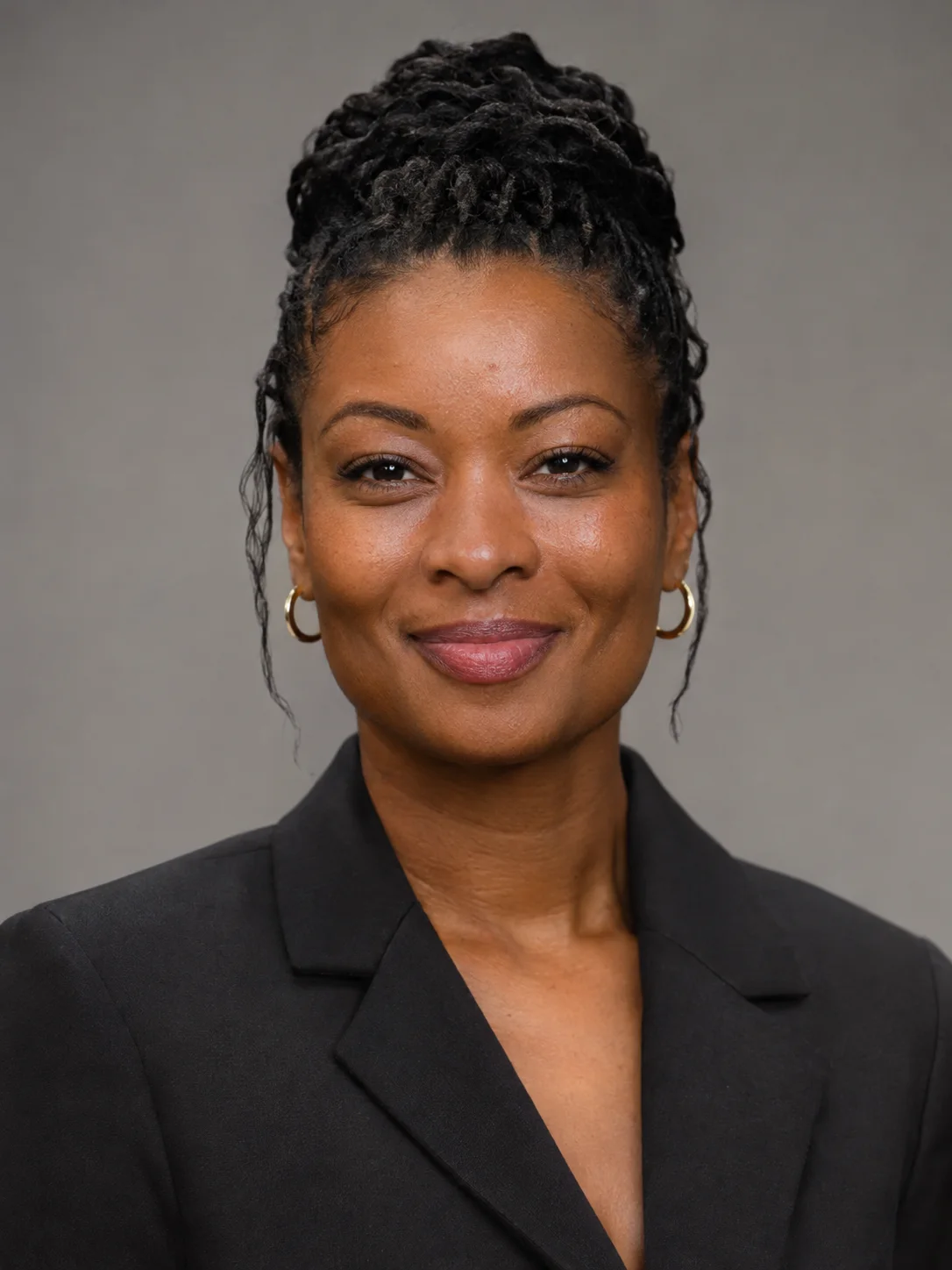
Black blazer on a classic grey backdrop

Tight crop and white blouse on deep navy
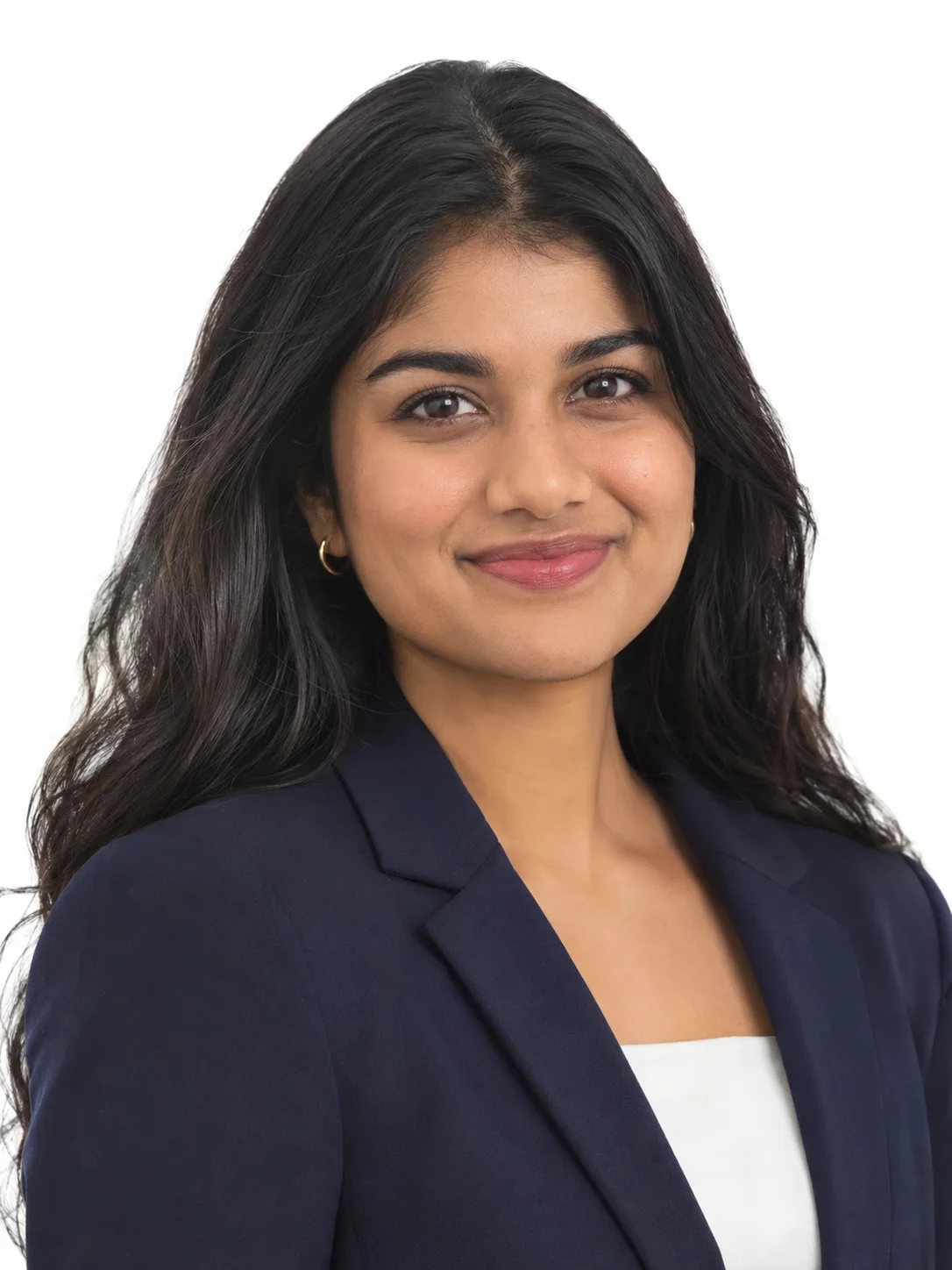
Navy blazer on a bright white backdrop
Your next portrait starts with one photo.
Start with your photo