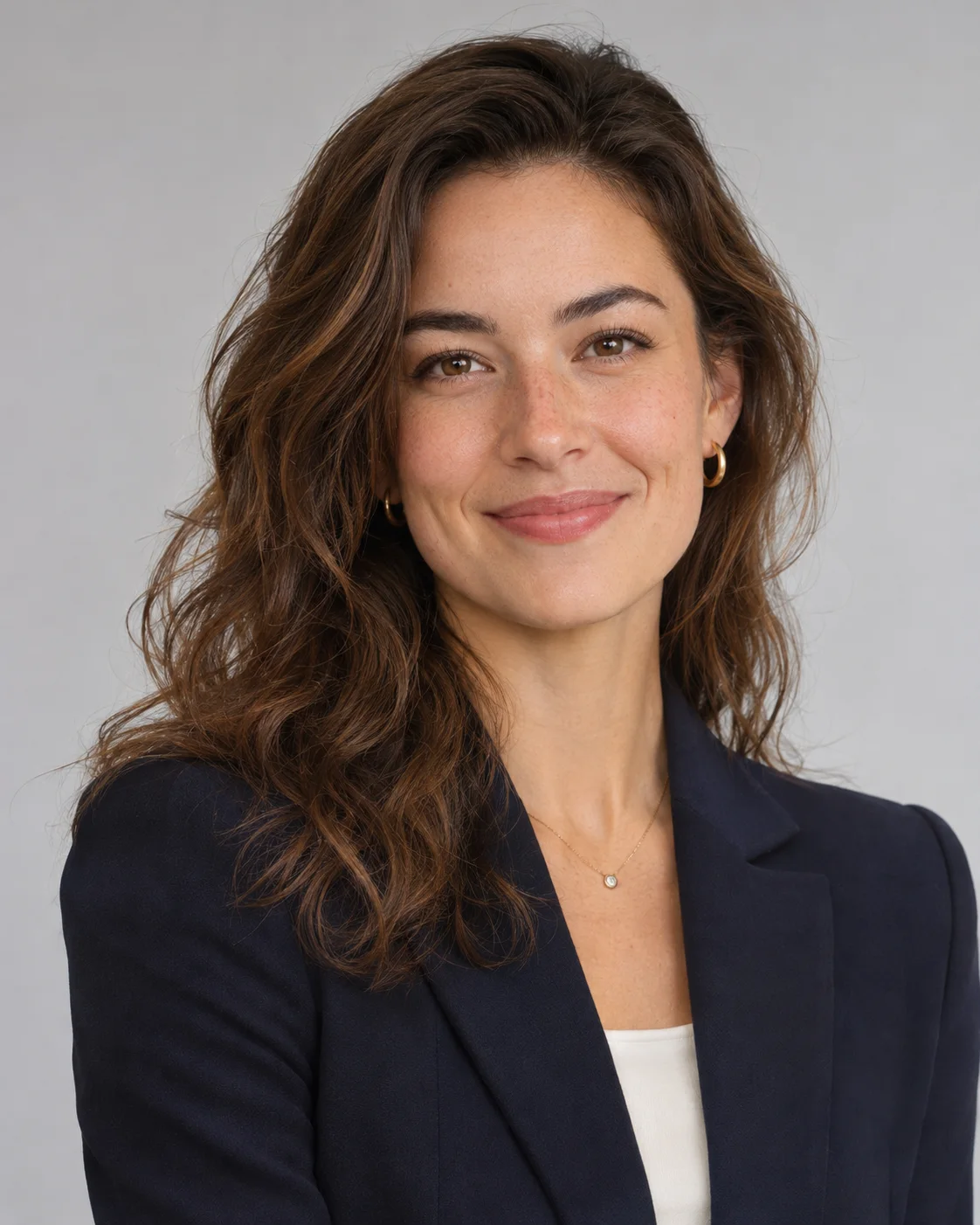
Create Professional AI Headshots From a Selfie
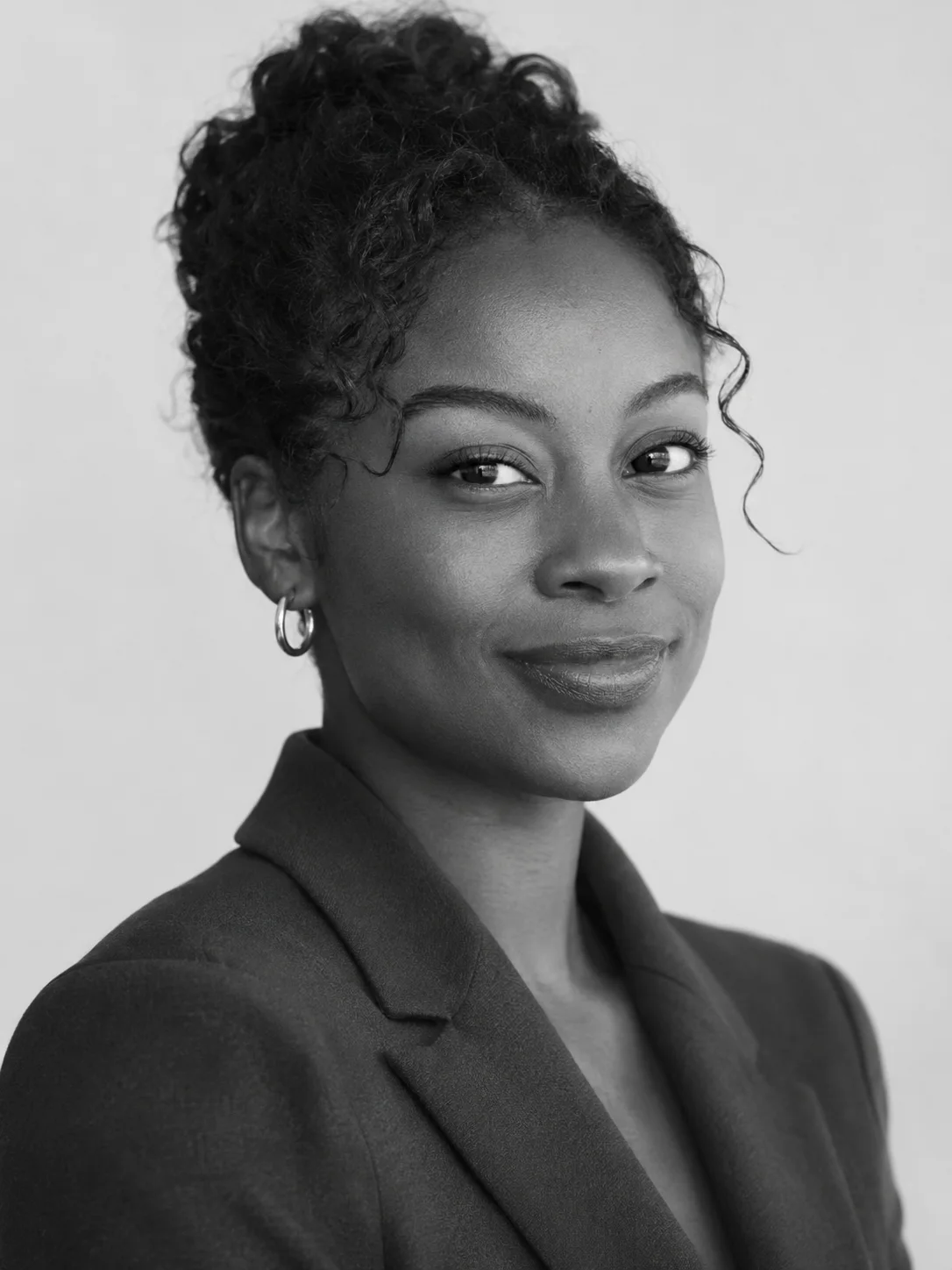
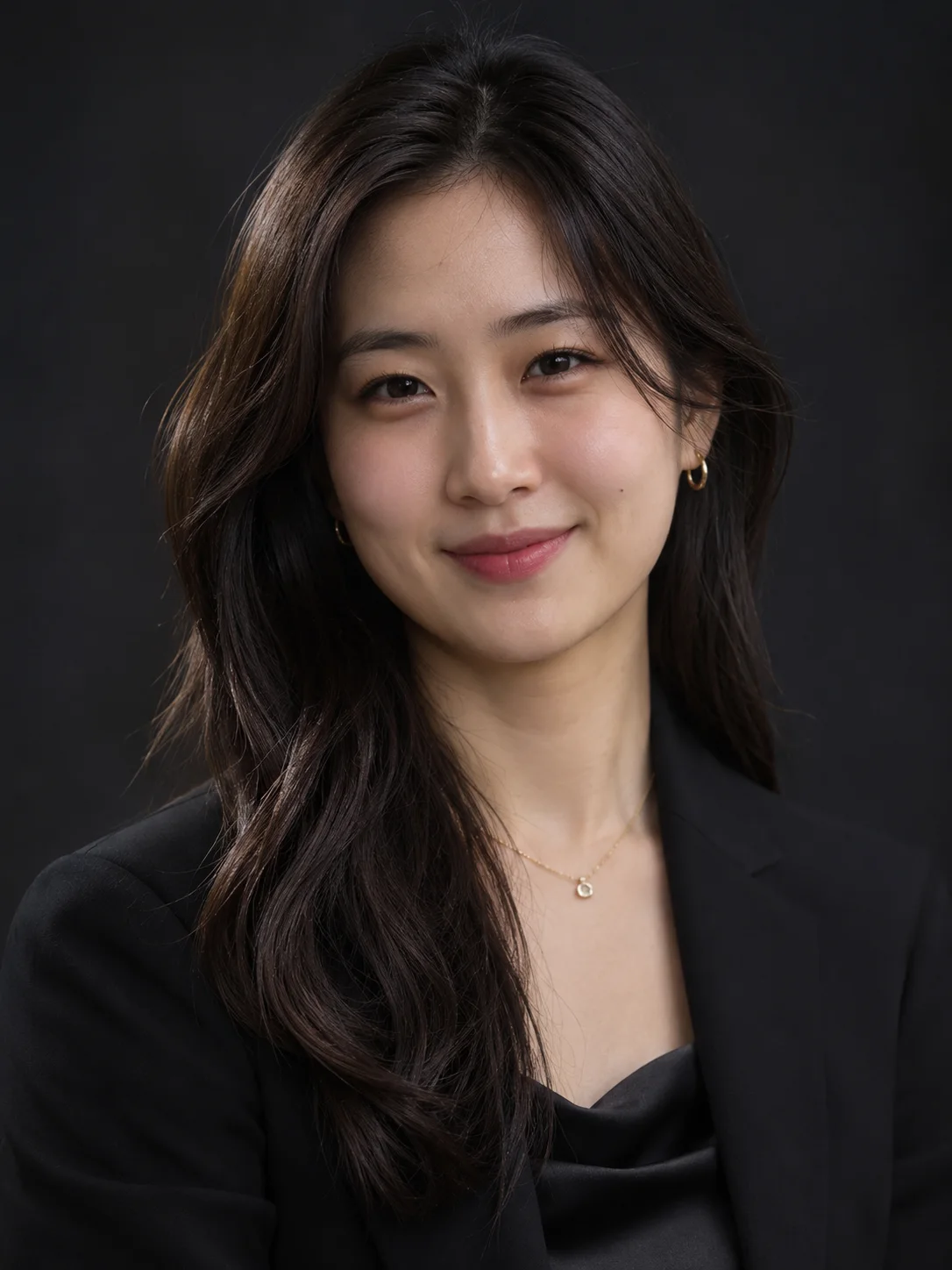
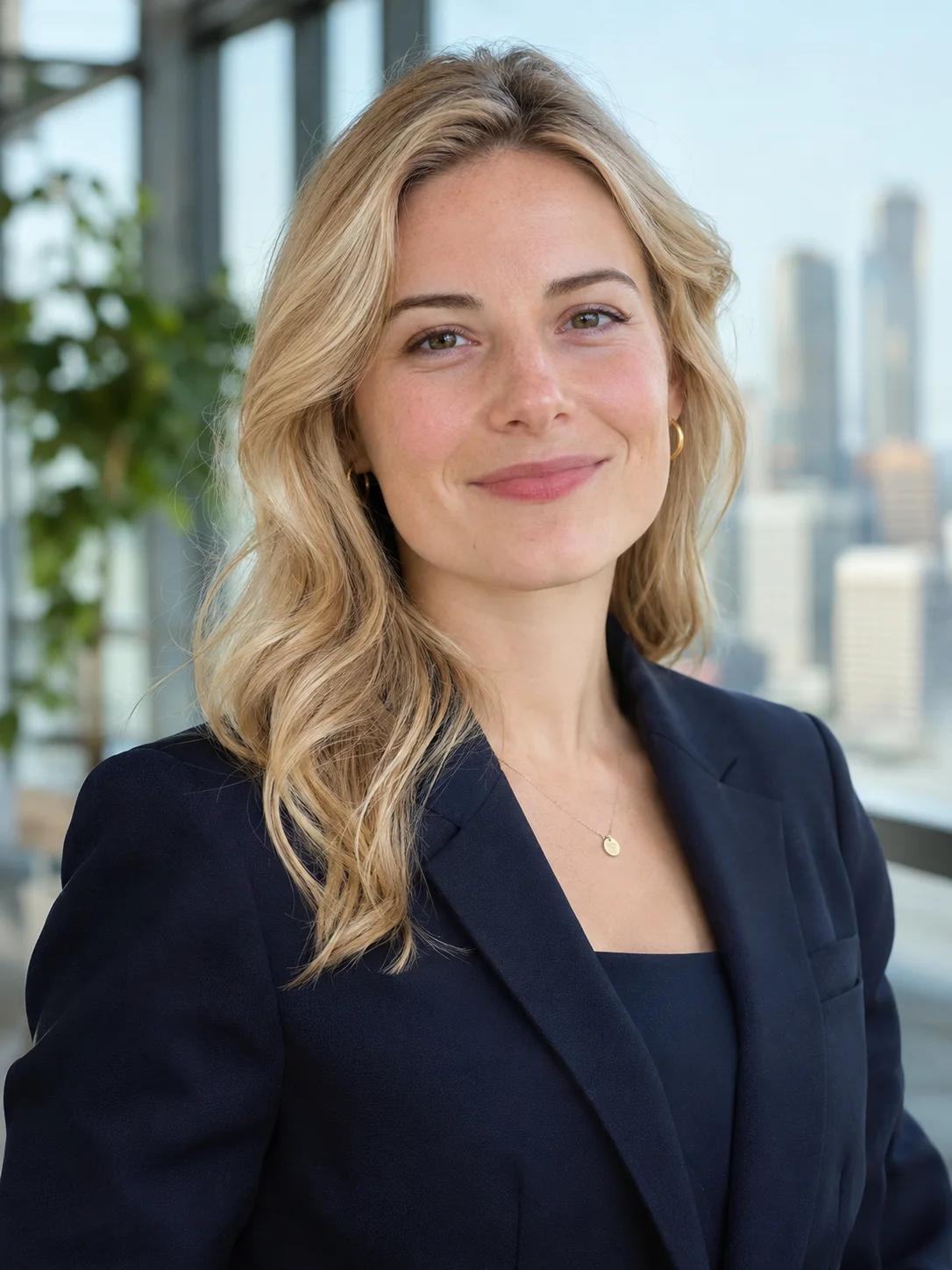
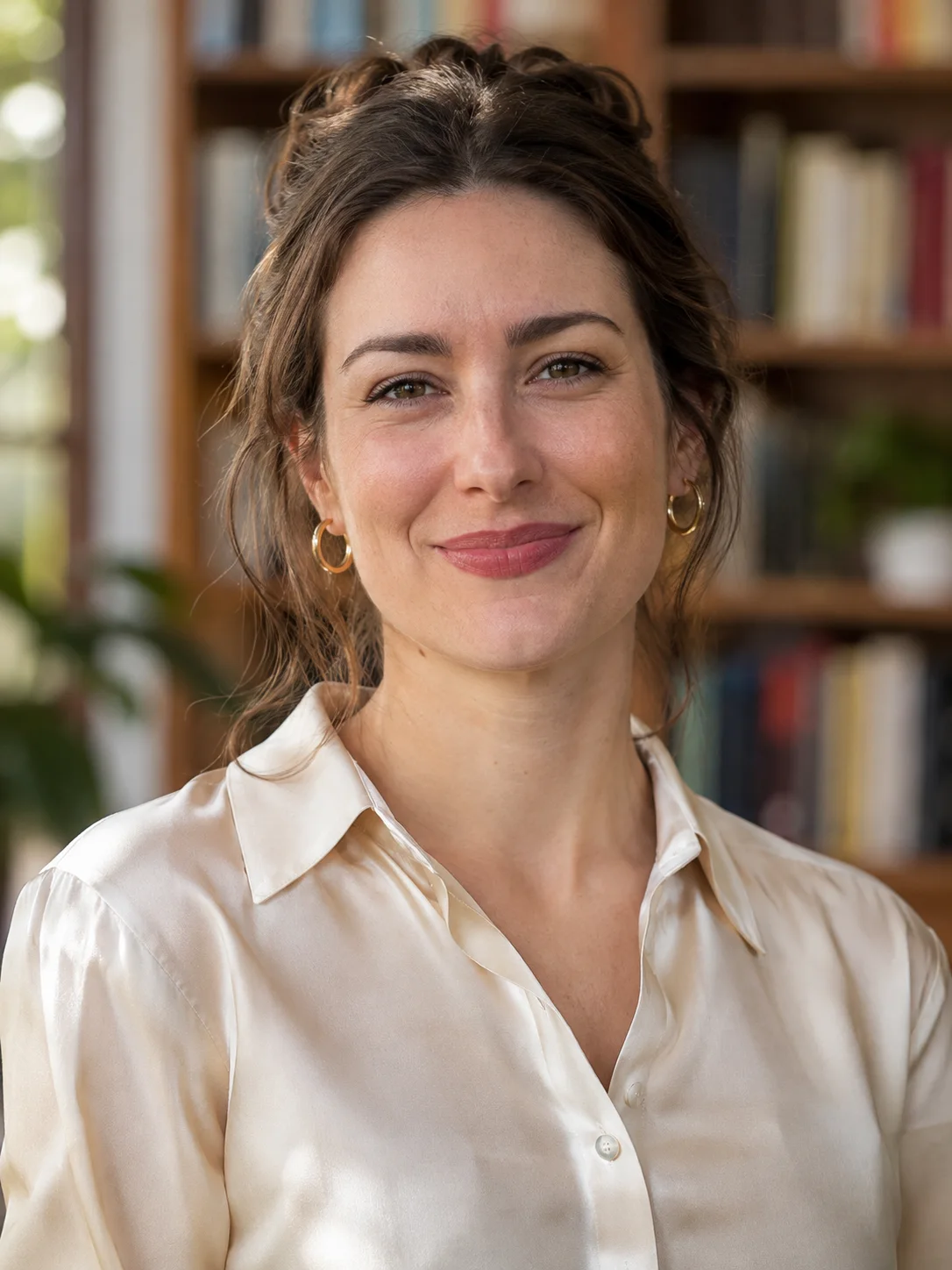
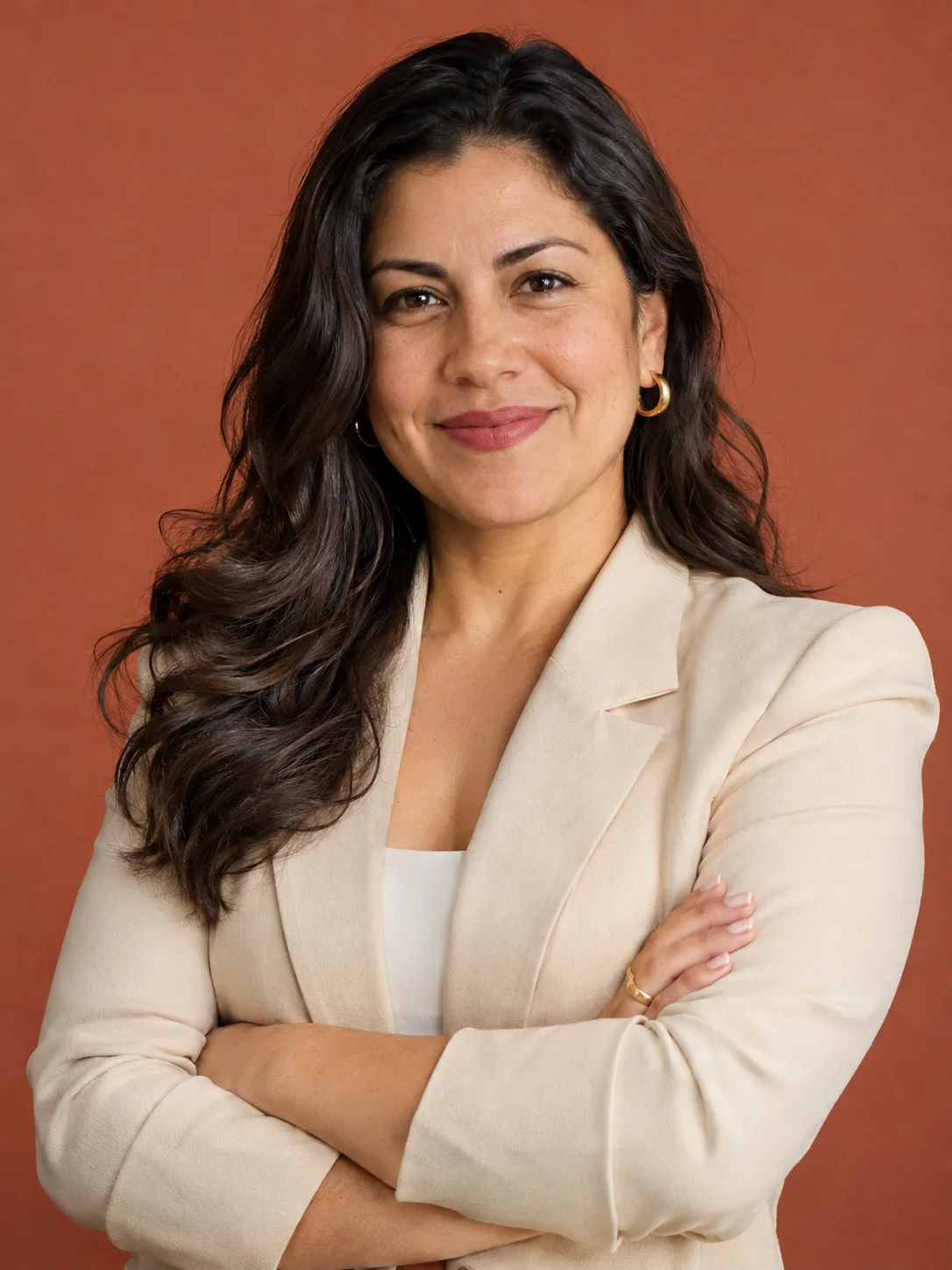
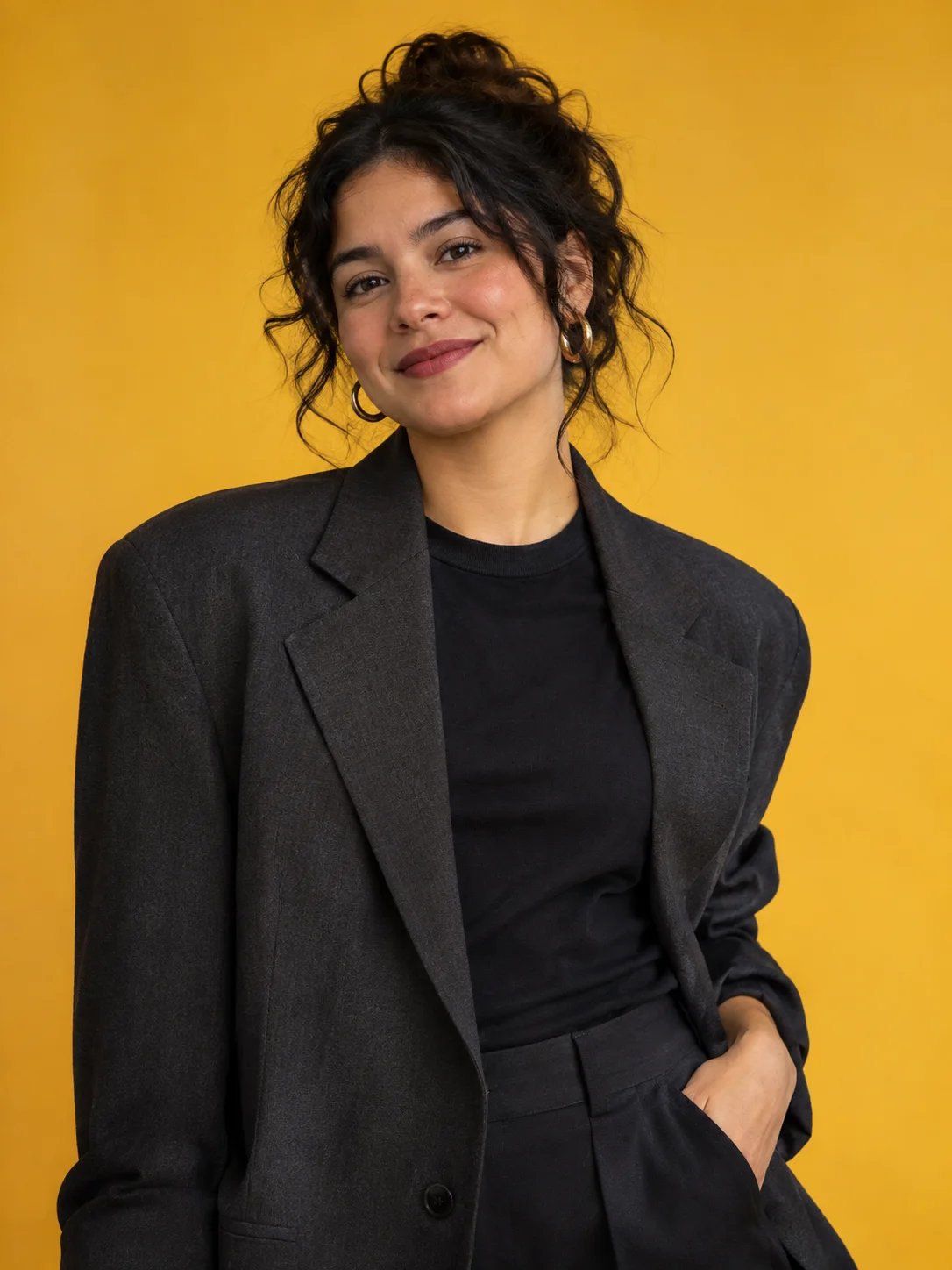
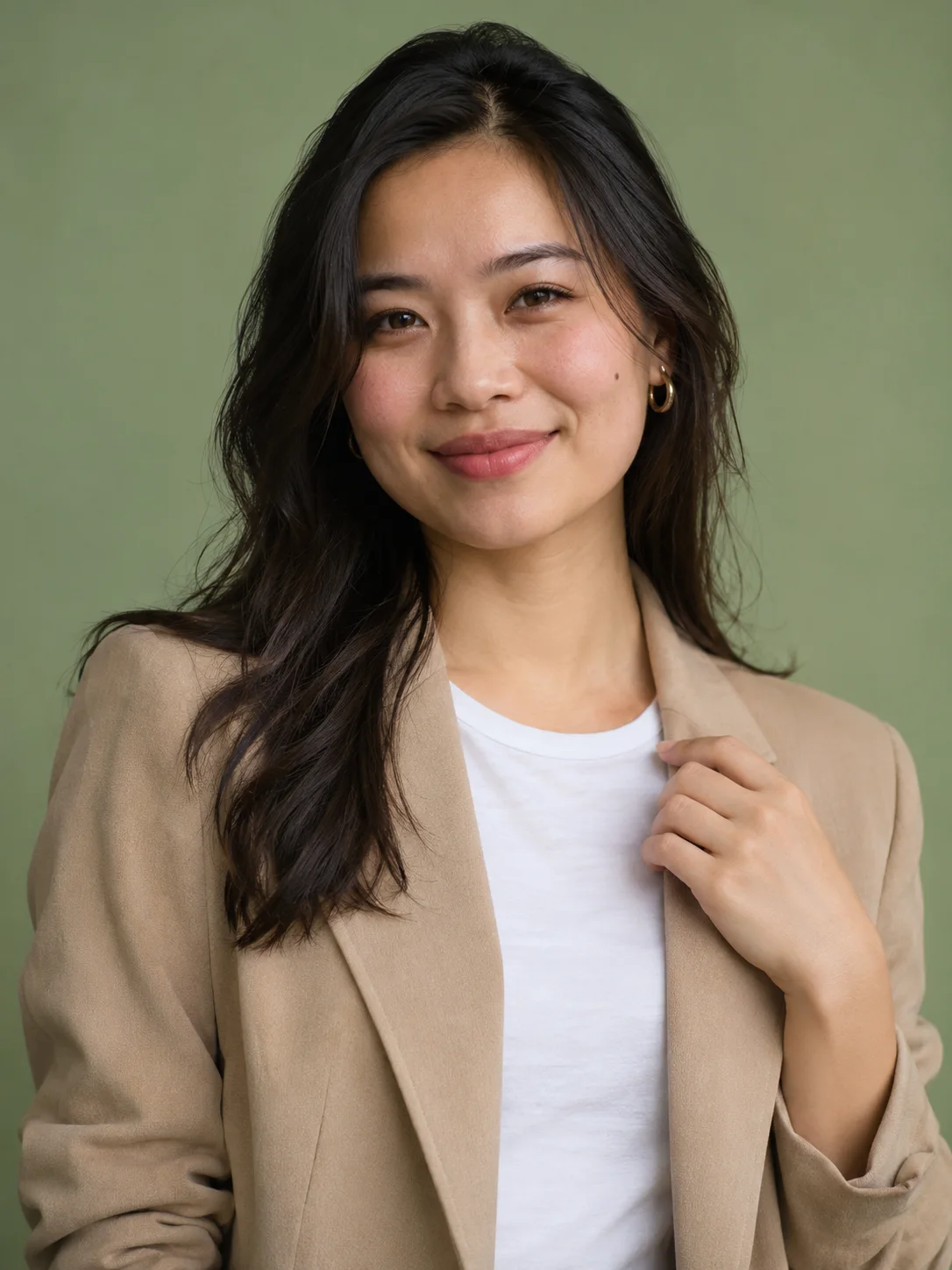
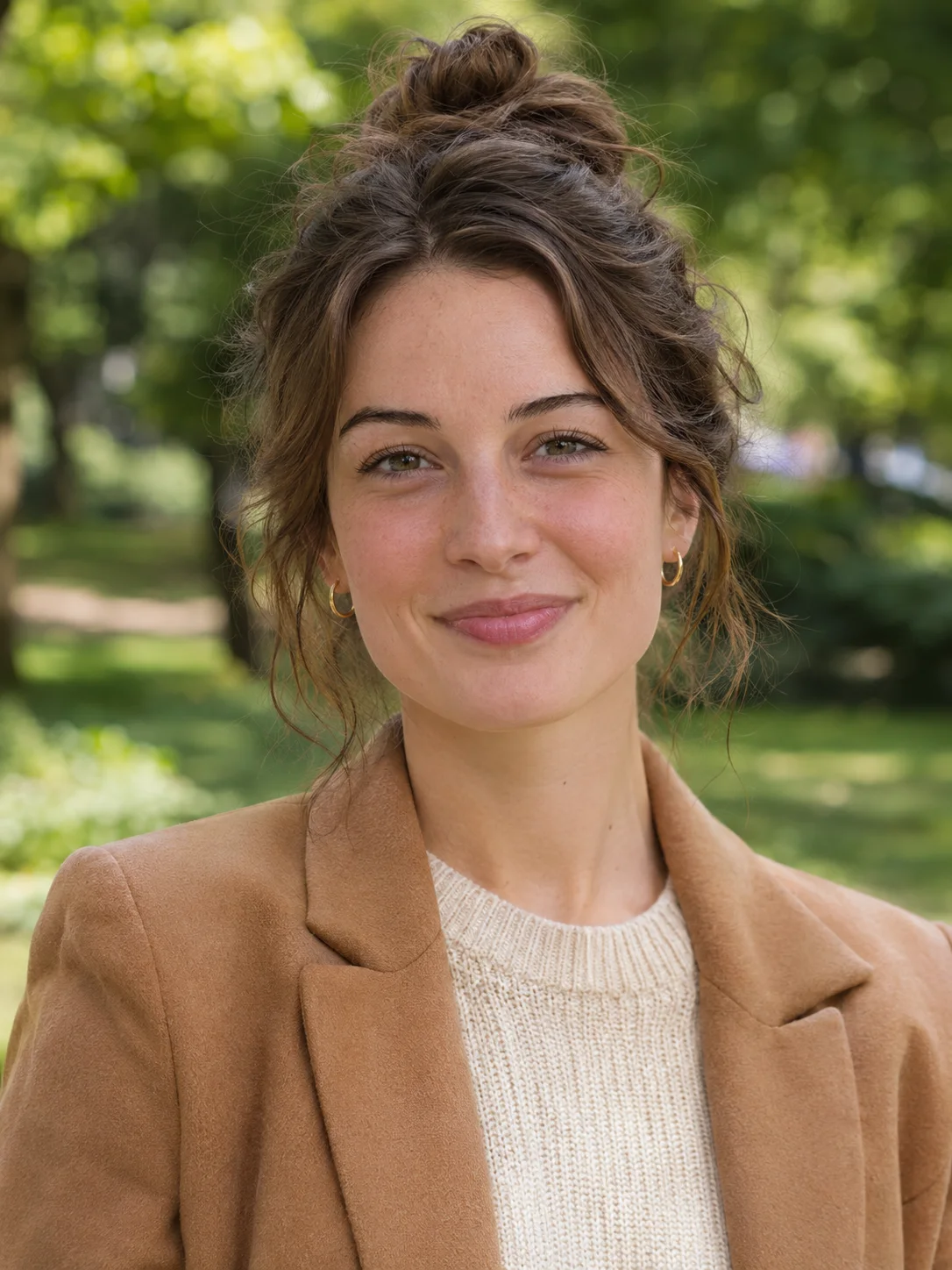
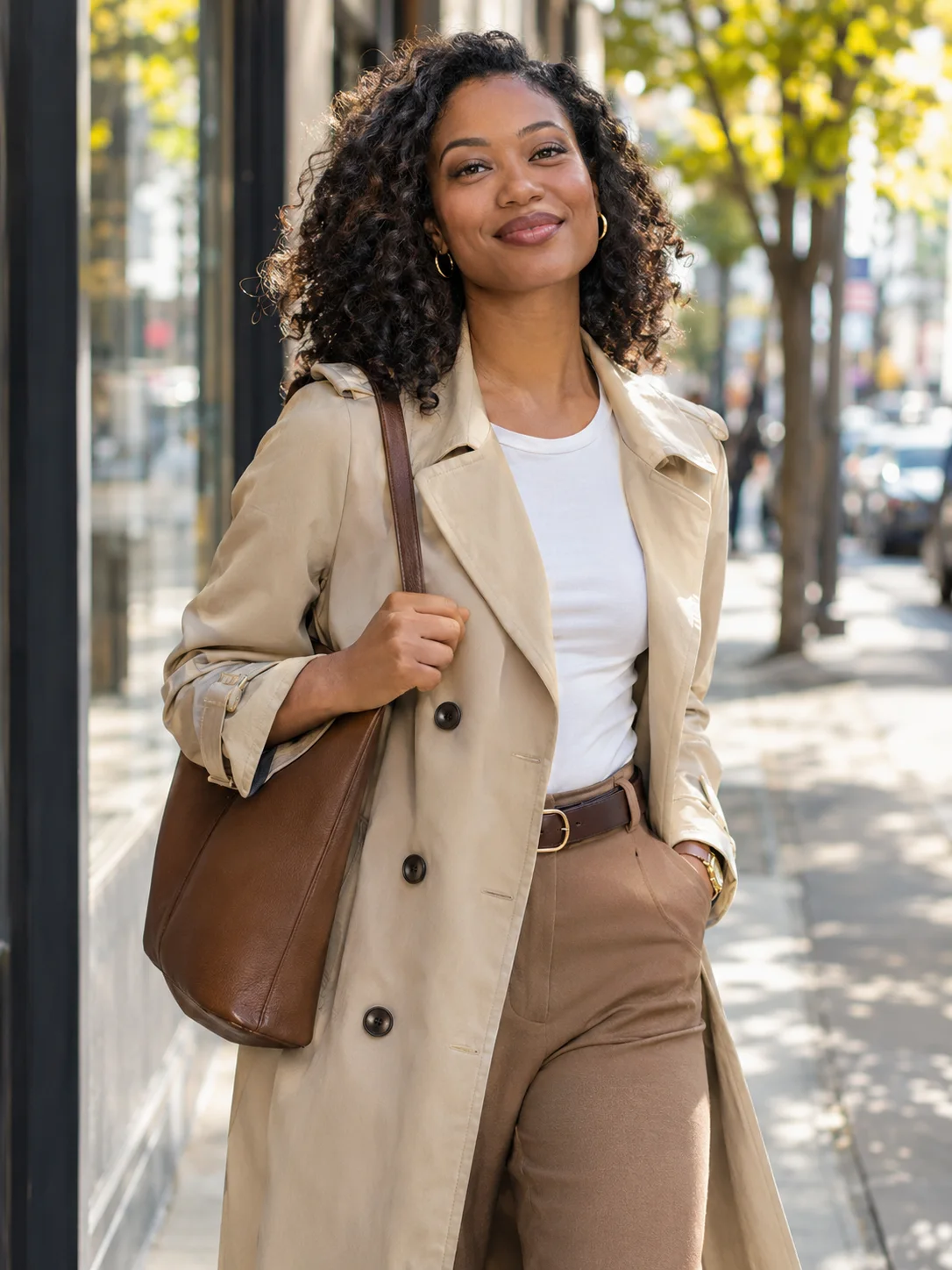
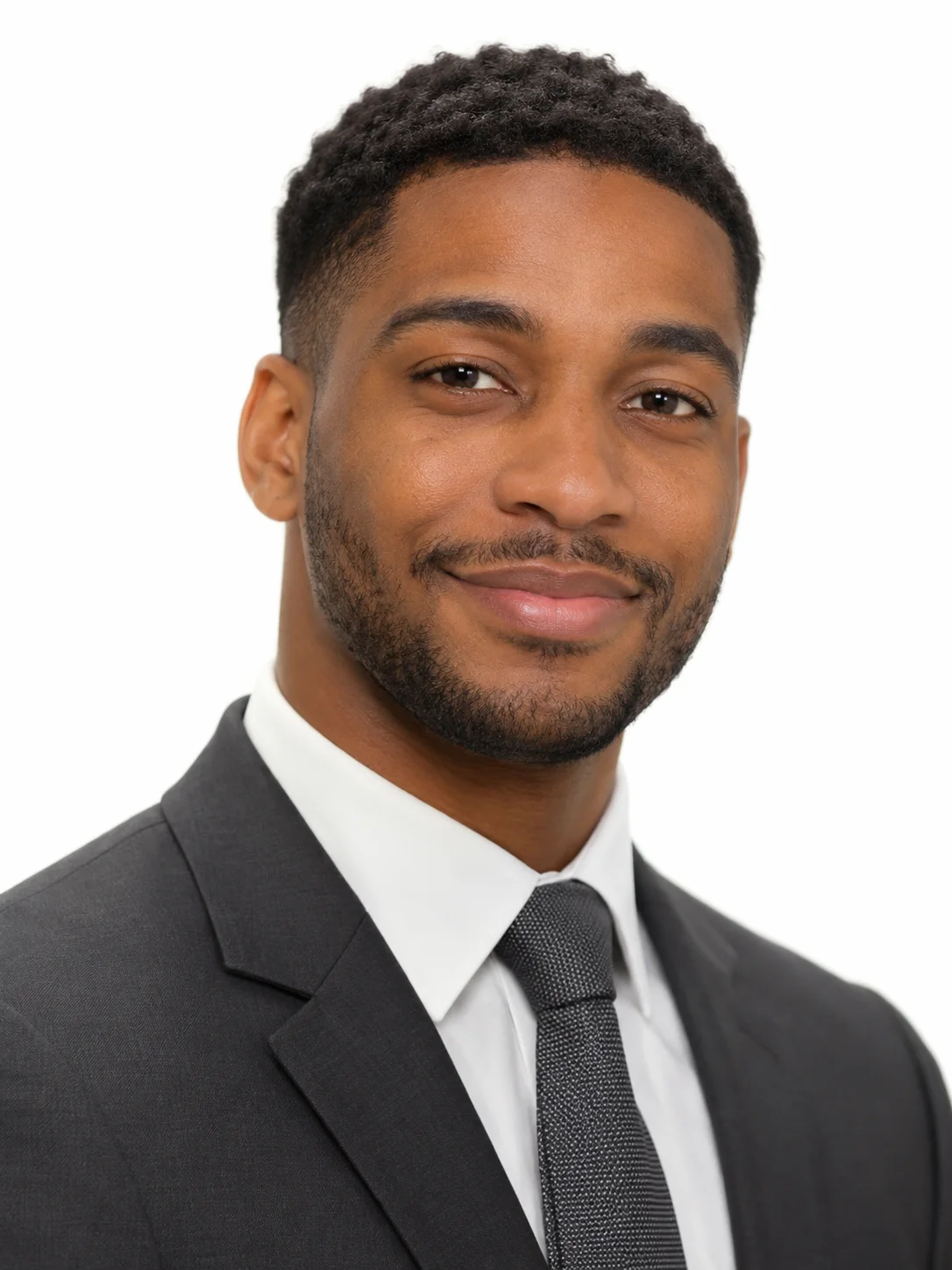
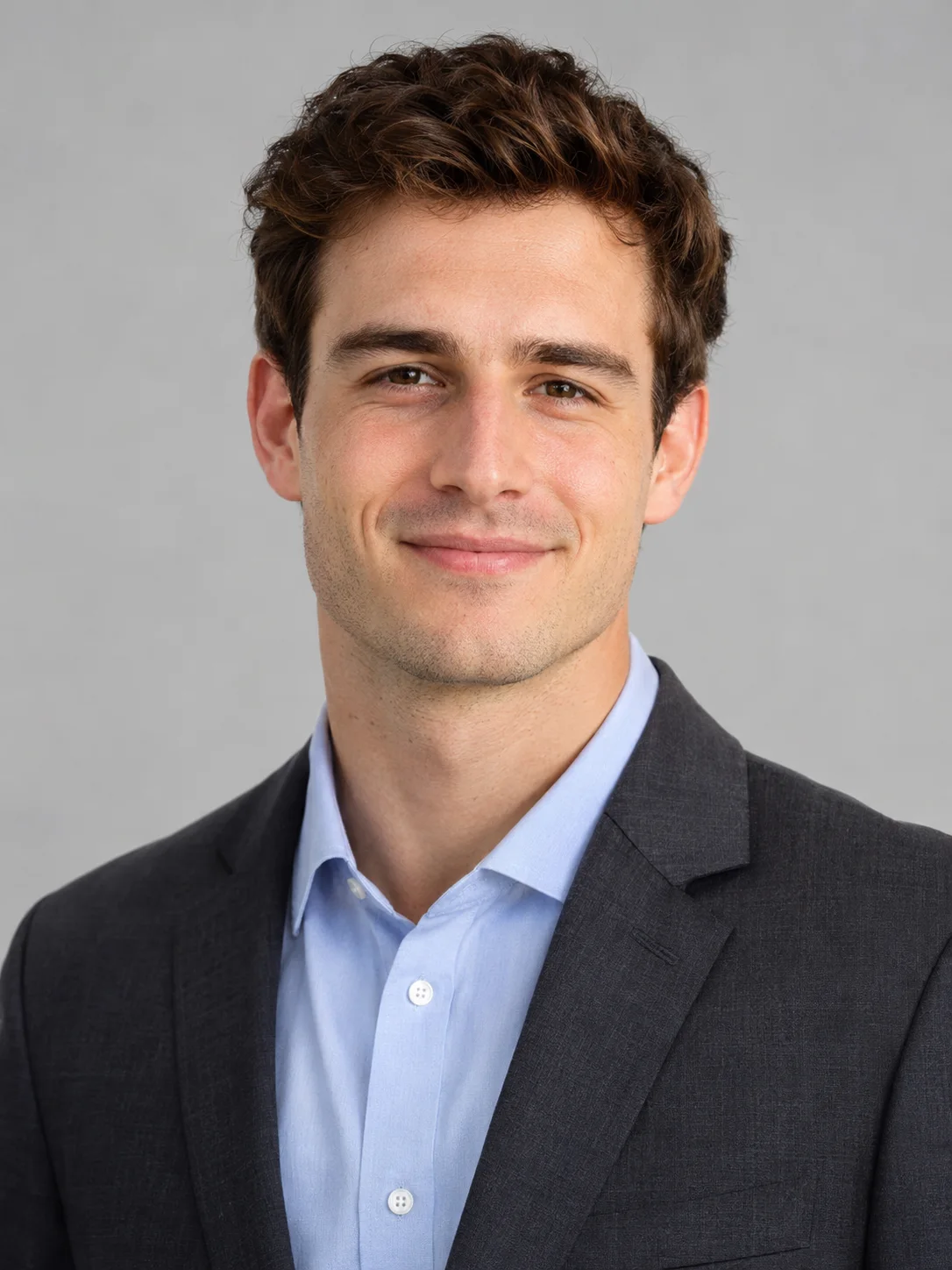
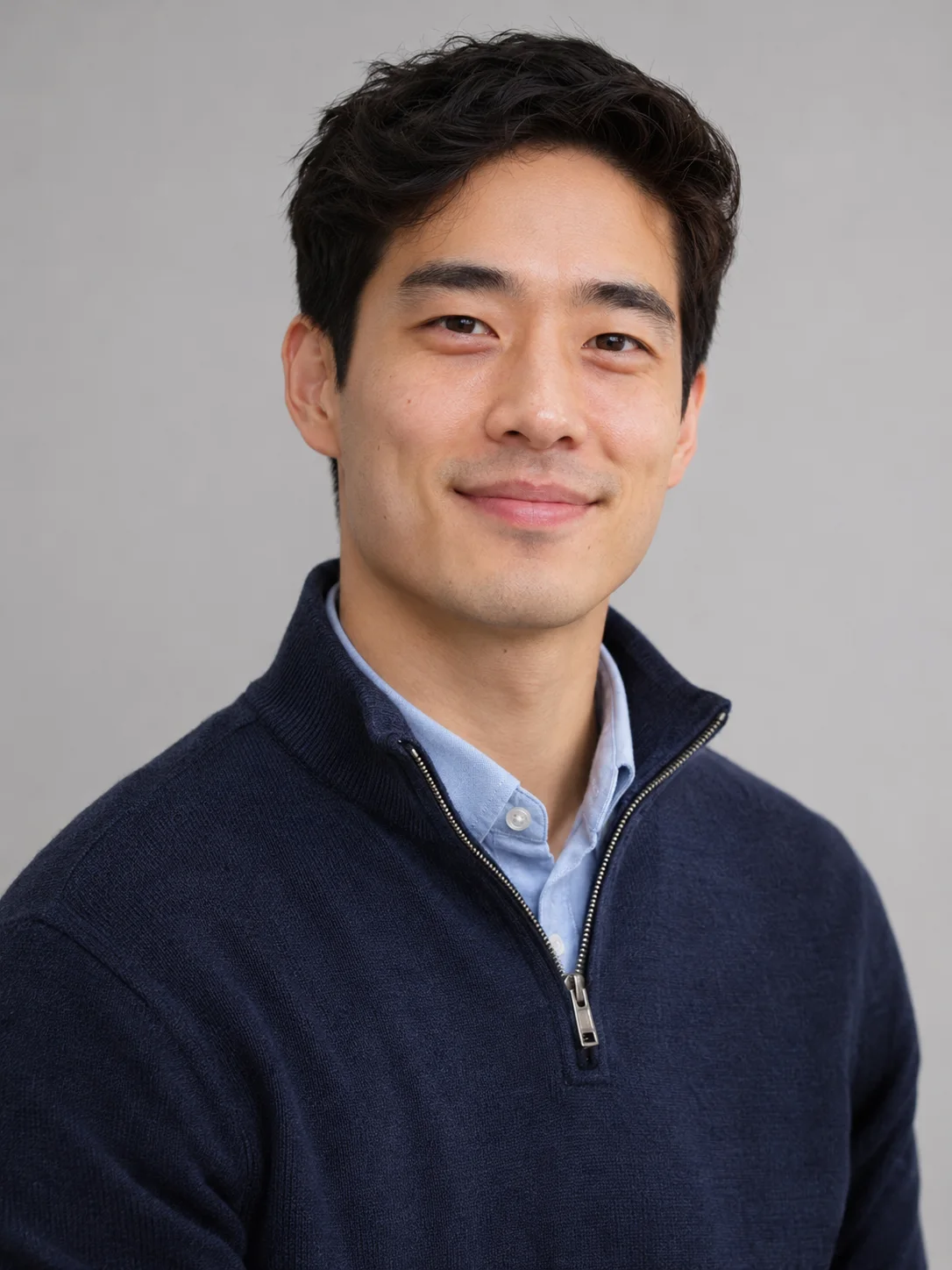
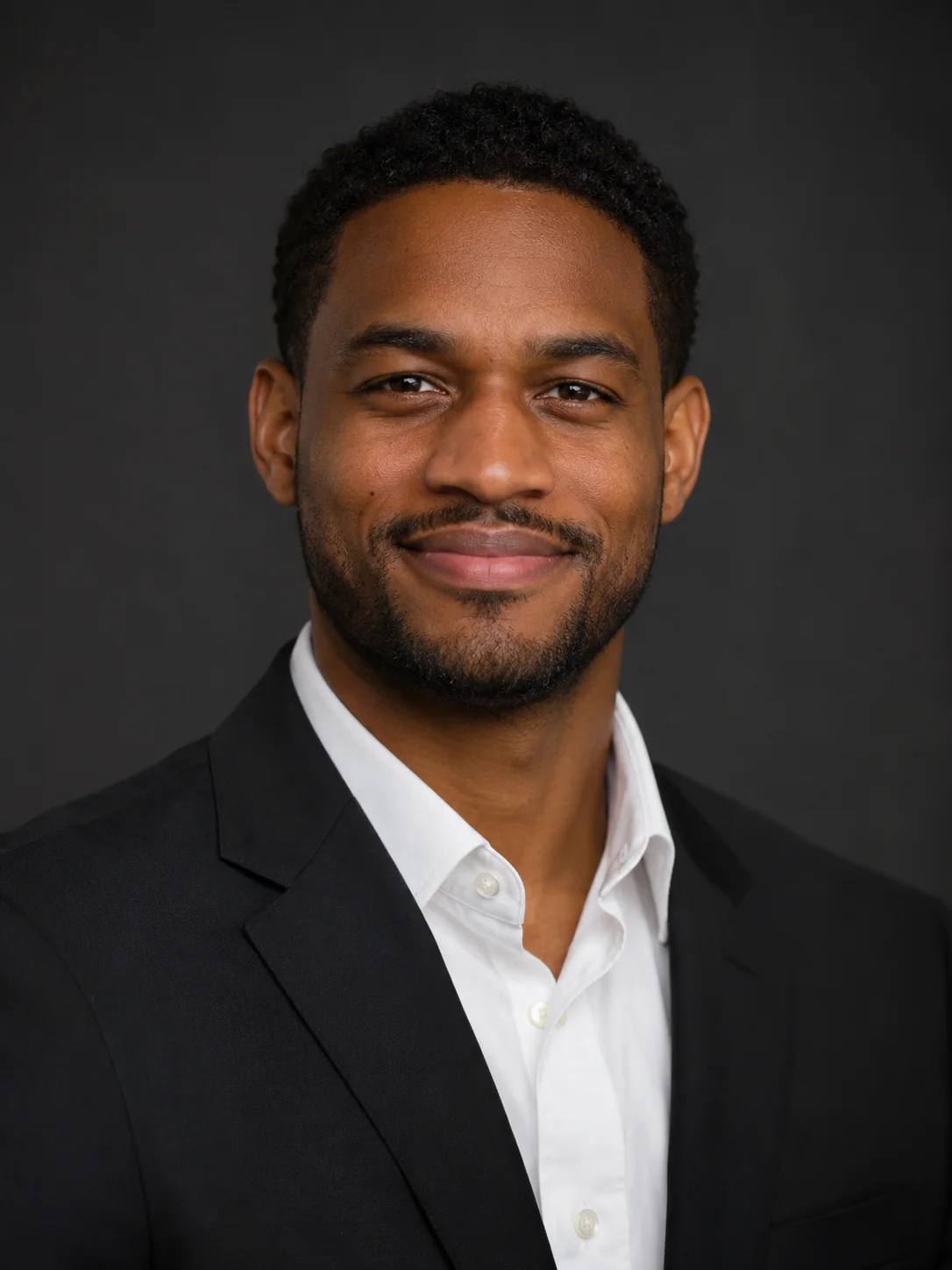
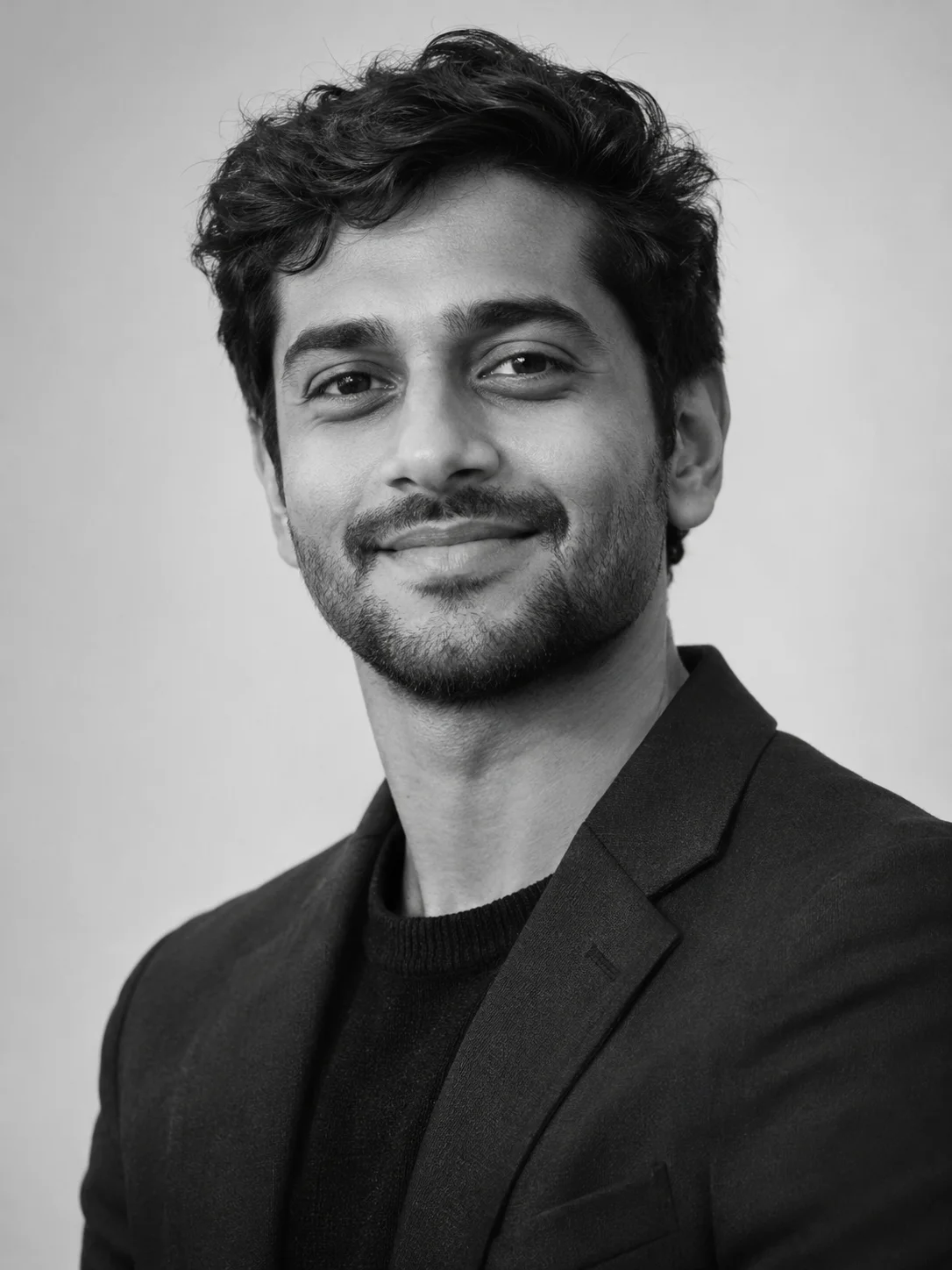
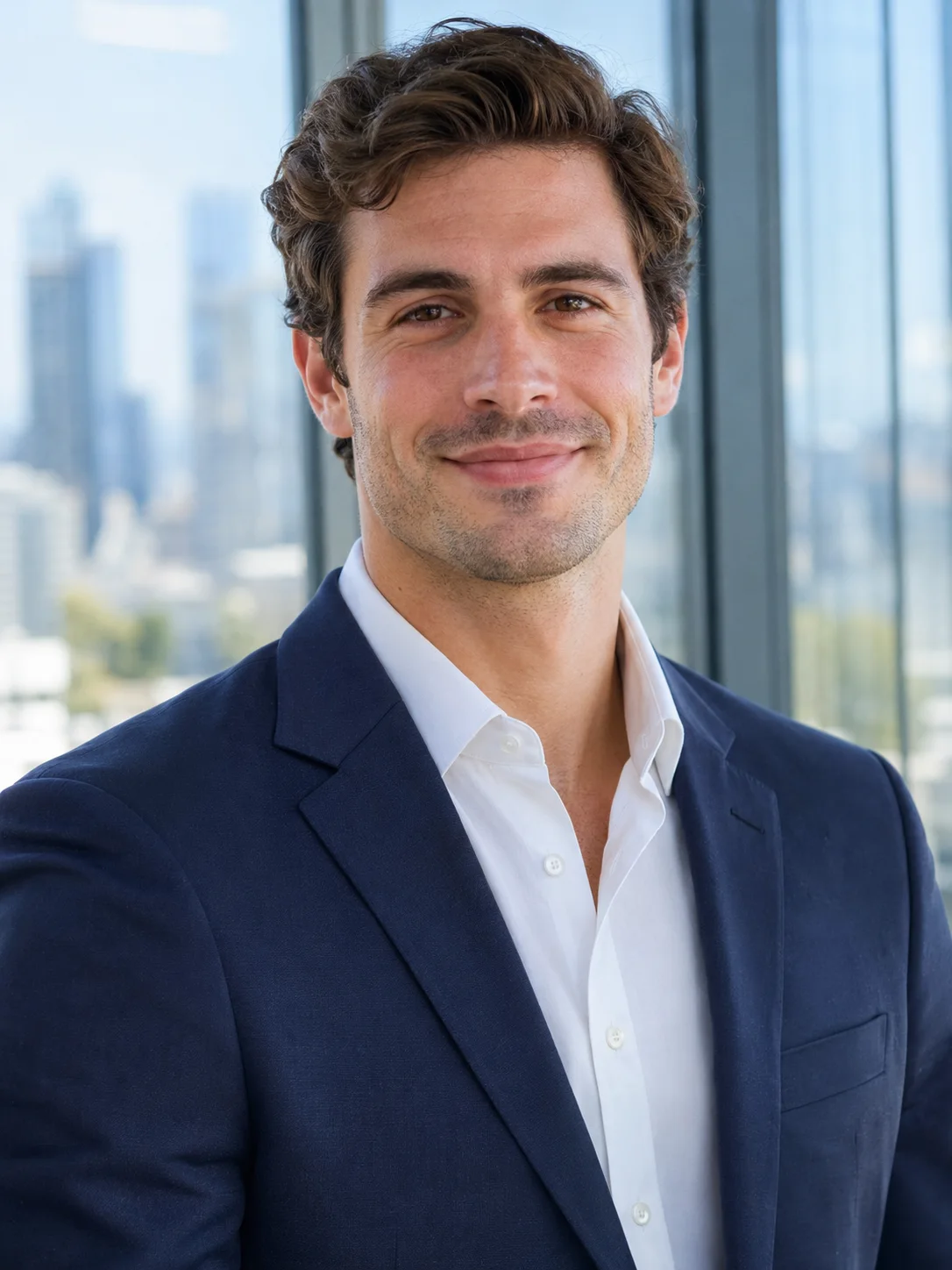
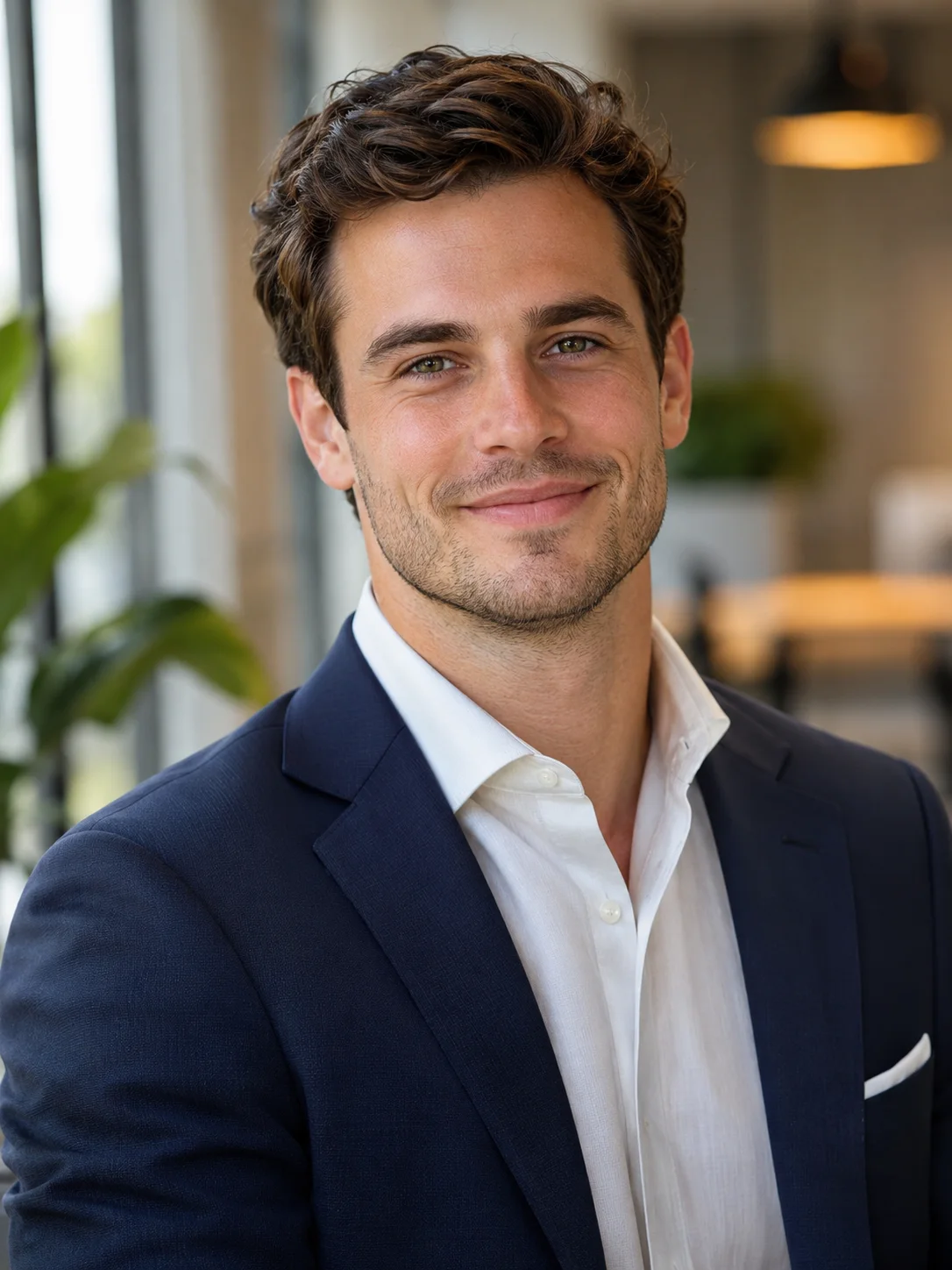
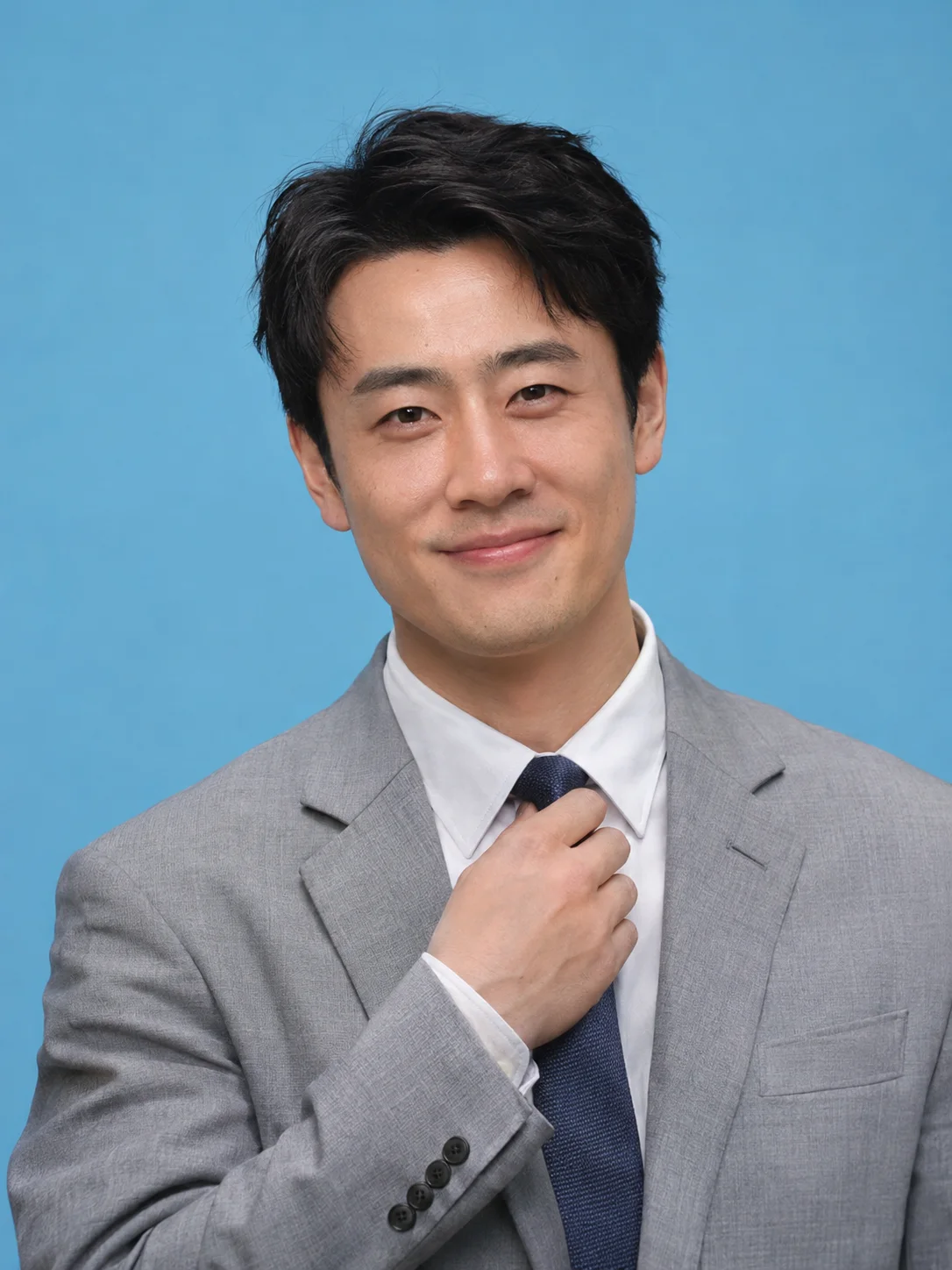
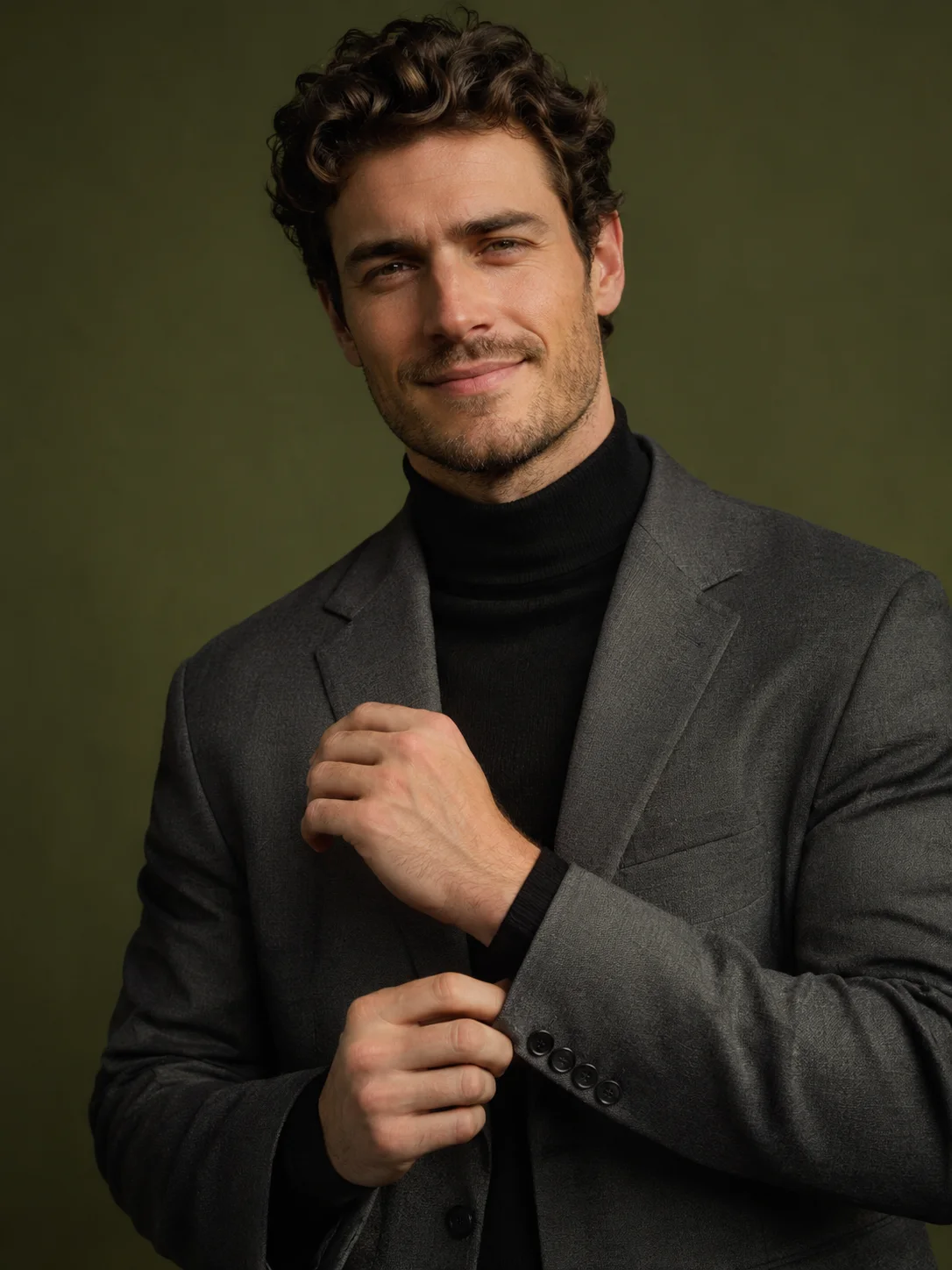
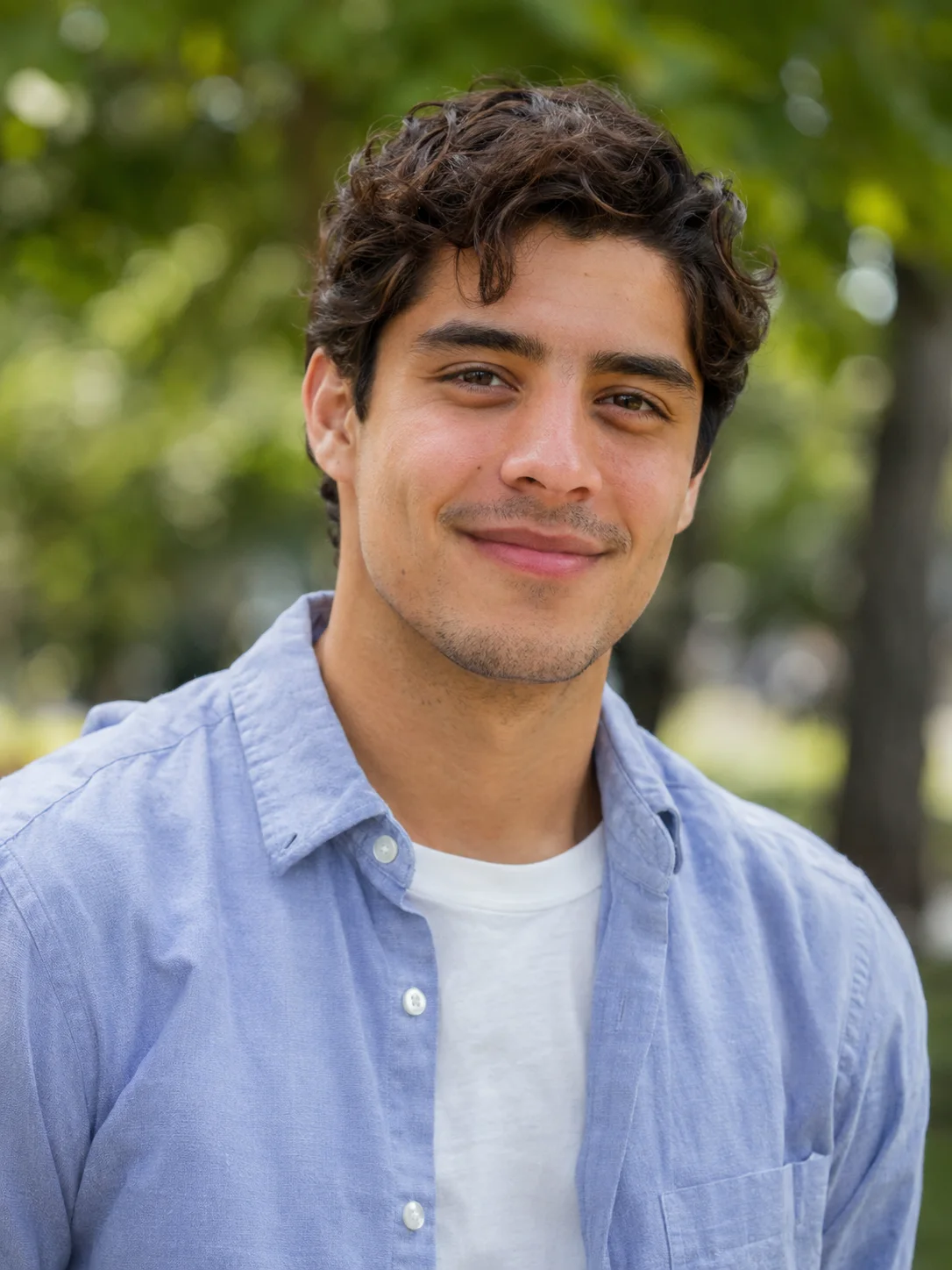
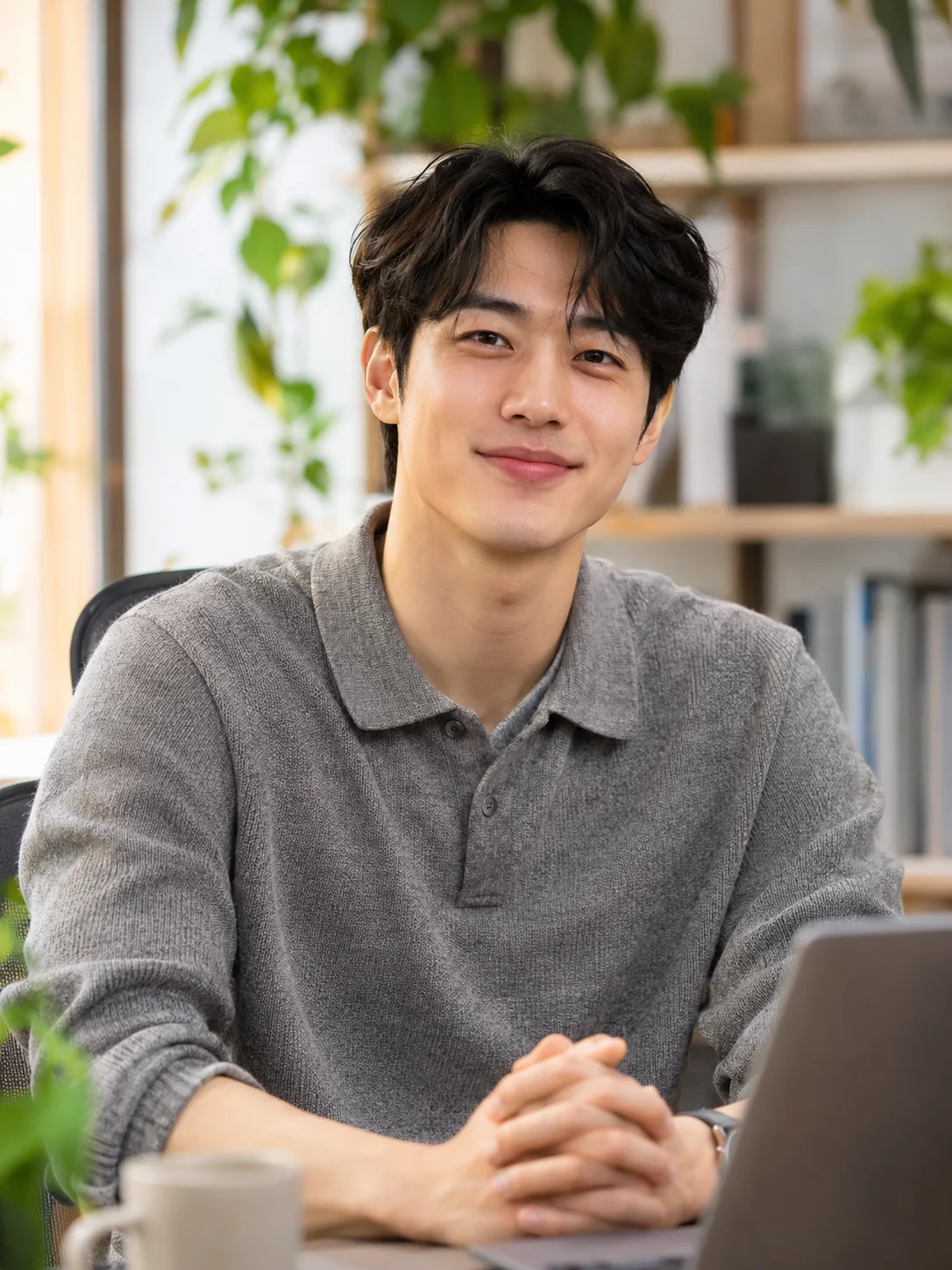
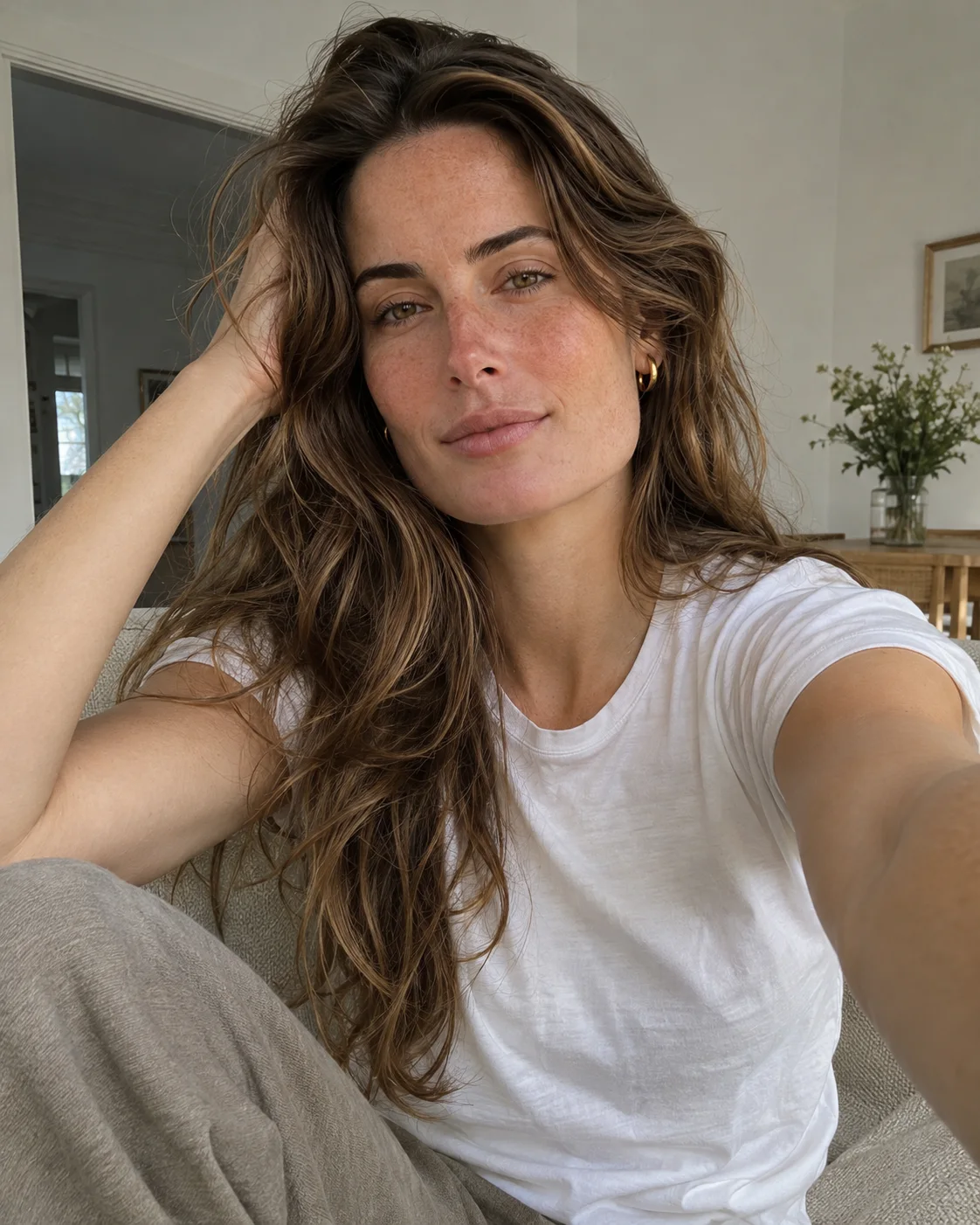
This AI headshot generator turns one clear selfie into a professional headshot for LinkedIn, resumes and company pages. Pick a template for women or men, upload your photo and let the template handle the outfit, backdrop and light.
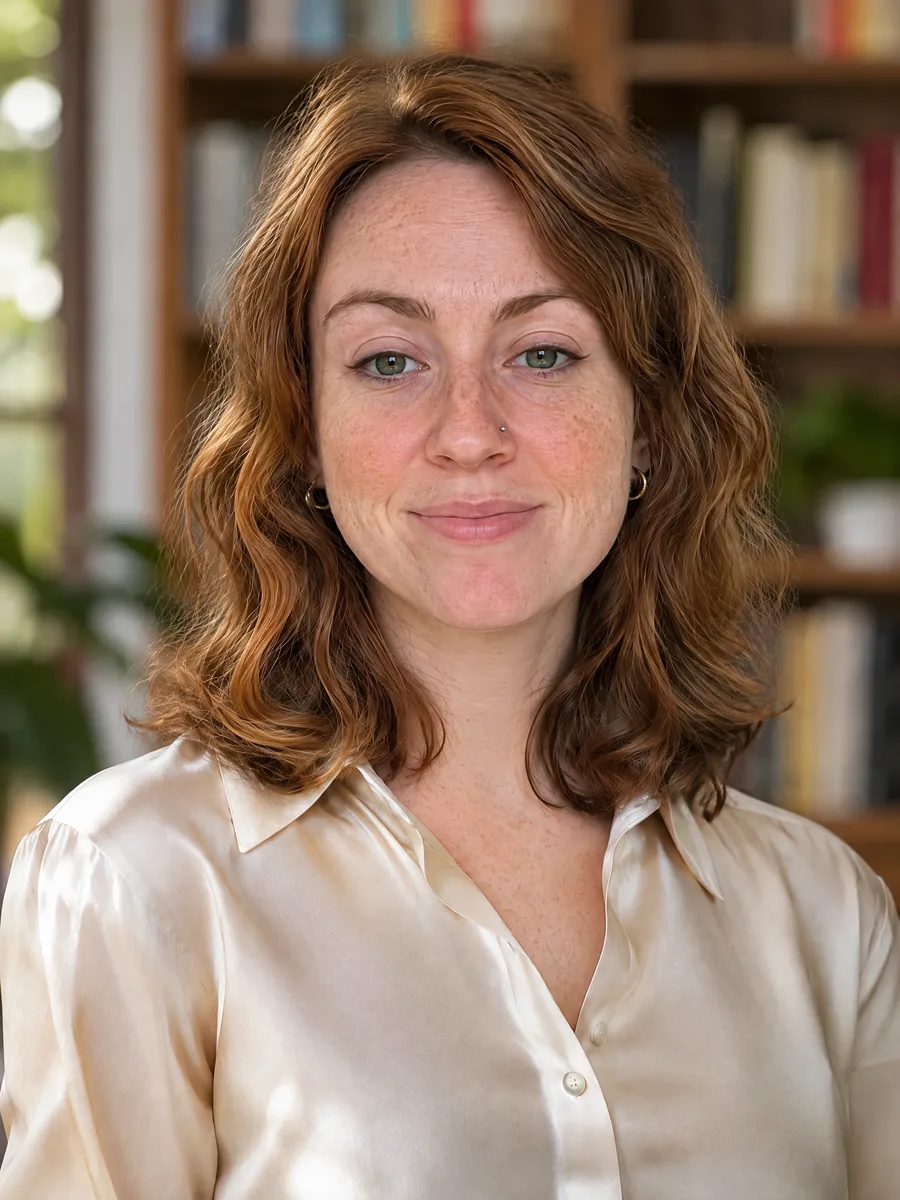
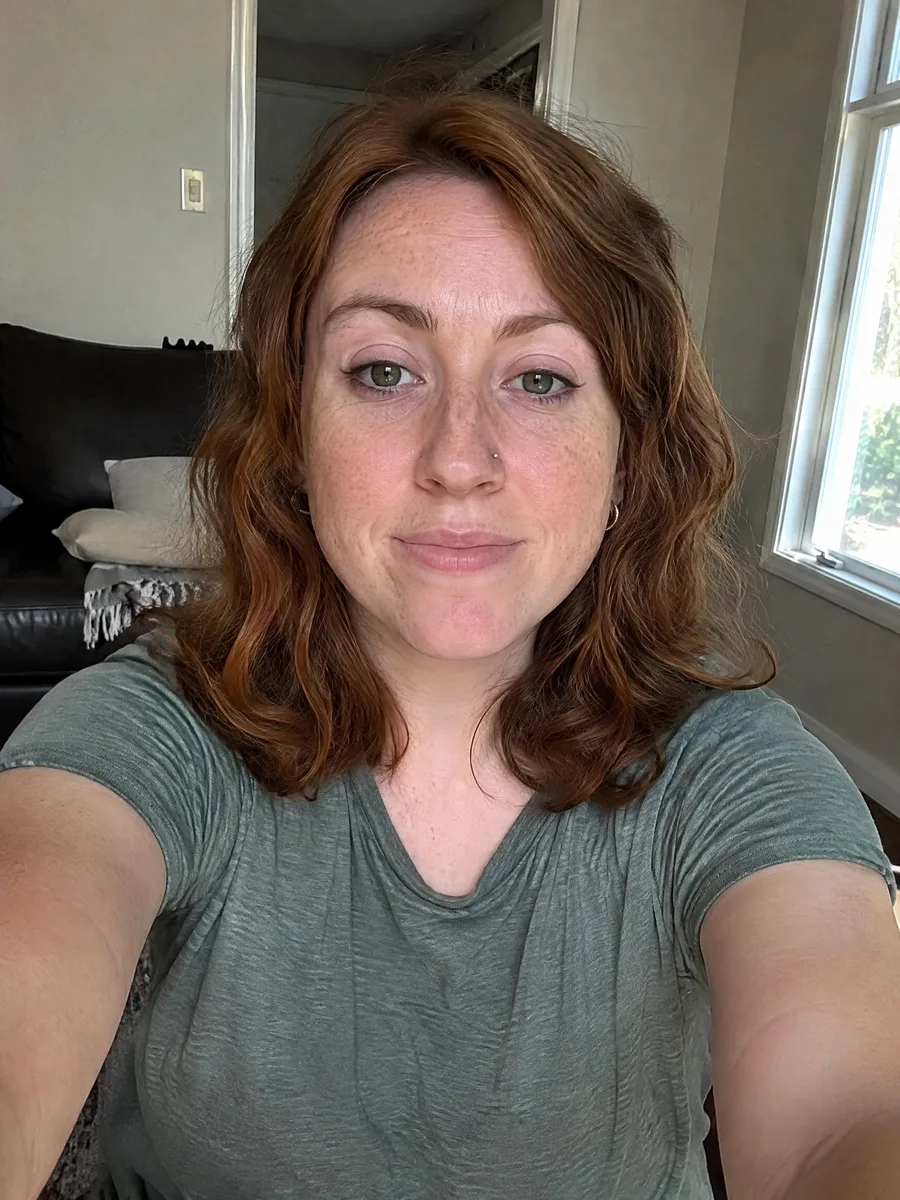 OriginalAI photoshoot
AI Professional Headshot Templates
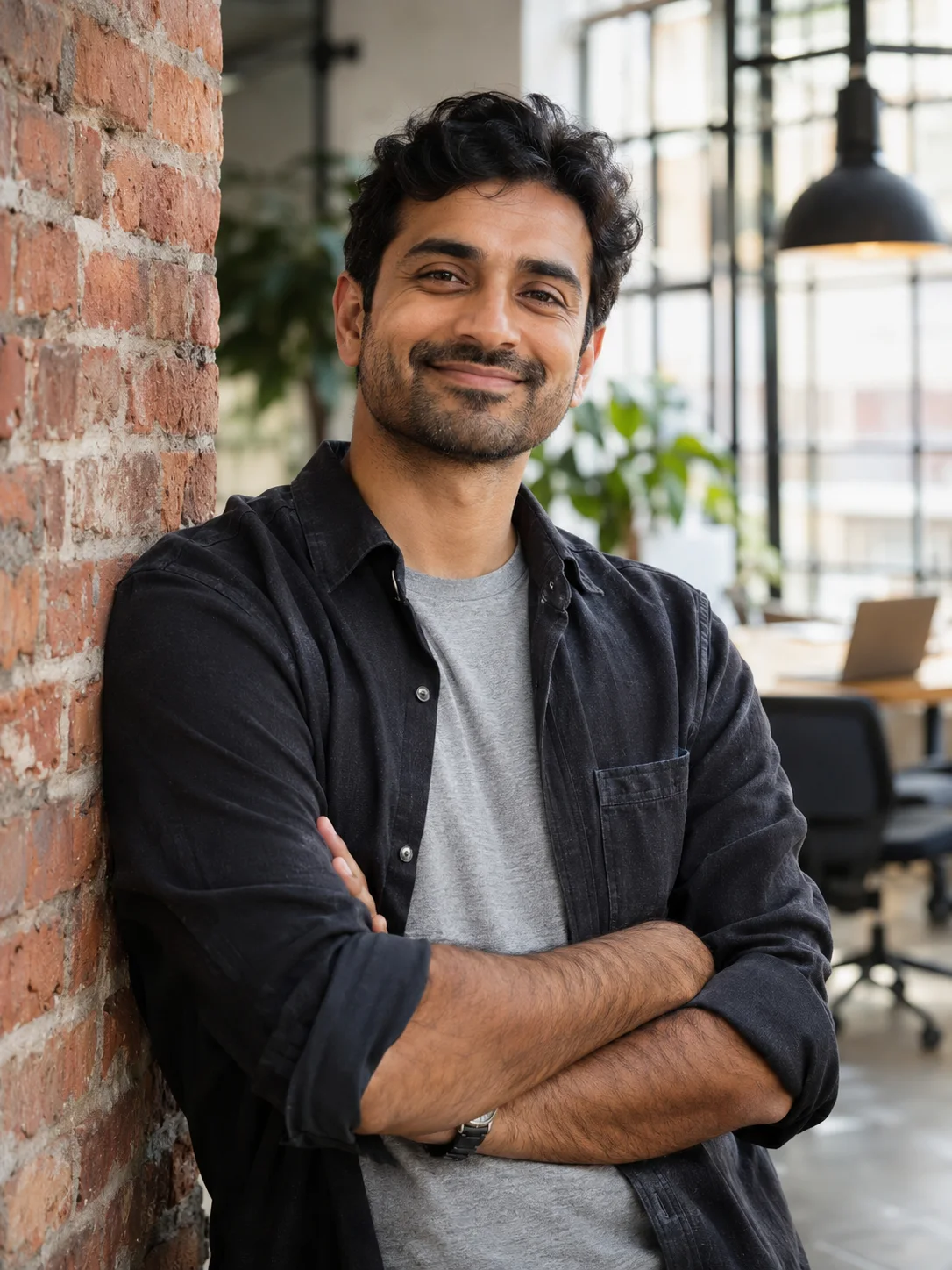
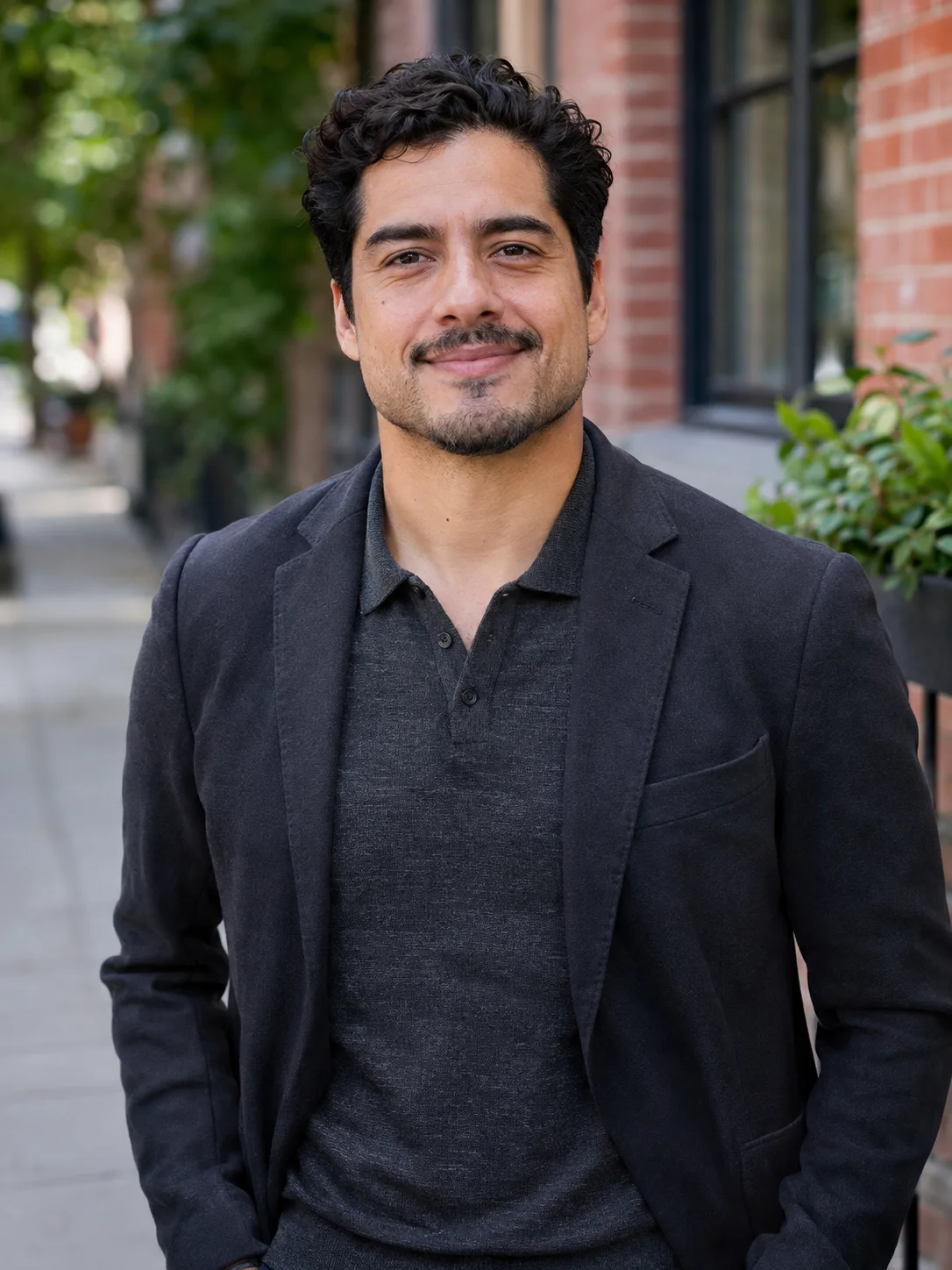
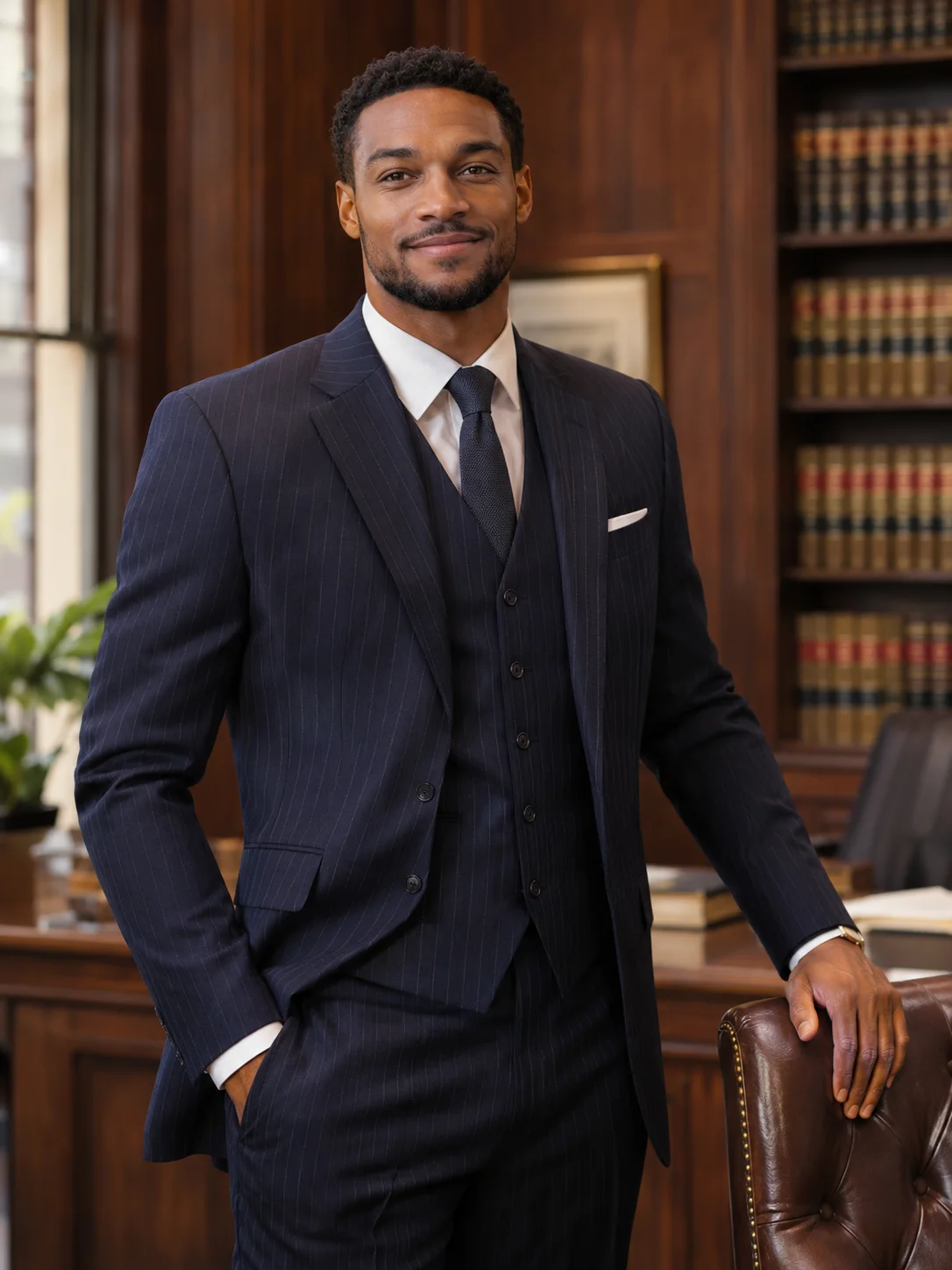
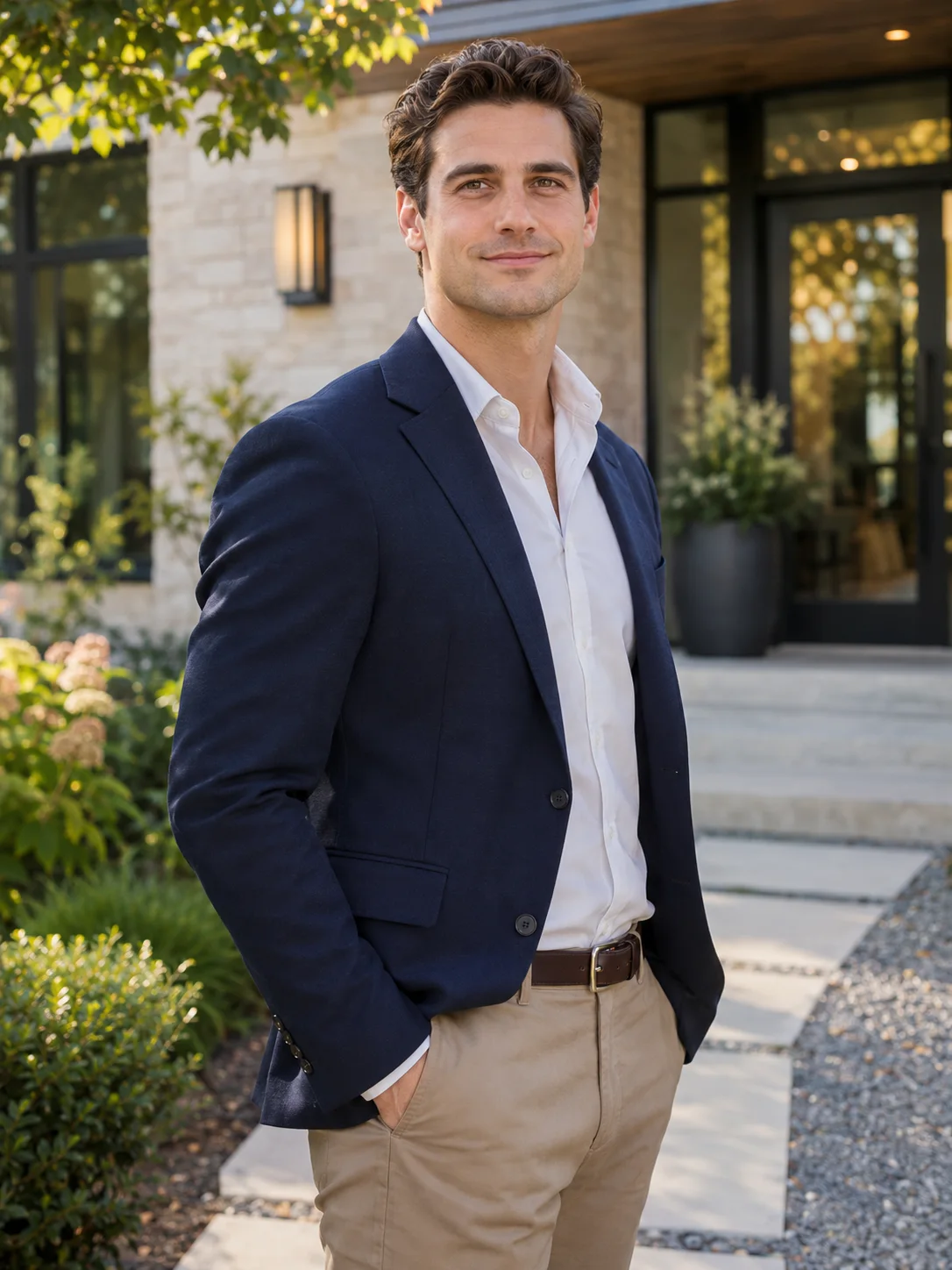
More than 20 templates for women and 15 for men, from plain studio backdrops to offices, city streets and industry settings. Each one sets the outfit, background and light for you.
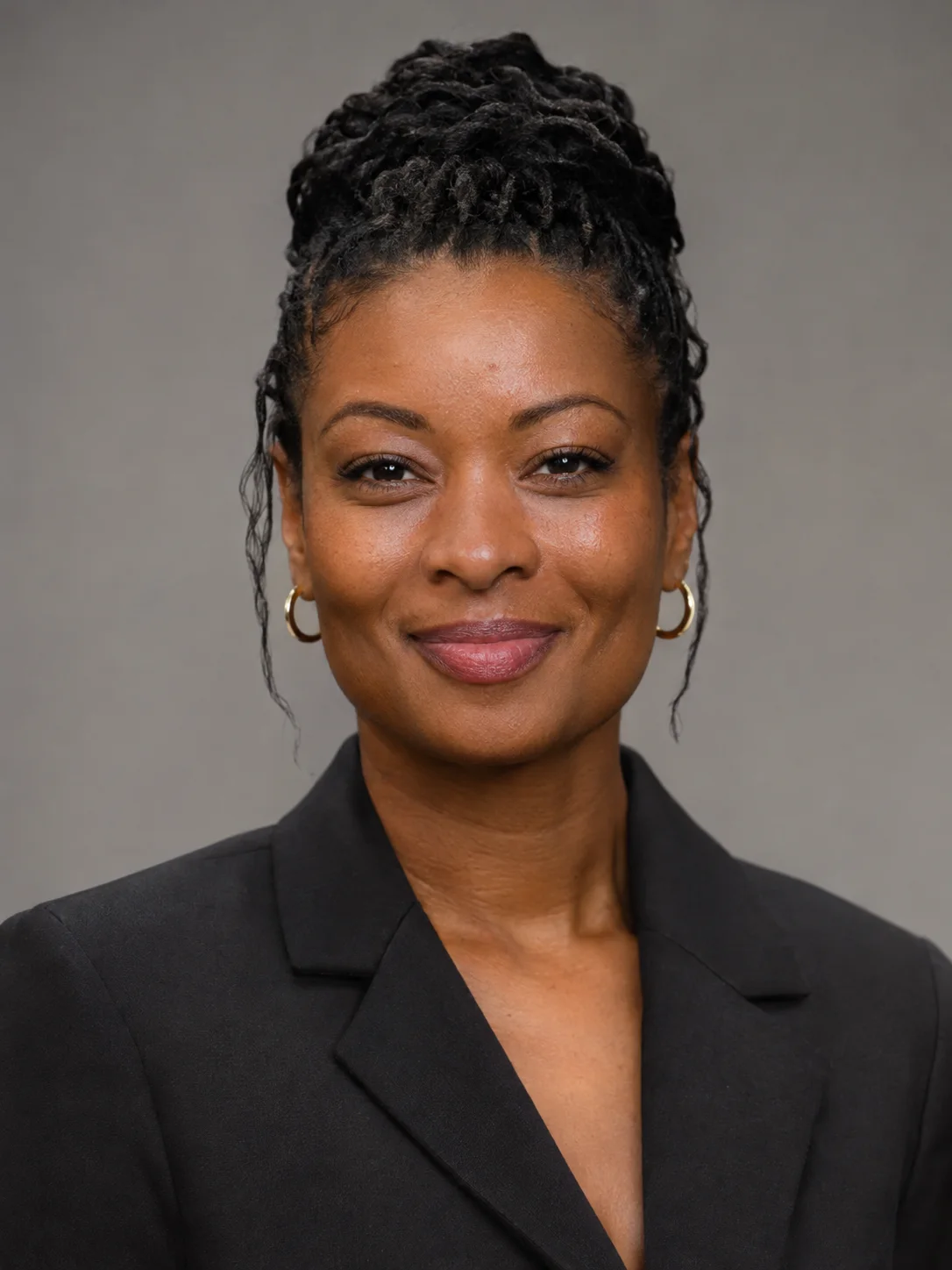
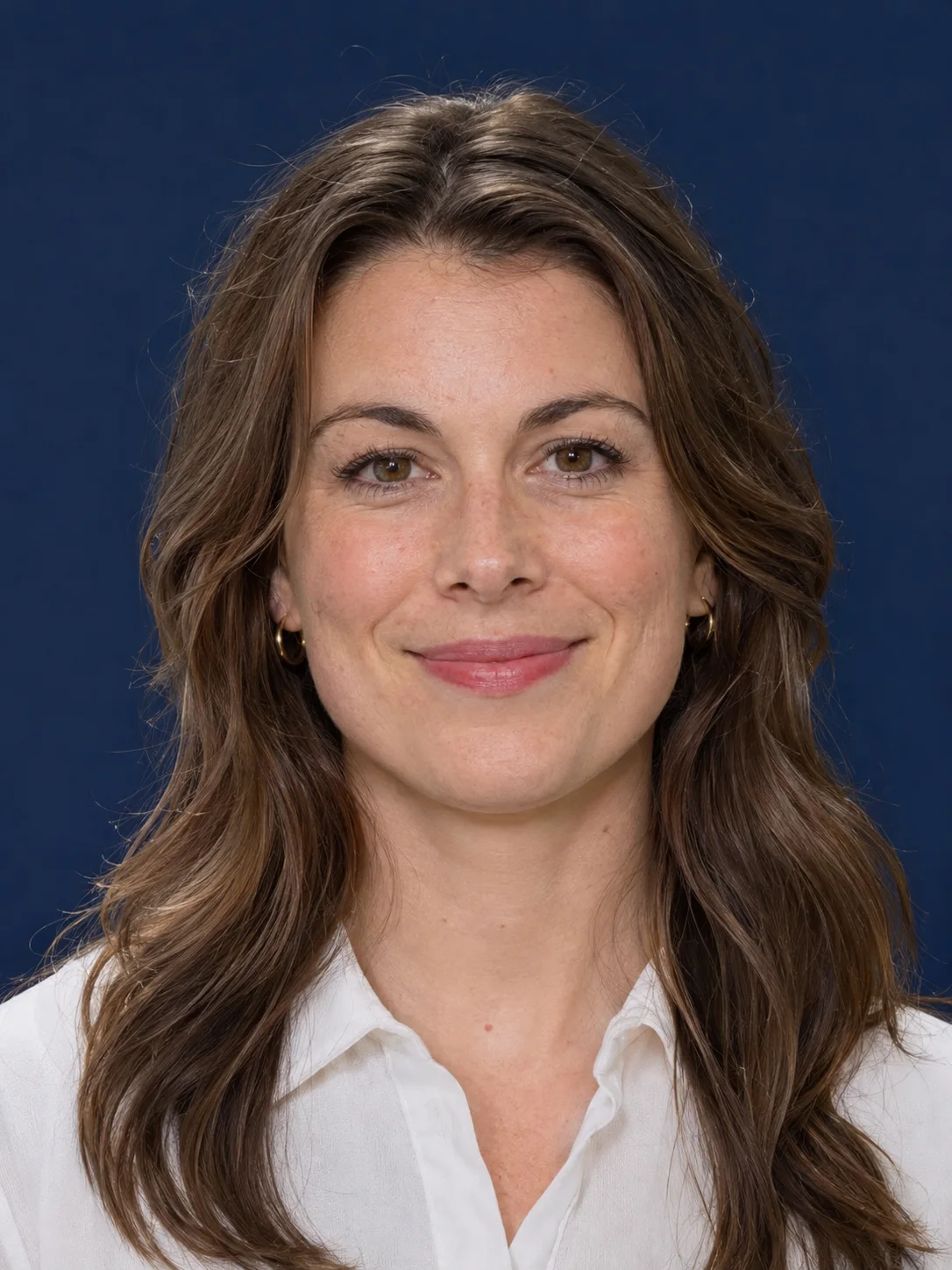
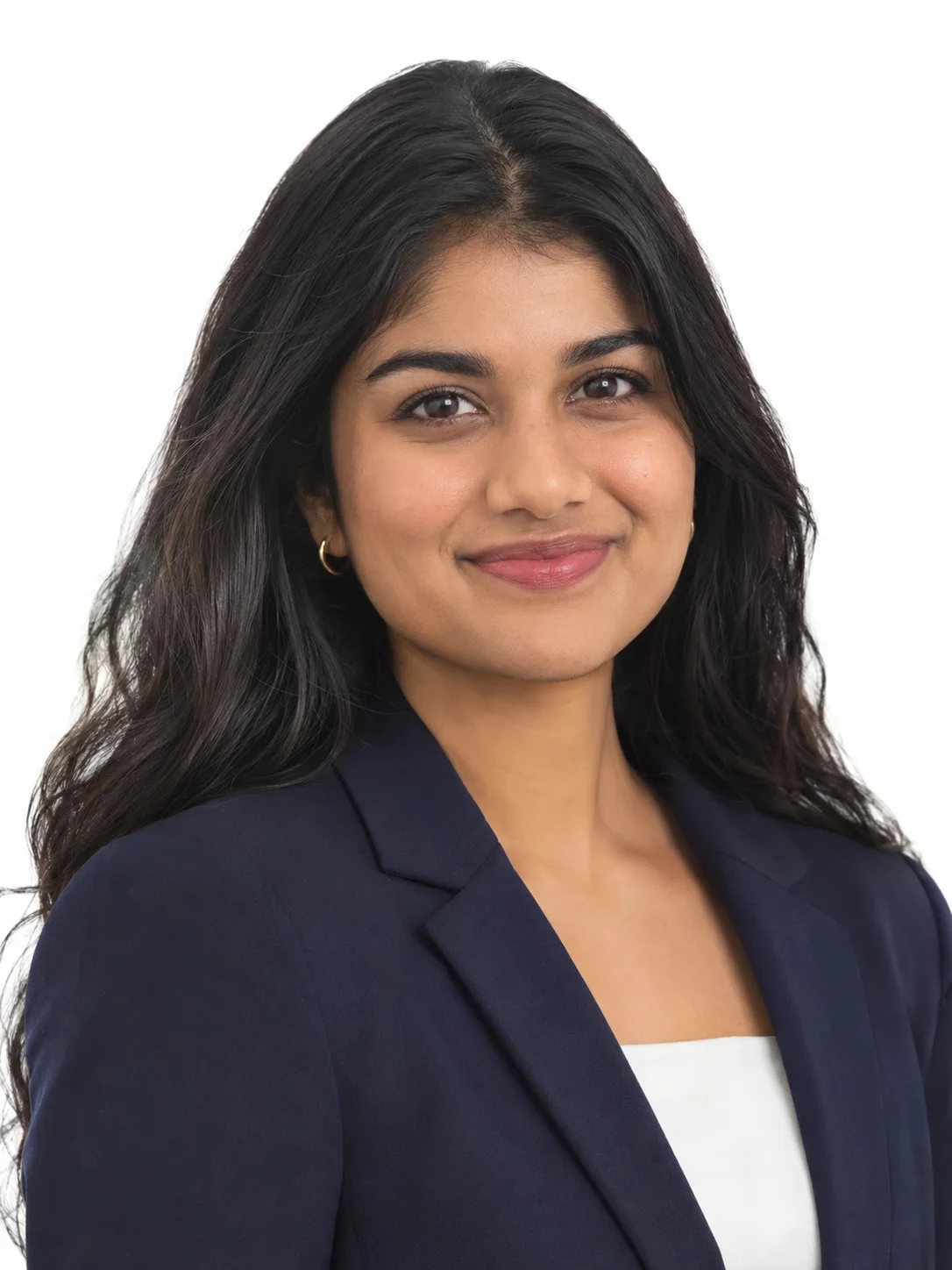
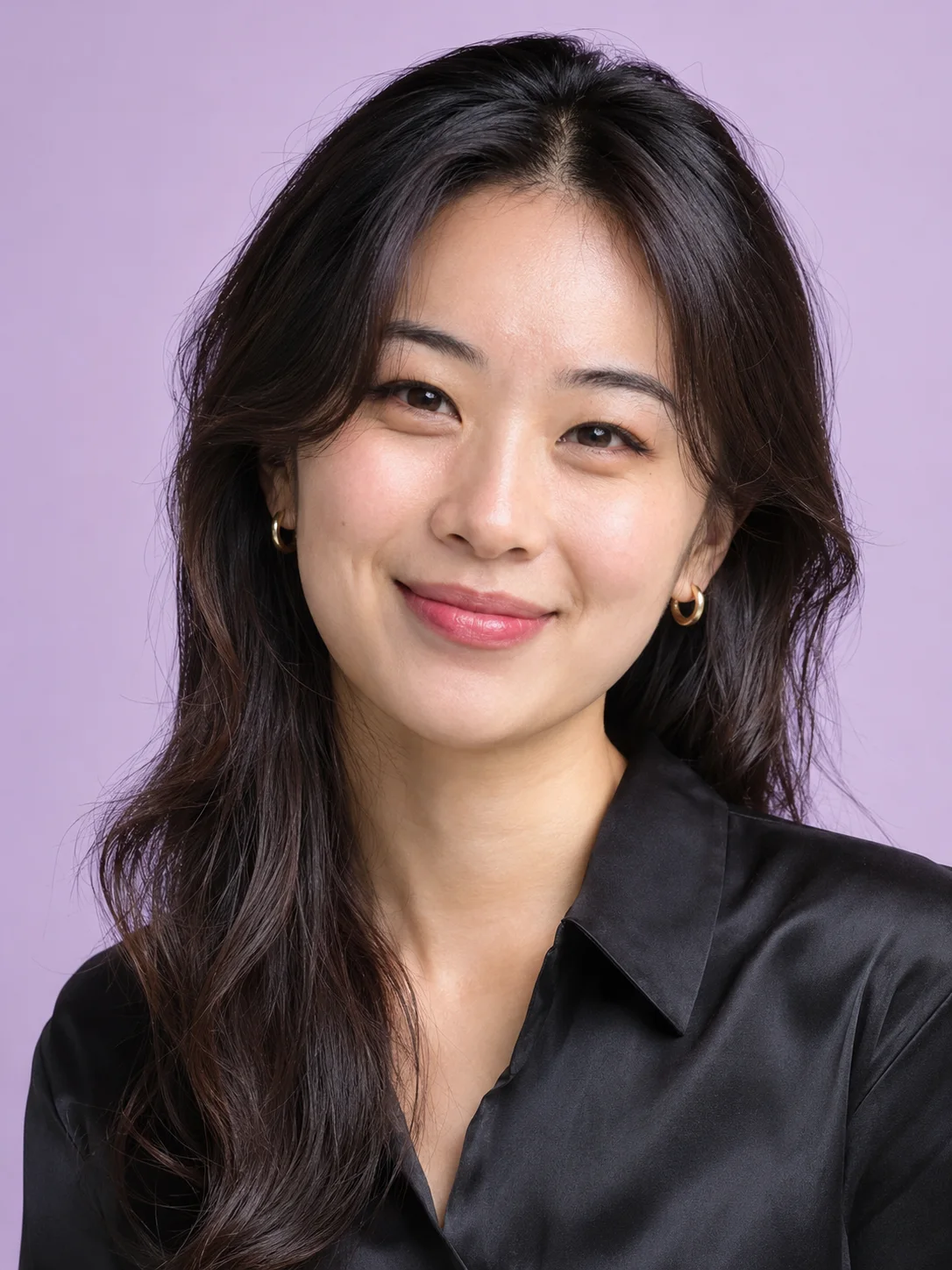
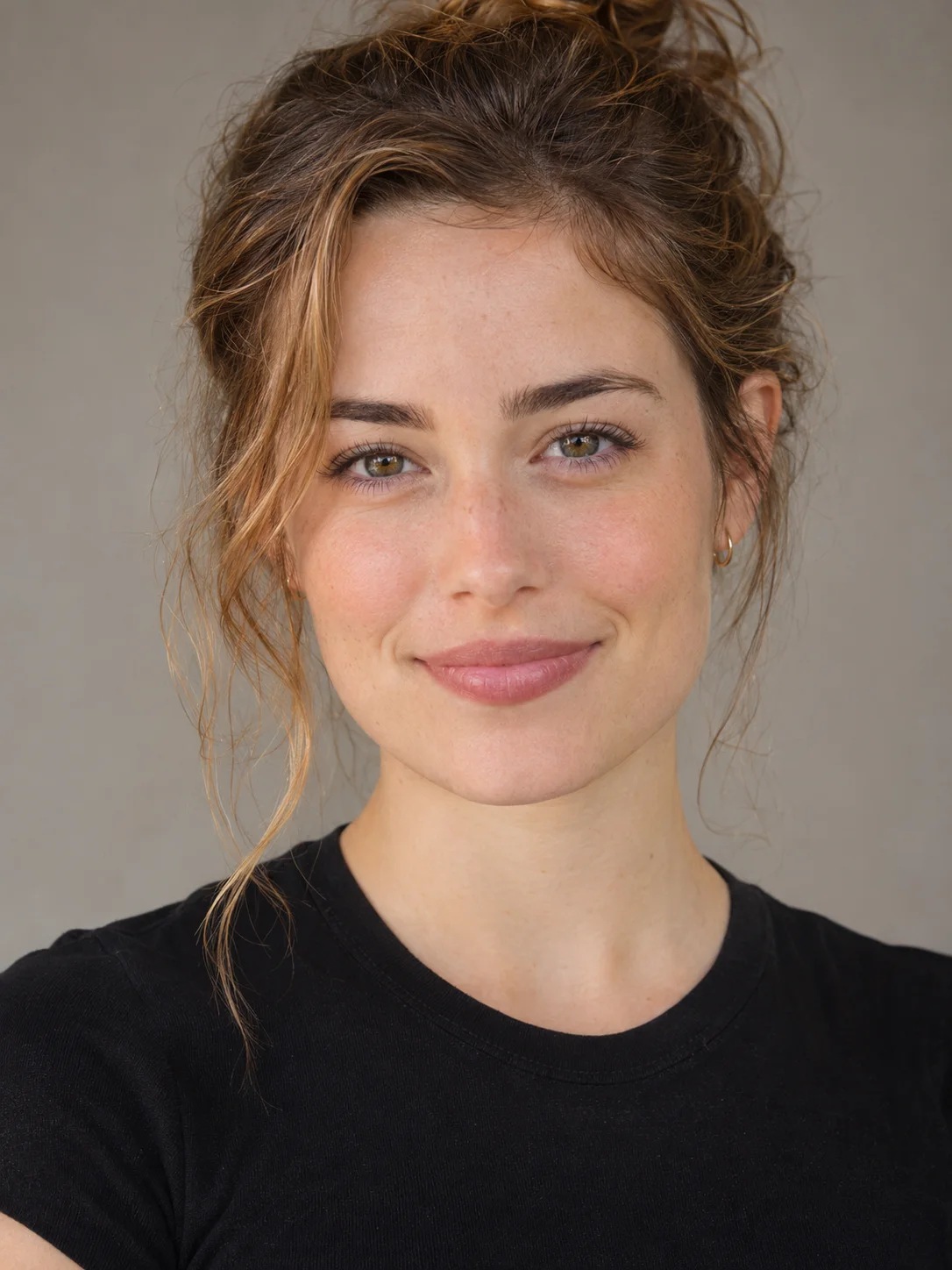
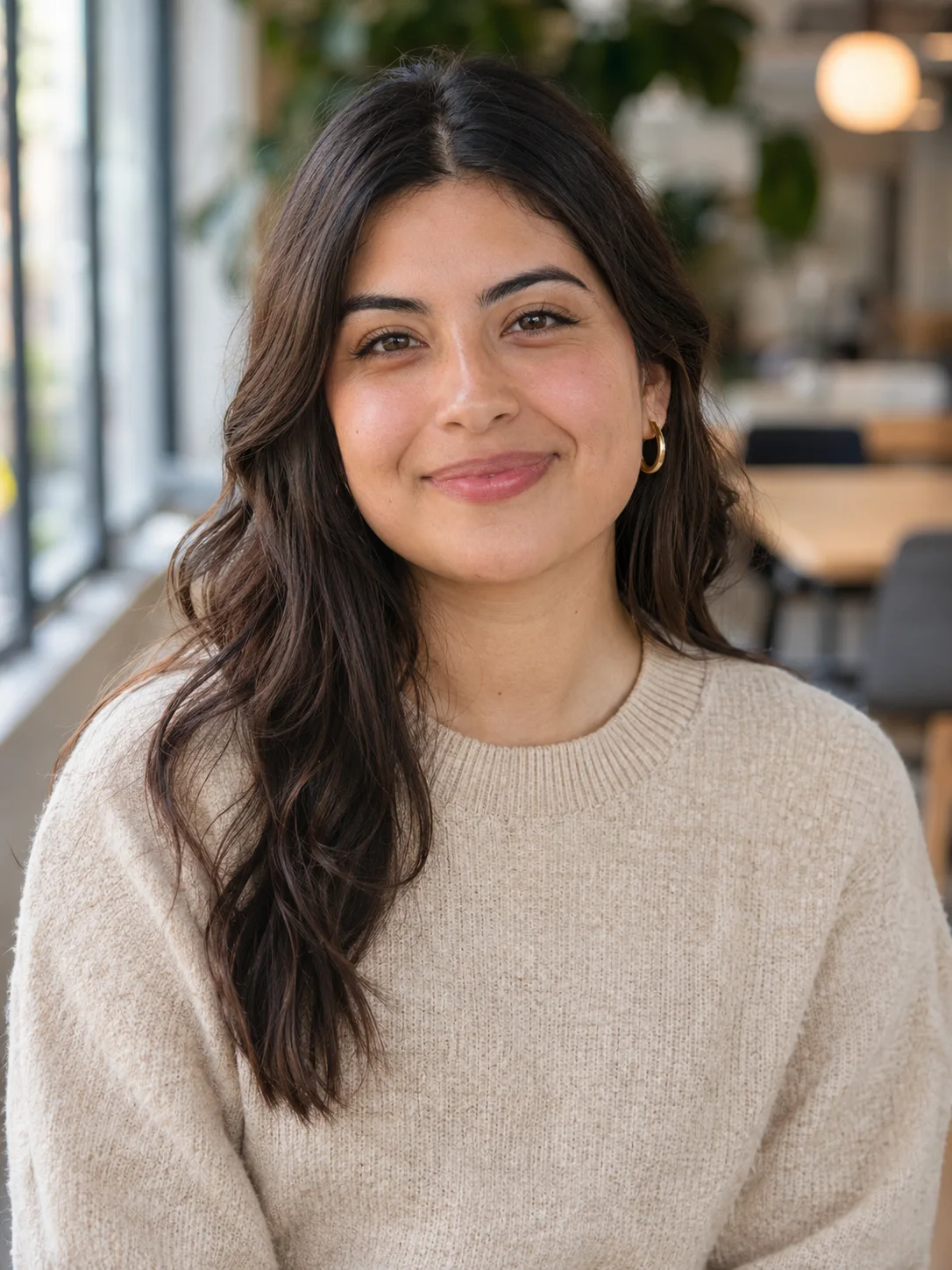
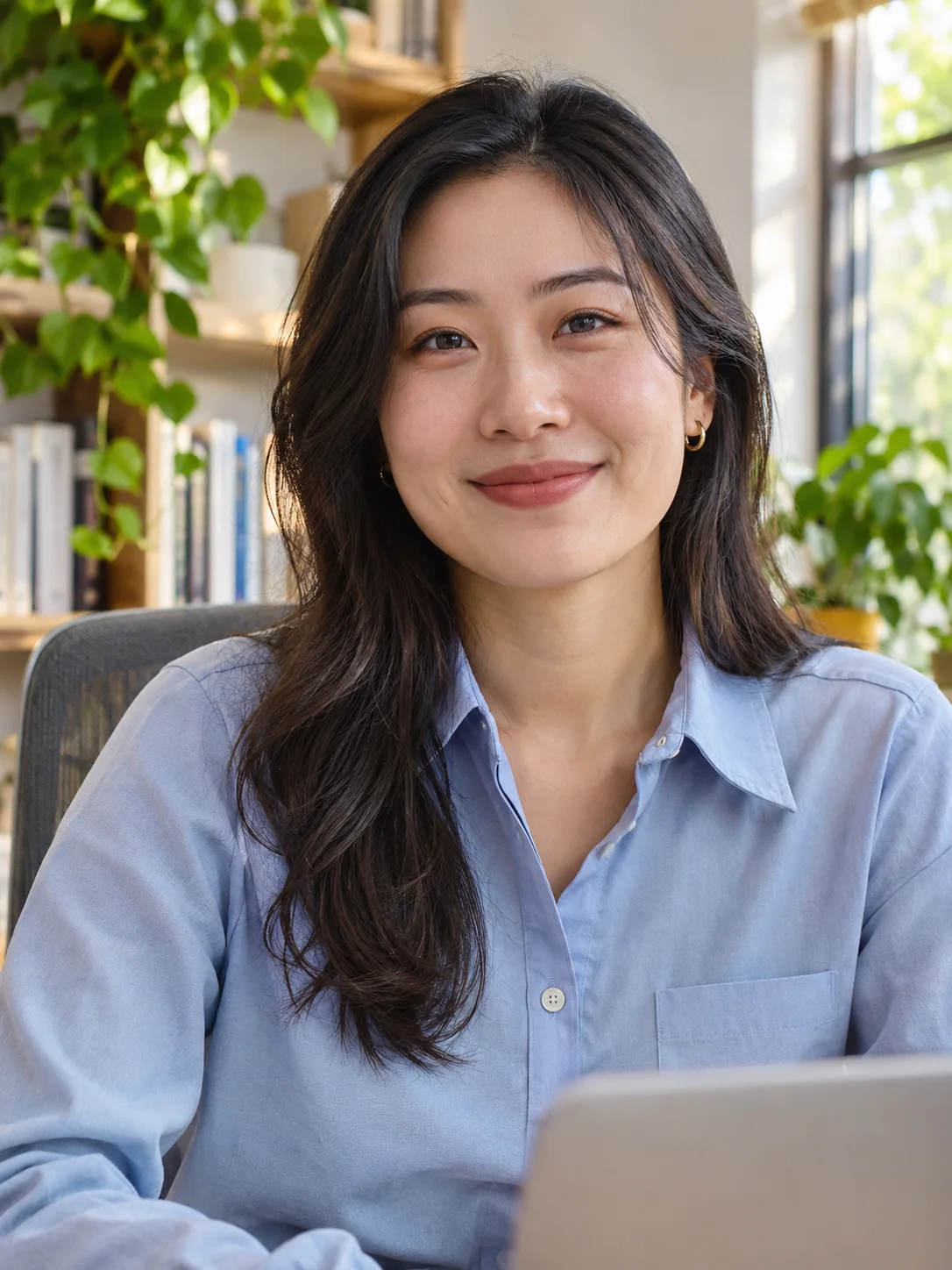
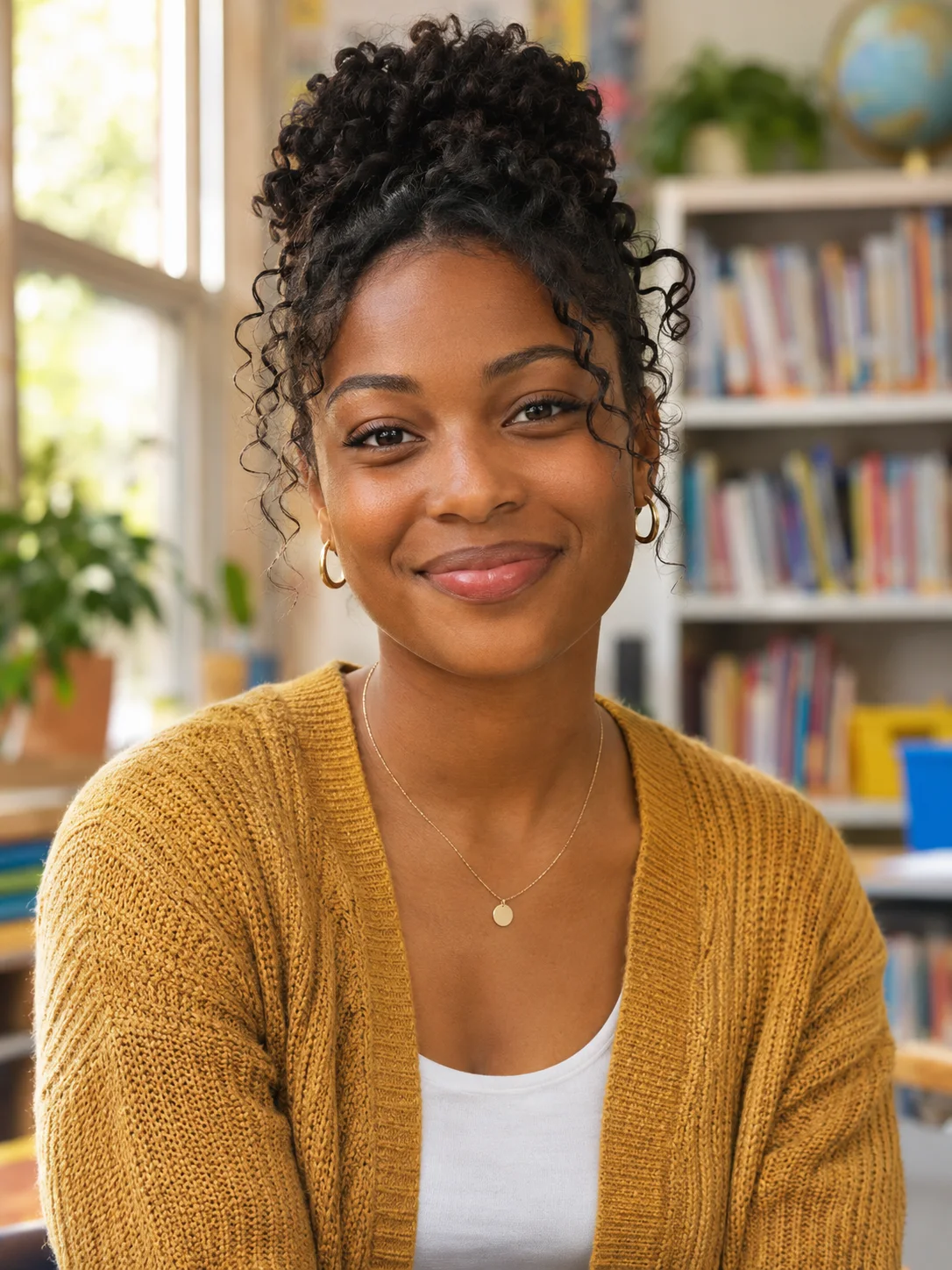

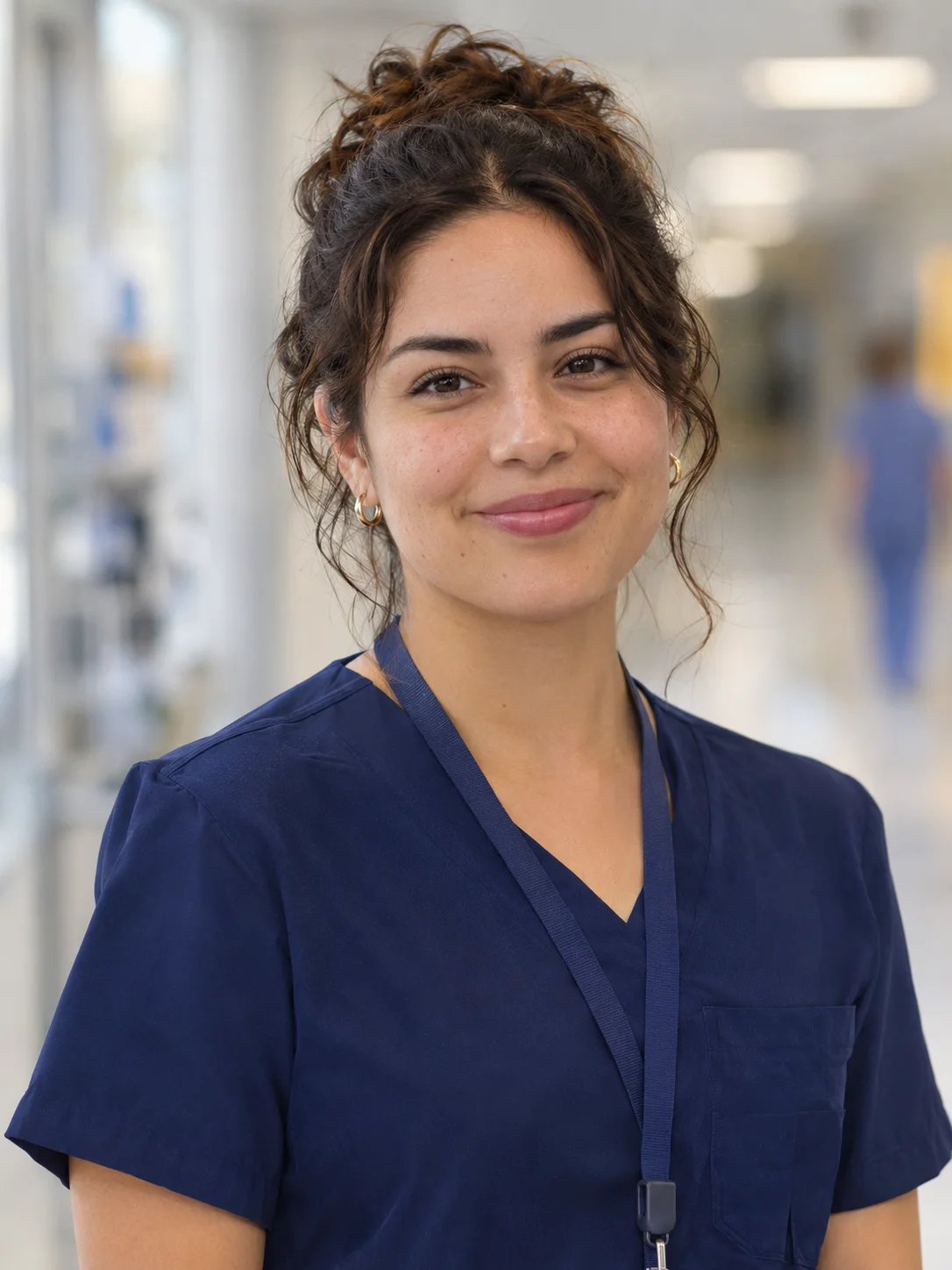
How to Create an AI Headshot From a Selfie
Three steps from a casual selfie to a headshot you can use at work.
- Upload photo
 1
Upload a Clear Photo
Choose a sharp, front-facing picture of yourself with even light on your face.
- 2
Choose a Template
Open the headshot templates and pick the style you want to try first.
- Download3
Download Your Photos
Review your results, save the ones you like and try another style with the same photo.
What You Can Create With Our AI Headshot Maker
A good headshot depends on where it will be seen. Start with your industry or the page the photo is for, then open the matching template.
Classic Studio Headshots for LinkedIn
A blazer, a plain grey or white backdrop and soft, even light make up the headshot most people picture first. It suits LinkedIn, resumes and staff directories because nothing in the frame distracts from your face, and it still looks current years later.
Use the Studio Grey templateCorporate and Executive Headshots
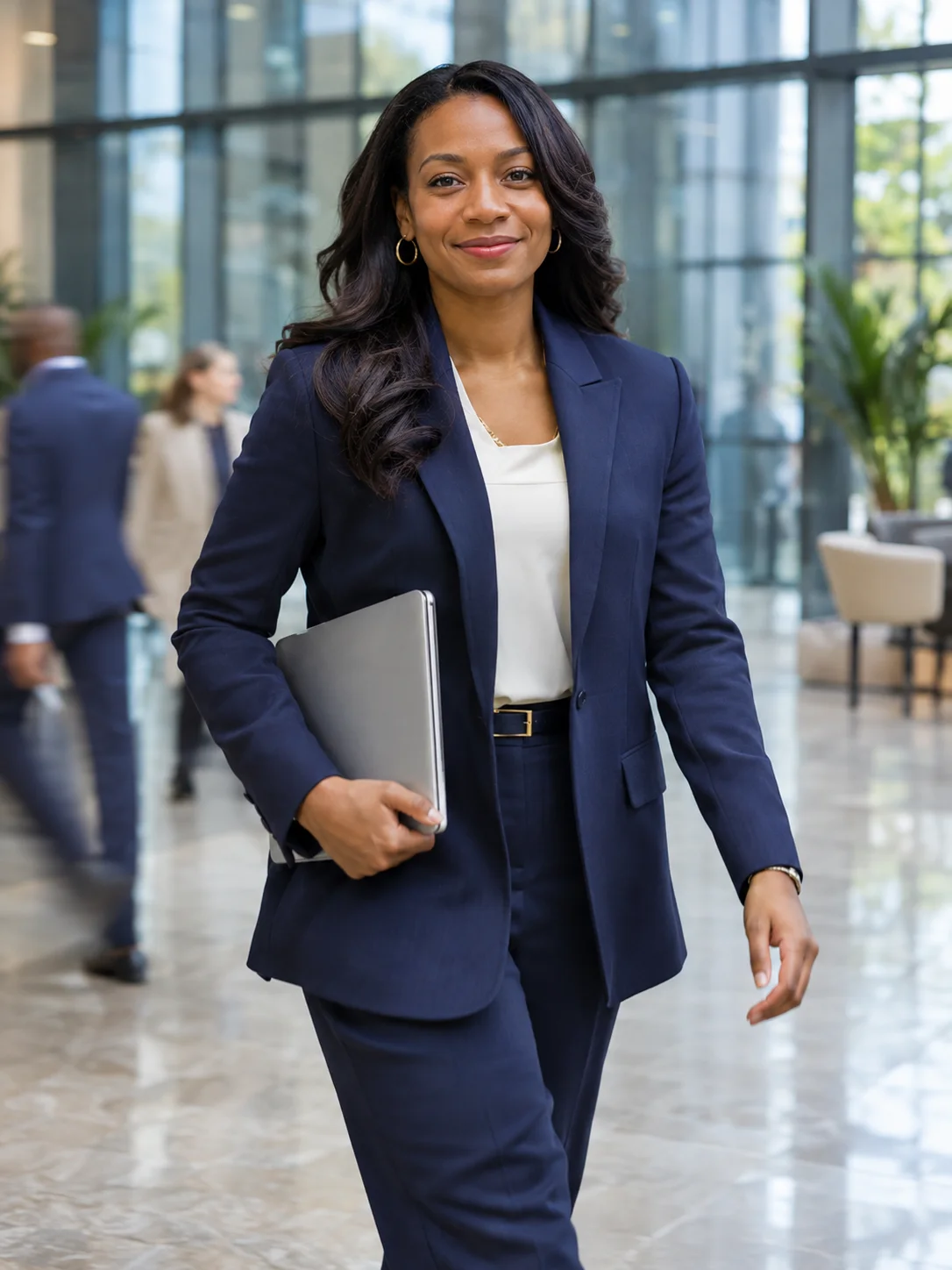
For leadership pages, board bios and investor decks, a dark suit on a deep charcoal backdrop with low-key light gives a more serious mood. The city skyline templates add a glass office for finance, consulting and law, where the setting supports the role.
Use the Men's Executive Dark templateColour Backdrop Headshots
Navy, lavender, terracotta, mustard, sage, sky blue and olive backdrops add personality without losing the professional feel. They work well for creative roles, personal websites and speaker pages, and a team can share one colour so every photo matches.
Use the Terracotta Studio templateBlack and White Headshots
Removing colour puts the focus on expression and shape. A black and white headshot with a tailored blazer suits author bios, conference programmes and editorial profiles, and it sits comfortably next to other people's photos whatever their original colours.
Use the Men's Monochrome templateOffice and Business Casual Headshots
Not every workplace expects a suit. Templates set in a co-working space, a modern office or a bright home office, with sweaters, quarter-zips and open collars, suit tech companies, startups and remote teams whose colleagues mostly see them on video calls.
Use the Business Casual templateOutdoor Headshots in Natural Light
A leafy park or a quiet city street in open shade feels warmer than a studio. Outdoor headshots suit coaches, consultants, freelancers and small business owners who want an approachable photo for an About page or a booking profile.
Use the Men's Outdoor Park templateHealthcare Headshots for Doctors and Nurses
A white coat with a stethoscope or navy scrubs in a bright clinic corridor gives practice websites and hospital staff pages a consistent look. These templates are made for people who work in healthcare and want a clear, trustworthy photo for patients.
Use the Doctor White Coat templateReal Estate Agent Headshots
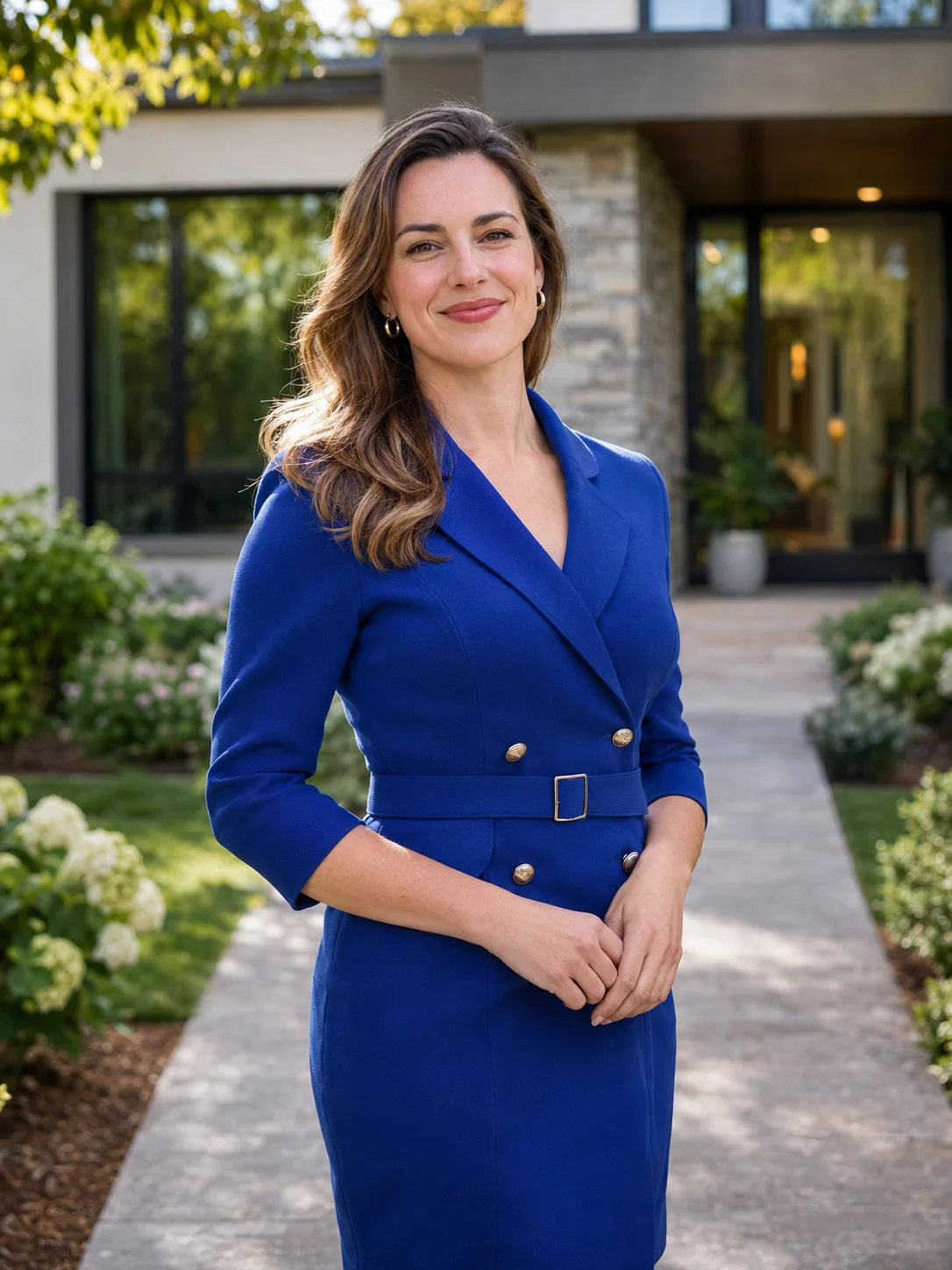
Standing on the front path of a modern home is the setting buyers expect from an agent. These realtor headshots, for women and men, suit listing pages, agency websites, flyers and social posts, with warm late-afternoon light.
Use the Men's Real Estate templateTeacher and Education Headshots
A bright classroom with bookshelves and a soft cardigan keeps the photo friendly. It suits school staff pages, tutoring profiles and parent newsletters, while the library template works well for academics, librarians and authors.
Use the Classroom Teacher templateSmall Business and Founder Headshots
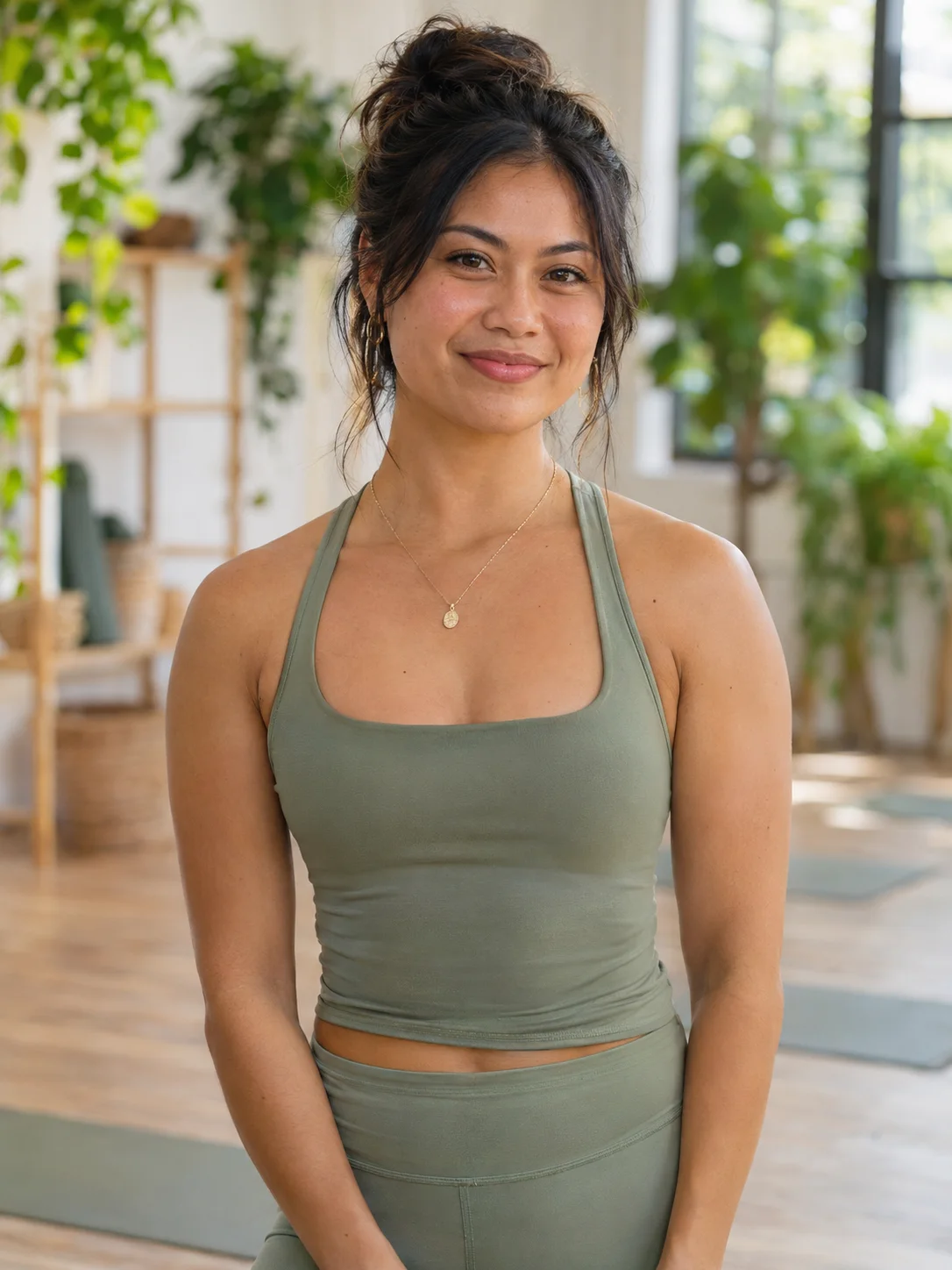
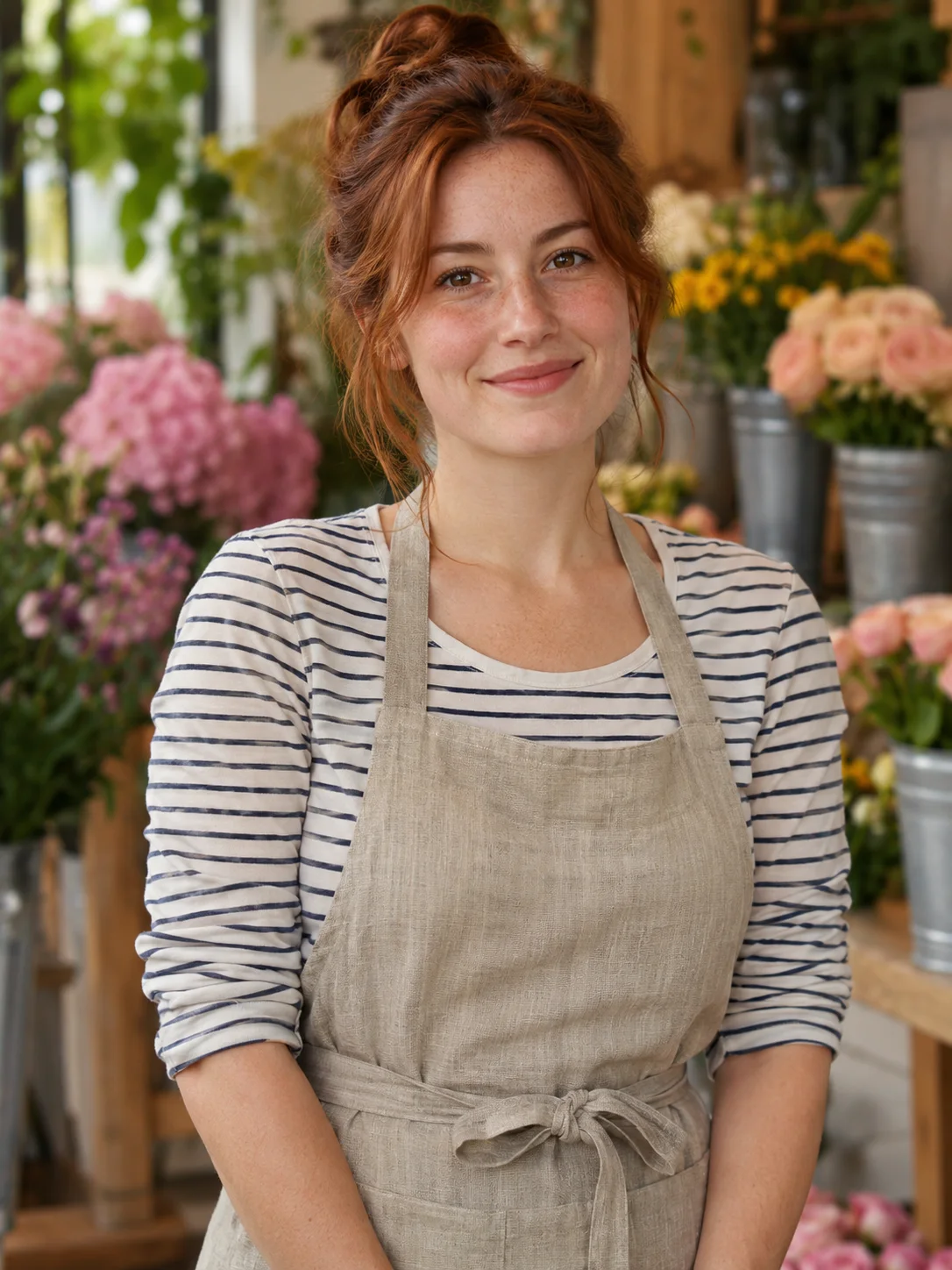
Customers like to see the person behind a business. A flower shop, a yoga studio or a brick loft office shows what you do at a glance, which helps on an About page, a local listing, a pitch deck or a press bio.
Use the Men's Startup Founder templateHow to Get Better AI Professional Headshots
The template handles the outfit and setting. These choices are the part that stays up to you.
Start From a Clear, Front-Facing Selfie
Look straight at the camera with your whole face visible and in focus. Avoid sunglasses, hats, hands near your face and heavy beauty filters, because the result can only be as accurate as the detail in your photo.
Use Soft, Even Light
Stand facing a window in daylight rather than under an overhead lamp or in direct sun. Strong shadows, a harsh flash or a very dark photo make it harder to keep your features accurate.
Match the Template to Your Industry
A suit on a plain backdrop fits law, finance and corporate roles, while a sweater in an office or an outdoor look suits tech, creative and client-facing work. Think about where people will see the photo before you pick.
Keep a Team's Photos Consistent
For a company page, ask everyone to use the same template and resolution so the backdrops and light match. Generating 2 or 4 photos at a time also gives each person a few options to choose from.
AI Headshot Generator FAQ
Quick answers to what people usually ask before they create their first AI headshot.
Start with your photoIs this AI headshot generator free?
You can start free: new accounts get 16 free credits, enough for about 2 headshots in 2K. Photos made with free credits carry a watermark until you buy any plan or credit pack. After that, plans start at $9.99 a month and you can cancel anytime, or buy a one-time pack of 180 credits for $19.99 that never expires.
What is an AI headshot generator?
An AI headshot generator creates a new professional headshot based on a photo of you. You upload one selfie and choose a template, and the AI uses your photo as a reference for your face while the template sets the clothing, background and light. Every photo here is AI-generated.
How many headshots do I get, and how many credits do they use?
Each time you generate, you choose 1K or 2K and 1, 2 or 4 photos. A 2K photo uses 8 credits and a 1K photo uses 6, so four 2K headshots use 32 credits. If a photo fails to generate, its credits are returned automatically.
Will my AI headshot look exactly like me?
The aim is a headshot that is clearly recognisable as you, but it is not a photograph, so small details such as your hair, skin texture or smile can differ. A clear, well-lit, front-facing selfie gives the closest result, and generating 2 or 4 photos lets you pick the one that looks most like you.
Can I use an AI headshot on LinkedIn or a resume?
Yes, as long as it still looks like you. Choose a result that matches how you look today, since recruiters and colleagues will compare it with you on video calls and in person. Do not use an AI headshot where a real photo is required, such as an ID document or a passport.
Is an AI headshot as good as a professional photographer?
Not in every way. A photographer can direct your pose and expression in person and capture you exactly as you are. An AI headshot is a quick, low-cost way to get a polished photo for everyday online use and to try several looks, so it works best as an alternative when booking a shoot is not practical.
Are my uploaded photos private?
Yes. Your uploaded photo is sent to our image model only to create your headshots and is not stored by us afterwards. Your results are visible only to you, are never shown in a public gallery and are deleted automatically 90 days after they are created.
Can I use my AI headshots commercially?
Yes. You can use your AI headshots for personal and commercial purposes, such as company websites, marketing and speaker profiles, as long as you follow our Acceptable Use Policy. Photos made with free credits carry a watermark until you choose a plan or credit pack.
More AI Photoshoot Templates
Your next portrait starts with one photo.
Start with your photo