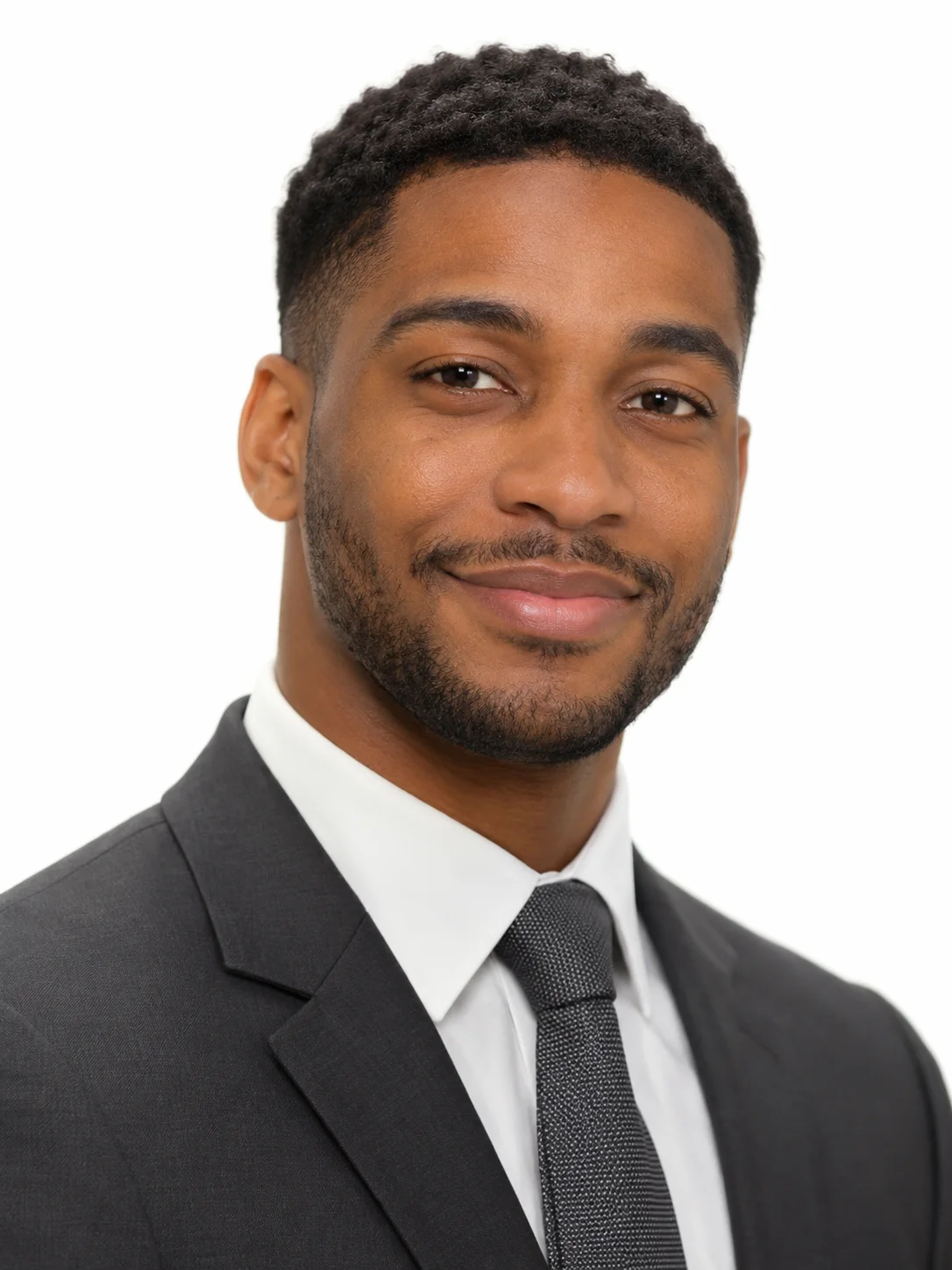
Men's Classic White
Charcoal suit and tie on pure white
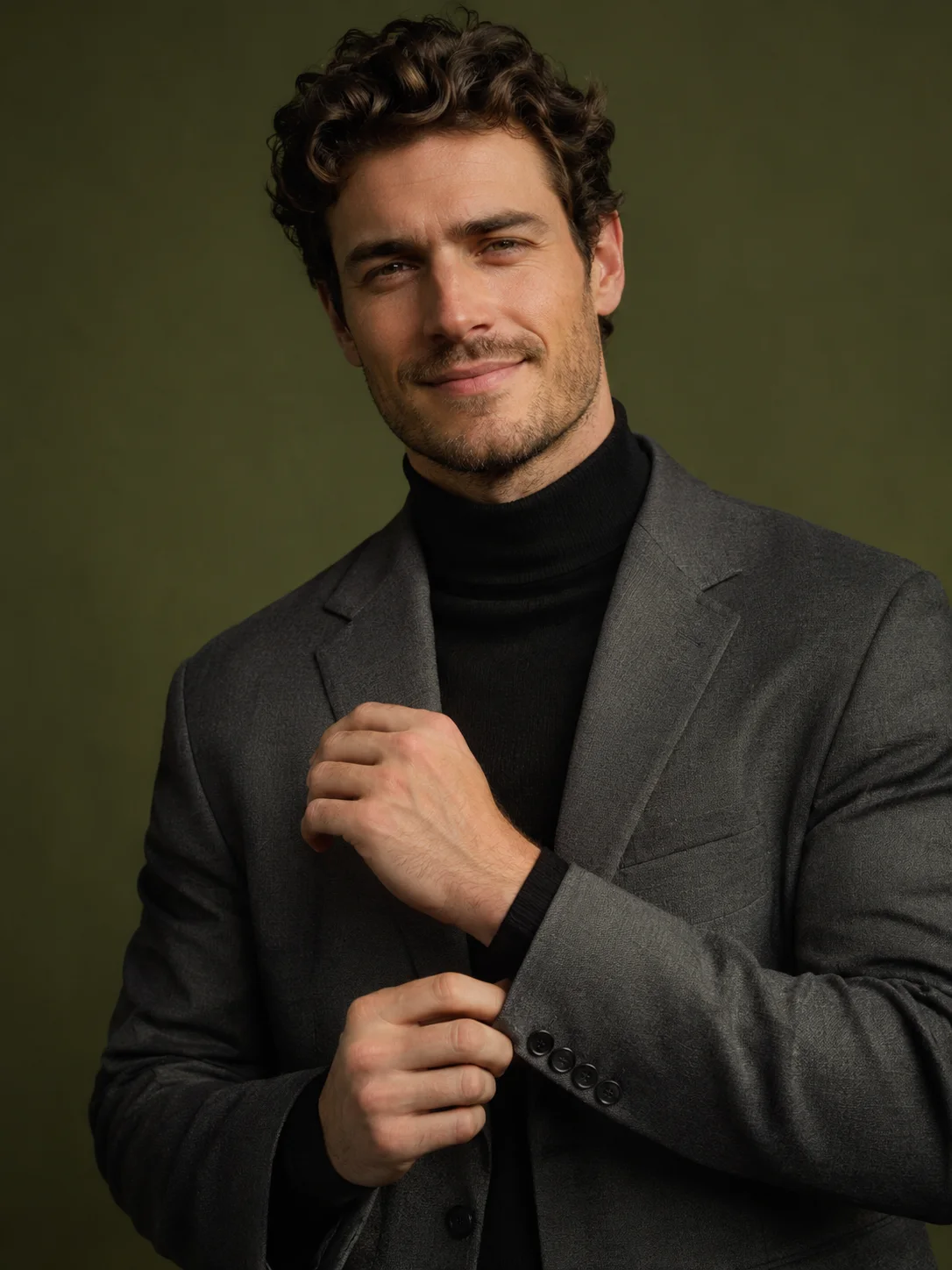
Turtleneck and grey blazer on olive
This template gives a men's headshot a moody, editorial edge. A black turtleneck, a grey blazer and an olive green backdrop suit architects, designers, writers and anyone who wants a personal brand photo that feels considered.
The template sets the styling for you, so you never have to plan or describe it.
A black turtleneck under a textured grey blazer, adjusting one jacket cuff while glancing at the camera.
A solid olive green studio backdrop, framed from the waist up.
Moody side light with deep shadows and earthy greens.
A clear view of your whole face gives the template the most to work with. These sample images show what works and what makes your face hard to read.
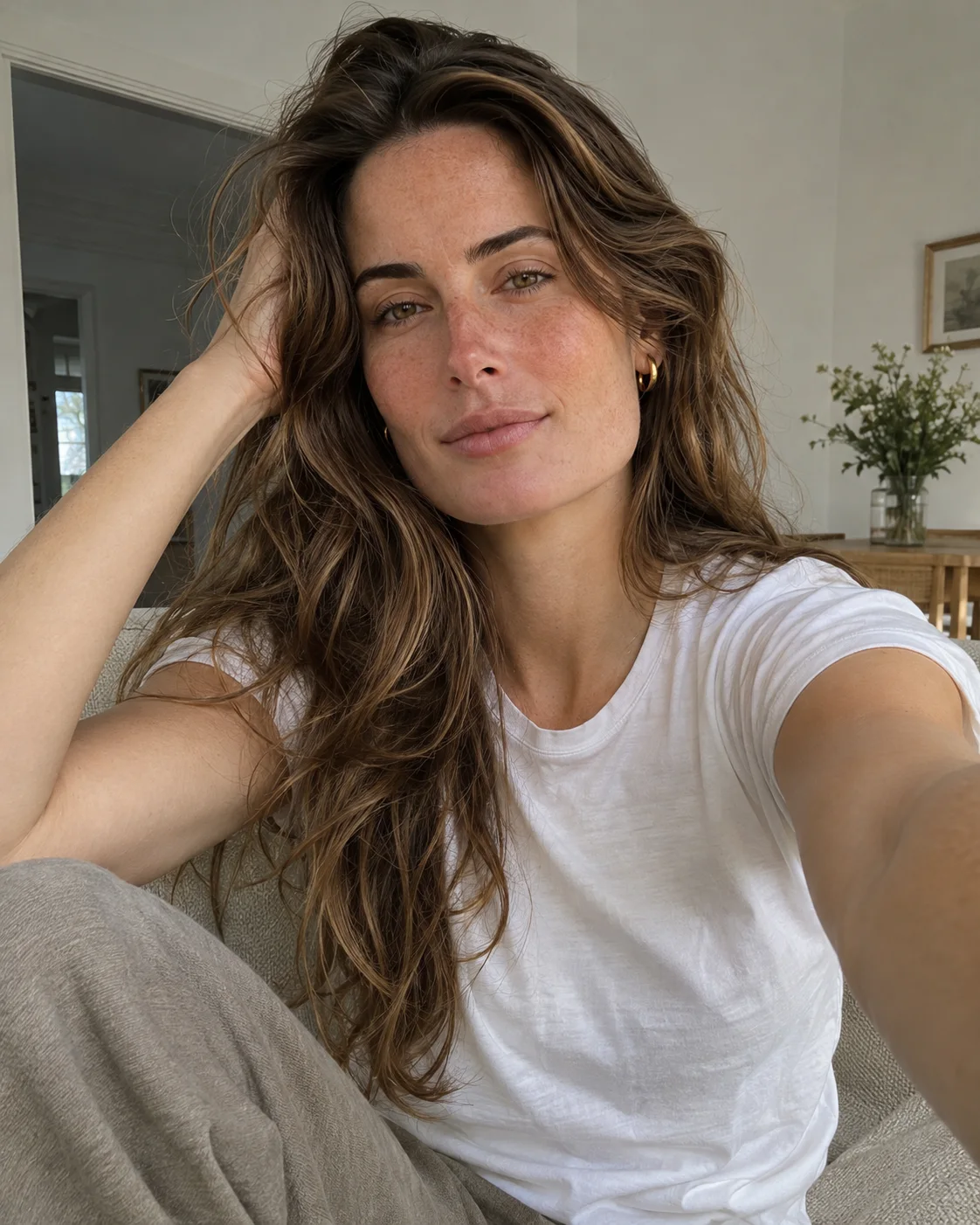
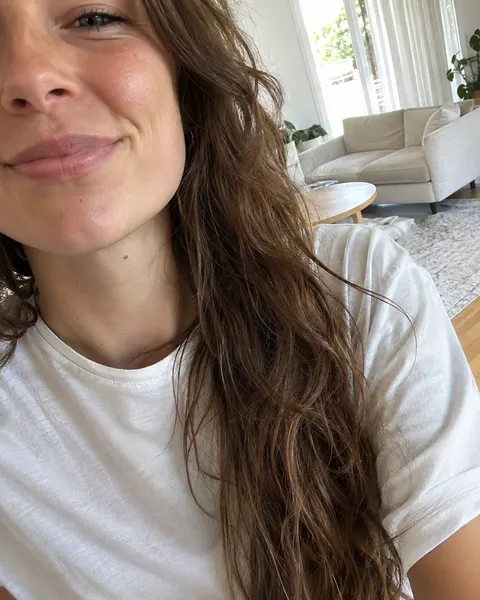
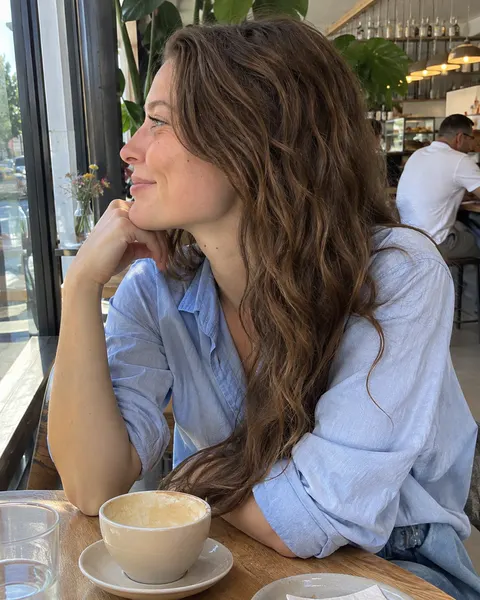
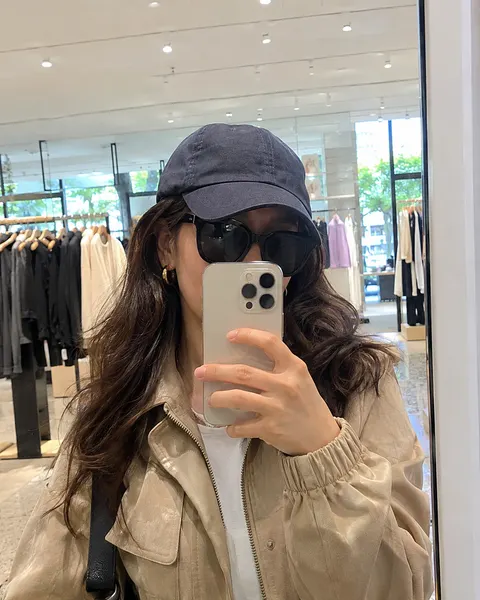
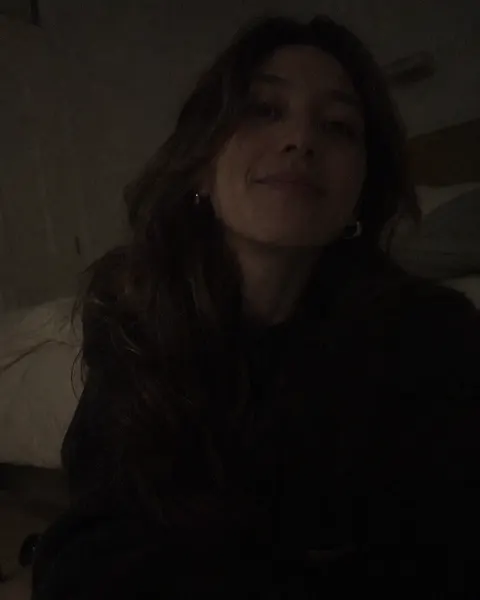
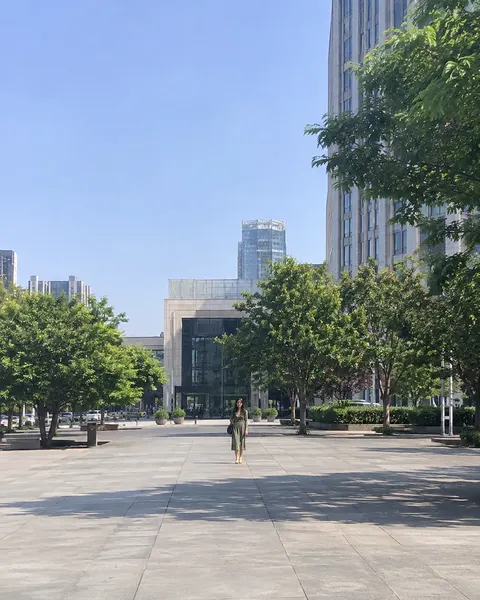
Three steps, with the template already chosen for you.
Add one clear, front-facing photo of yourself. The tool at the top of this page is ready to use.
The Men's Olive Green template is already selected, so there is nothing else to set up.
Review your results and save the images you like best.
Like this look? These templates are worth trying with the same photo.
Charcoal suit and tie on pure white
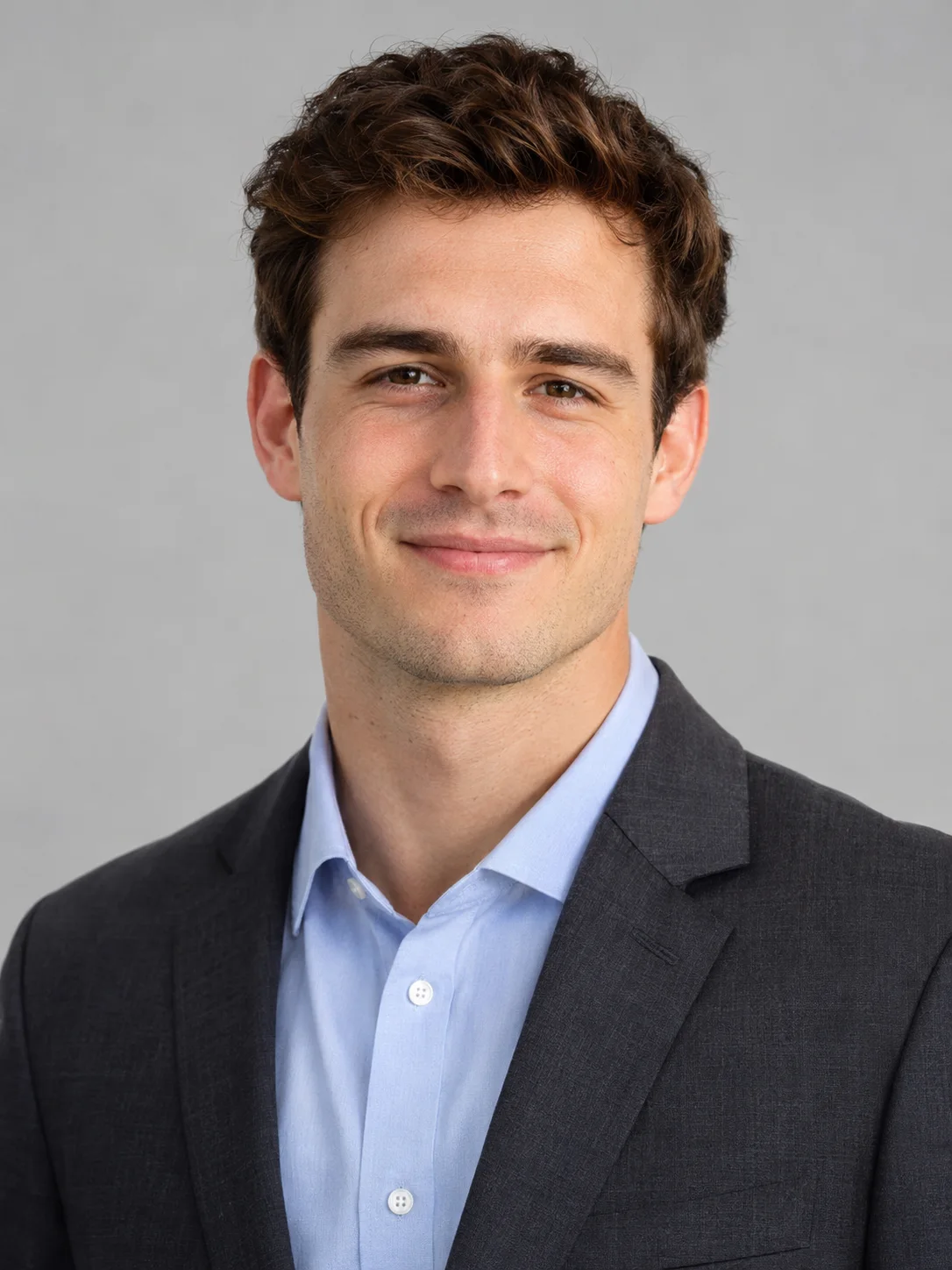
Charcoal suit and open collar on light grey

Navy quarter-zip over a collared shirt
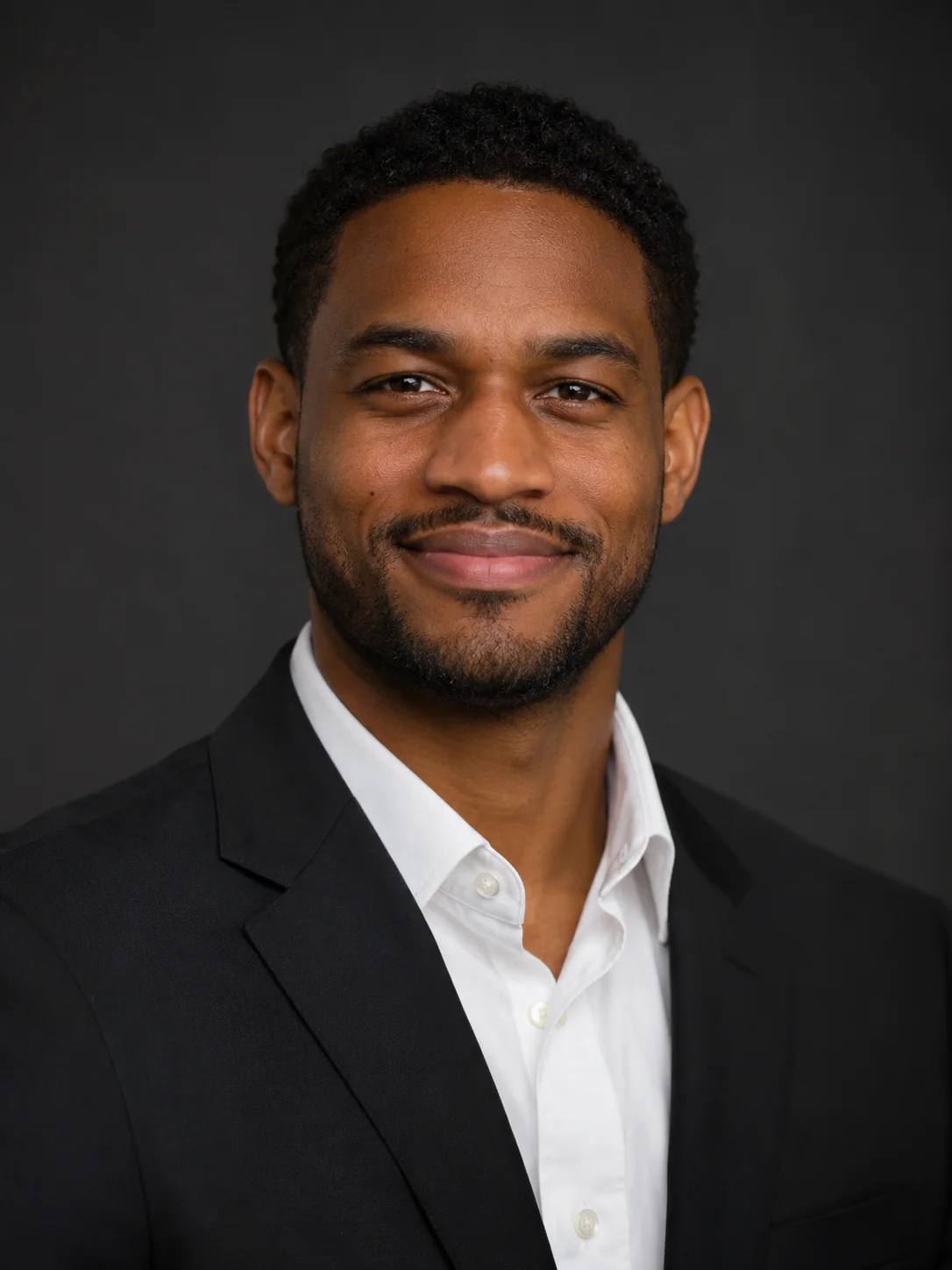
Black suit on a deep charcoal backdrop
Your next portrait starts with one photo.
Start with your photo