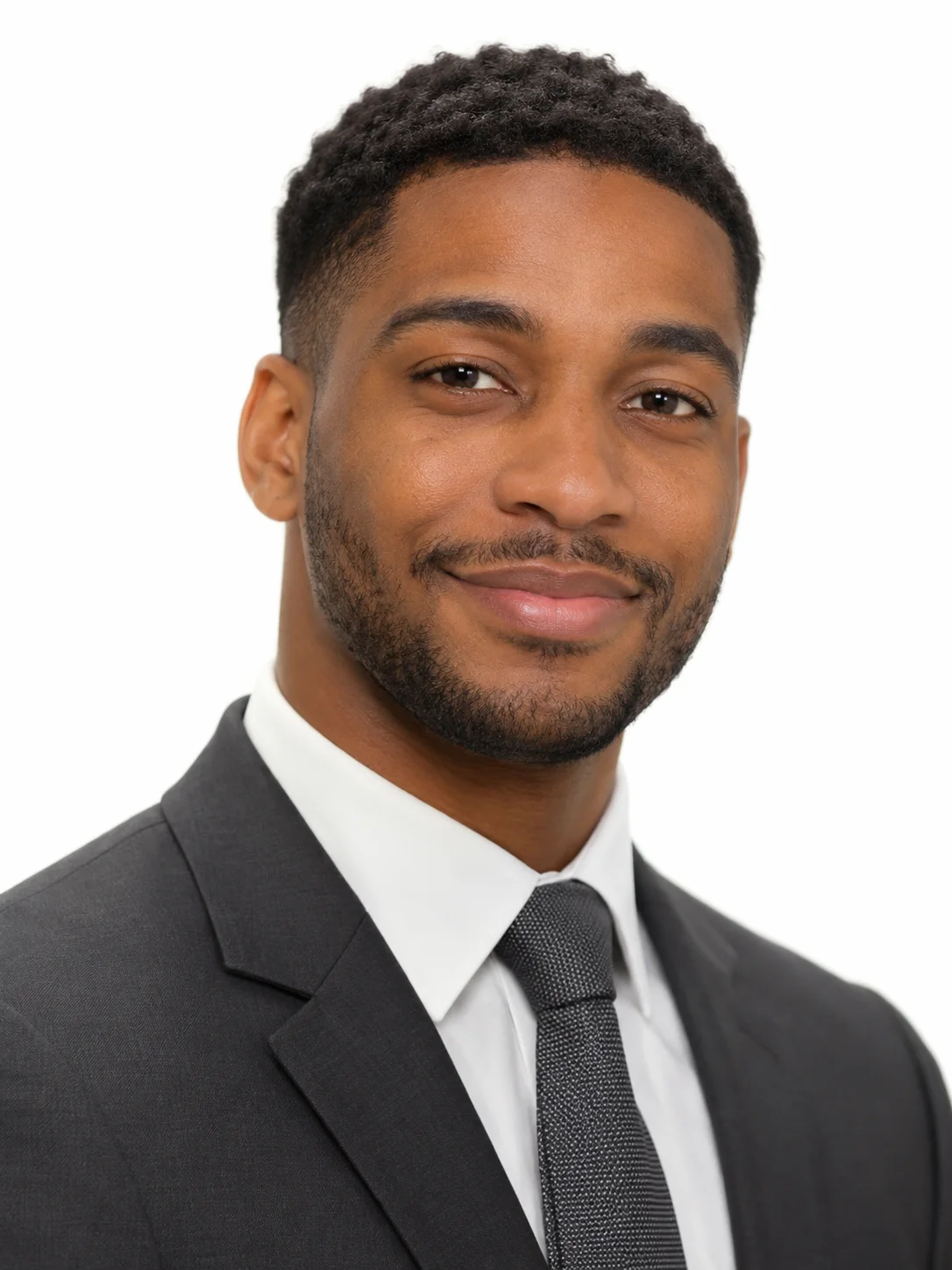
Men's Classic White
Charcoal suit and tie on pure white

Charcoal suit and open collar on light grey
This template is a classic LinkedIn headshot without the tie. A charcoal suit, a light blue shirt and a light grey backdrop look professional but relaxed, which suits most office roles.
The template sets the styling for you, so you never have to plan or describe it.
A charcoal suit jacket over a light blue shirt with the collar open.
A light grey seamless studio backdrop, framed from the chest up.
Soft, even studio light and cool neutral tones that keep the focus on your face.
A clear view of your whole face gives the template the most to work with. These sample images show what works and what makes your face hard to read.
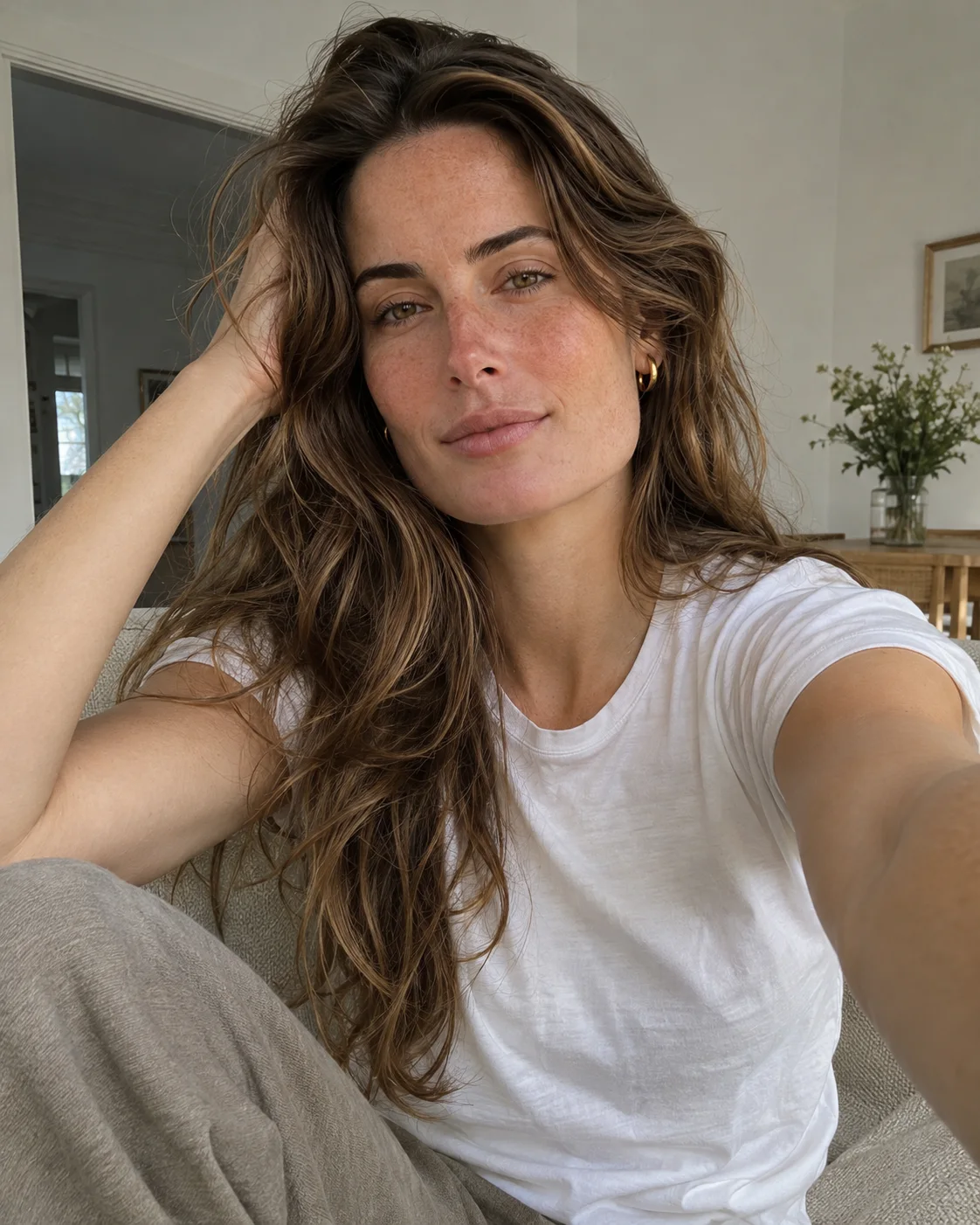
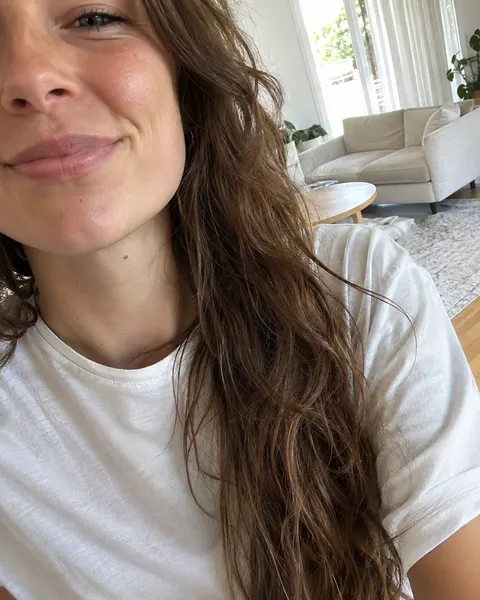

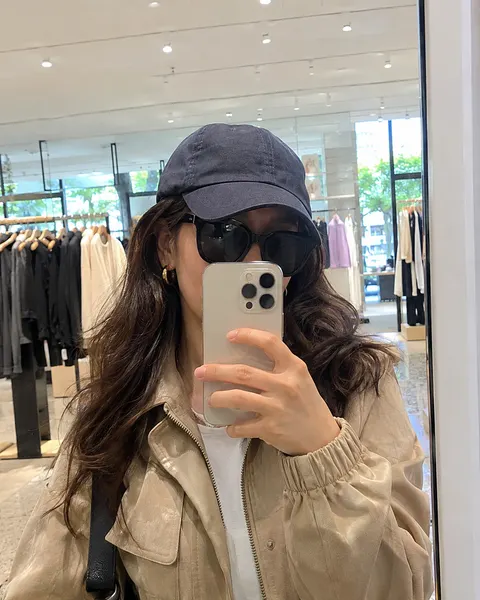
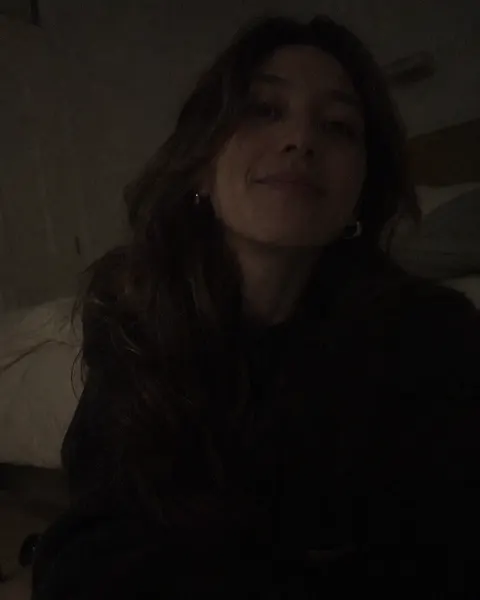
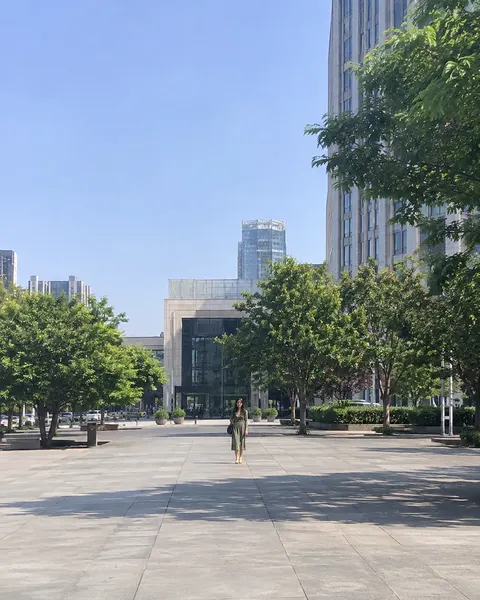
Three steps, with the template already chosen for you.
Add one clear, front-facing photo of yourself. The tool at the top of this page is ready to use.
The Men's Studio Grey template is already selected, so there is nothing else to set up.
Review your results and save the images you like best.
Like this look? These templates are worth trying with the same photo.
Charcoal suit and tie on pure white

Navy quarter-zip over a collared shirt

Black suit on a deep charcoal backdrop
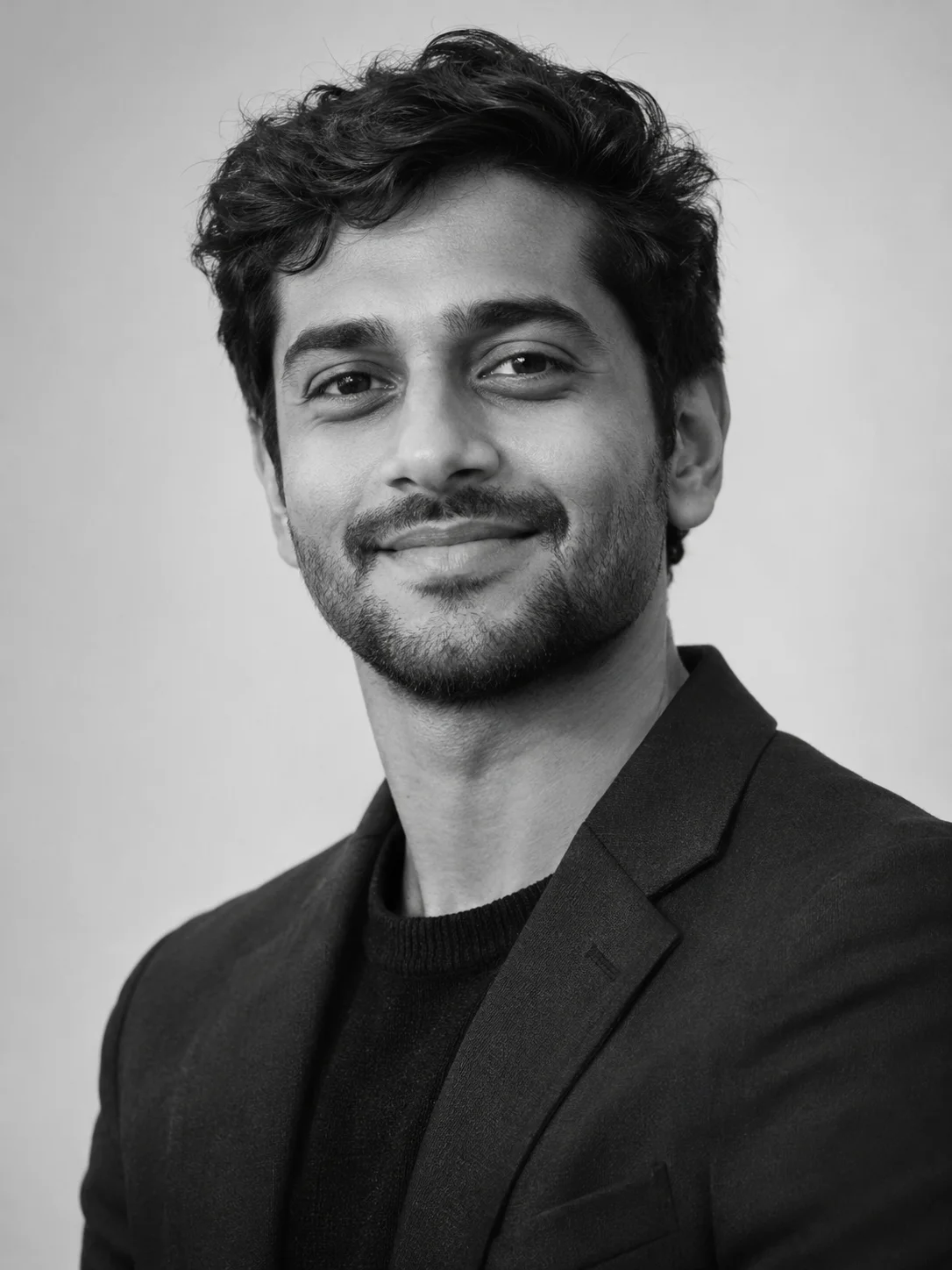
Black and white blazer look for bios
Your next portrait starts with one photo.
Start with your photo