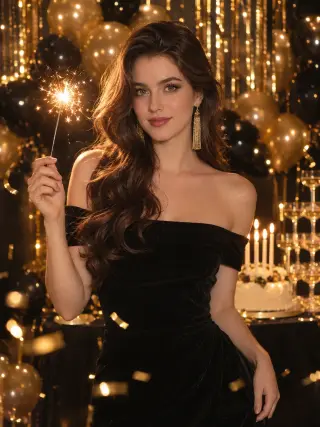
Create an AI Birthday Photoshoot From One Selfie
This AI birthday photoshoot turns one clear selfie into birthday portraits with balloons, cake, sparkling dresses and party settings. Pick a theme, upload your photo and let the template handle the outfit, set and light, so you have something special to post on the day.
Recent photos
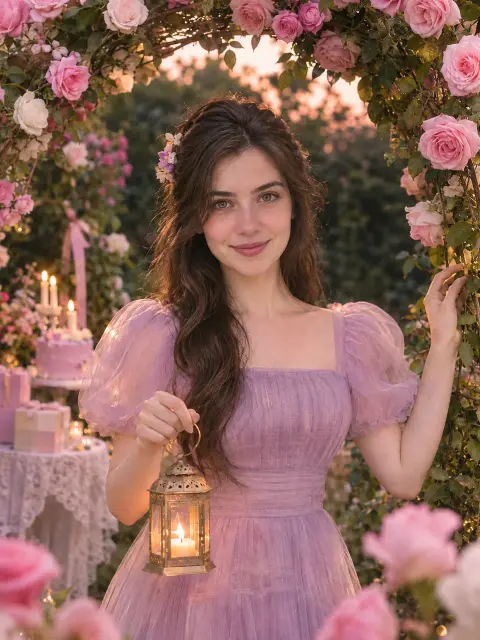
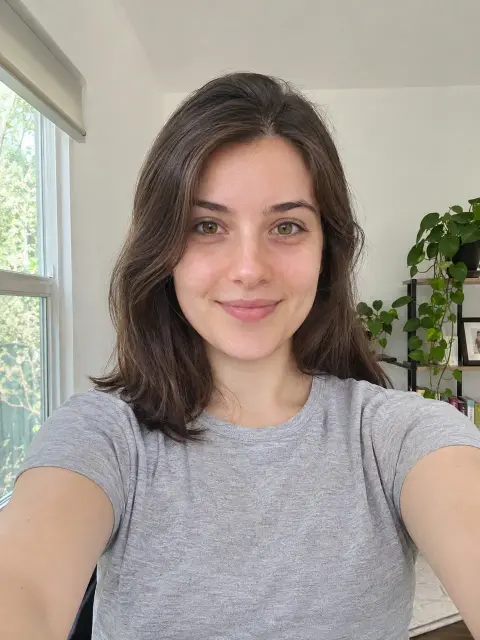 OriginalAI photoshoot
AI Birthday Photoshoot Templates
More than 20 birthday templates for women, from star balloons and candlelit cakes to rooftops, beaches, yachts and ballrooms. Each one sets the outfit, setting and light for you.
How to Create an AI Birthday Photoshoot
Three steps from an everyday selfie to birthday photos you can share.
- Upload photo1
Upload a Clear Photo
Choose a sharp, front-facing picture of yourself with even light on your face.
- 2
Choose a Template
Open the birthday templates and pick the style you want to try first.
- Download3
Download Your Photos
Review your results, save the ones you like and try another style with the same photo.
What You Can Create With Our AI Birthday Photo Generator
Most people know the mood they want before they know the template. Start with the birthday you are celebrating or the feeling you are after, then open the matching template.
Milestone Birthday Photos for Any Age
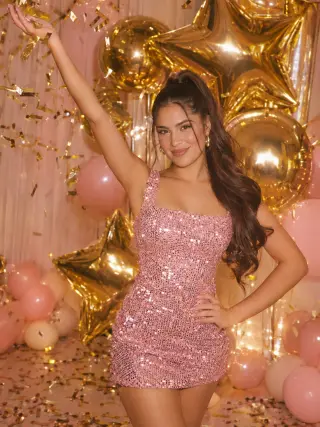
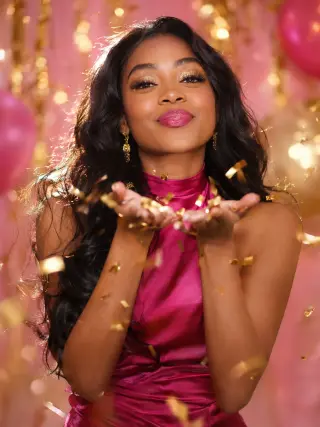
Giant gold star balloons, a pink sequin mini dress and a handful of gold confetti thrown in the air make the Gold Star Cheers template feel like the start of a big night. None of the templates show an age, so the same photo works for a 21st, a 30th or any birthday you are celebrating.
Use the Gold Star Cheers templateMake a Wish and Champagne Tower Photos
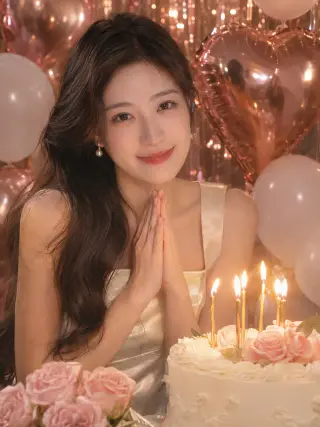
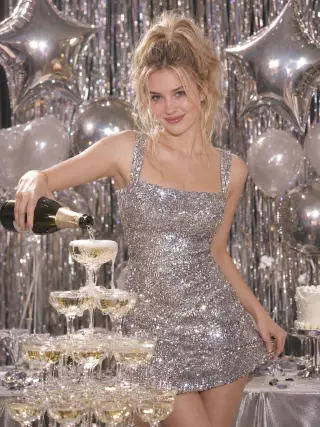
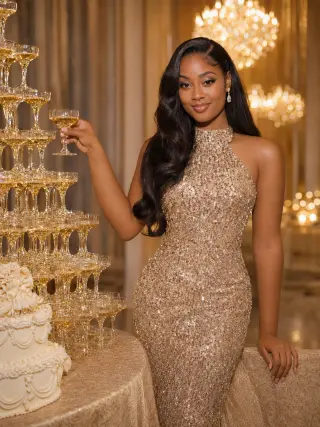
The Rose Gold Wish template shows you in a champagne satin dress making a wish over a candlelit cake, with rose gold heart balloons behind you. Silver Star Party adds a silver sequin dress, silver star balloons and champagne poured over a tower of glasses. Both suit a post on the day or a photo for the friends who could not make the party.
Use the Silver Star Party templateBalloon Birthday Photoshoots
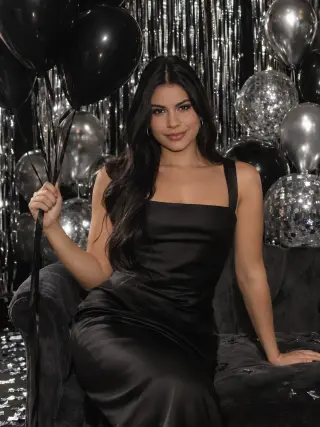
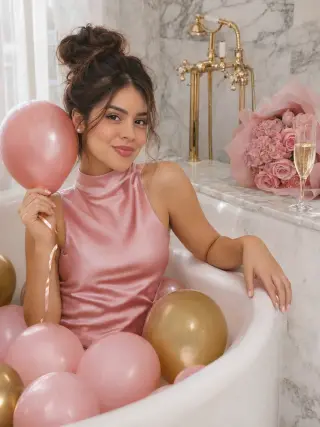
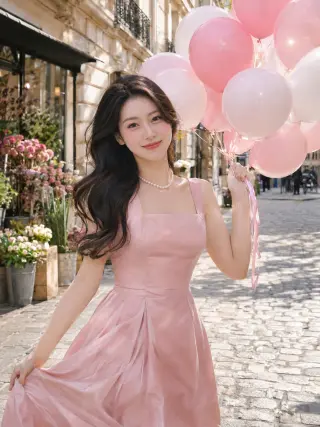
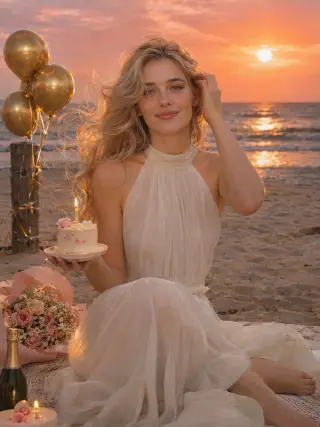
Balloons are the quickest way to say birthday in a single picture. Choose sleek black and silver balloons in a studio, a white bathtub filled with pink and gold balloons, a pink and white bunch on a cobbled Paris street or a sunset beach picnic with gold balloons tied to a post.
Use the Black Balloon Studio templateCake and Candles
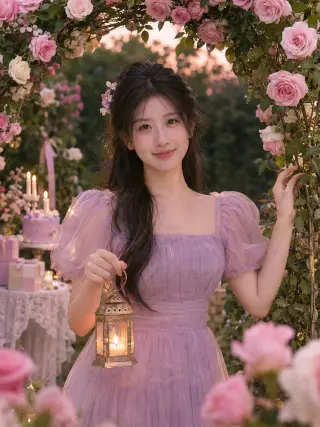
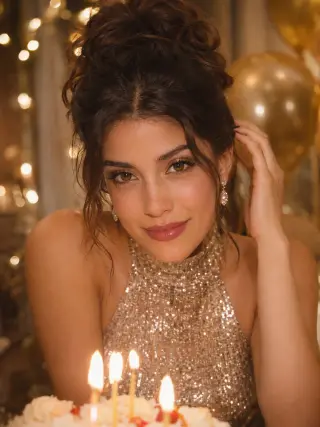
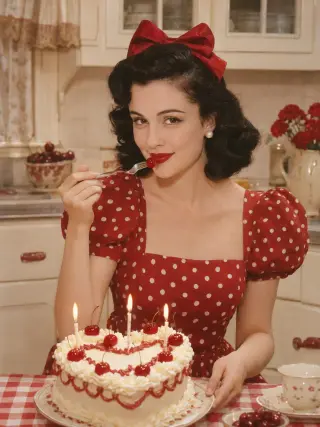
A cake with lit candles makes the occasion clear even without balloons. Templates include a red heart cake in a 1950s kitchen, a lilac cake under a rose garden arch and a small candlelit cake on a breakfast tray, each framed so your face stays the focus.
Use the Retro Cherry Cake templateGlam Gowns and Tiaras
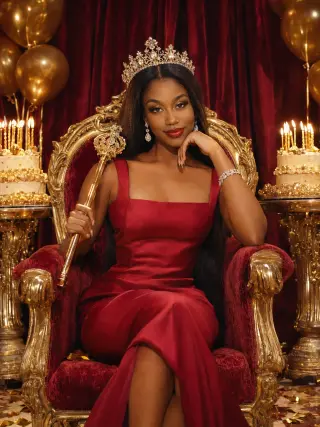
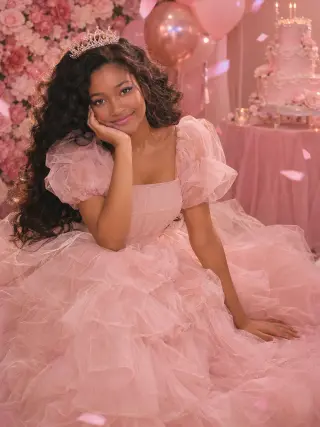
For a birthday queen moment, choose a red satin gown, a crystal crown and a gold sceptre on a velvet throne, a champagne sequin gown in a chandelier ballroom or a puff-sleeve pink tulle gown and tiara beside a tiered cake. These portraits work well as a profile picture for your birthday week or as a framed print.
Use the Velvet Throne templateChampagne and Party Night Looks
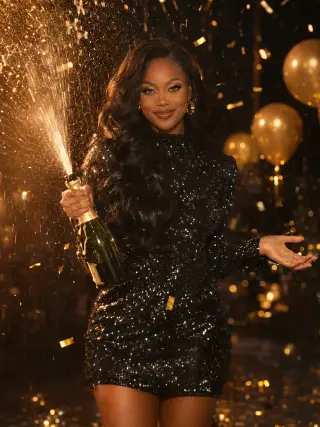
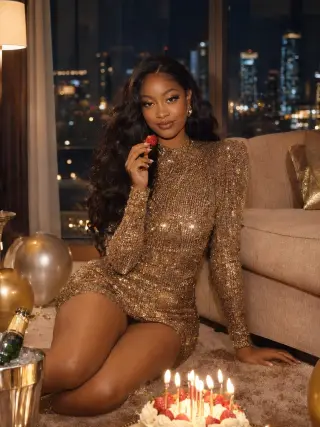
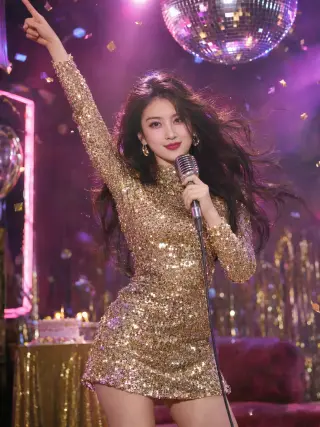
Sequins and champagne bring the energy of a night out without the late finish. Pop a bottle in front of gold party balloons, blow gold confetti from your hands in a hot pink dress, take the mic under a mirror ball or celebrate in a hotel suite with the city lights outside.
Use the Champagne Pop templateRooftop and City Birthday Photos
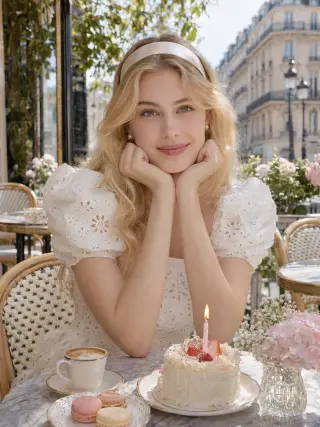
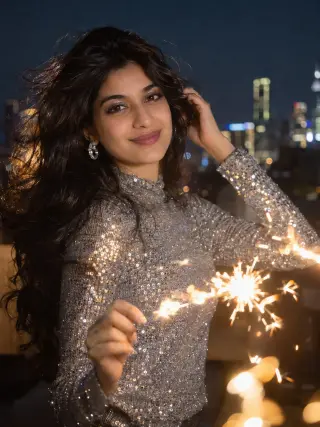
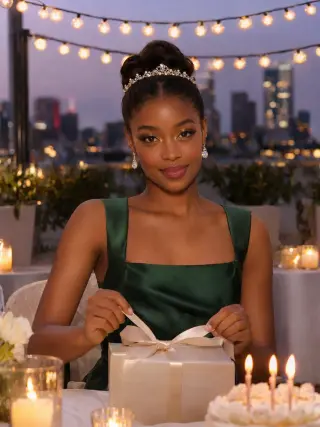
A city setting gives a birthday photo a dressed-up, grown-up feel. Choose a rooftop dinner at dusk with a candlelit cake and a tiara, a sparkler drawing light trails on a rooftop at night or a sunny brunch at a Paris café with macarons and a coffee.
Use the Rooftop Dinner templateOutdoor AI Birthday Photos by the Water
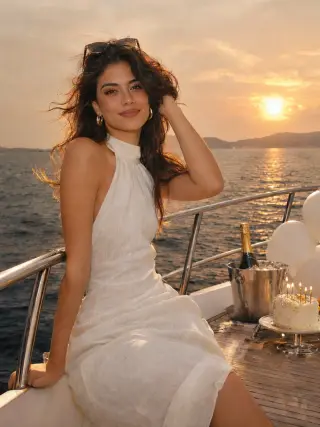
Warm light and open space suit summer birthdays. Sit by the railing of a yacht at sunset with balloons and a small cake, or hold a candlelit cake at a barefoot picnic on the beach. They are an easy way to get holiday-style photos in a year when you are not travelling.
Use the Yacht Sunset templateRetro and Themed Birthdays
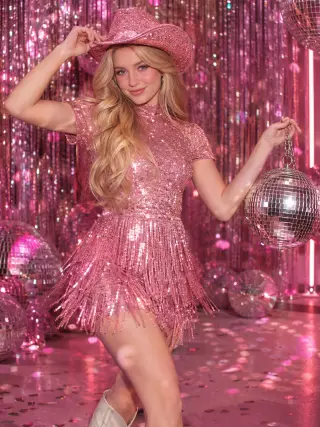
Themed templates let you try a look you might never plan a real shoot around. A pink cowboy hat, white boots and a disco ball in your hand give a disco party a western twist, and polka dots with red lipstick add a classic pin-up feel.
Use the Disco Cowgirl templateCosy Birthday Mornings
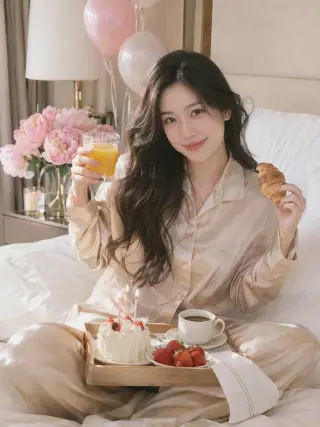
Not every birthday photo needs a party. Satin pyjamas, pink peonies, a few balloons and a breakfast tray with a small cake, strawberries and coffee make a quieter portrait that suits a slow start to the day or a softer post for close friends.
Use the Breakfast in Bed templateHow to Get Better AI Birthday Photos
The template handles the theme, outfit and set. These choices are the part that stays up to you.
Upload a Clear, Front-Facing Selfie
Look straight at the camera with your whole face visible and in focus. Avoid sunglasses, hats, party filters, hands near your face and heavy shadows, because the result can only be as accurate as the detail in your photo.
Take Your Selfie in Daylight, Not Party Light
A photo taken facing a window works better than one from a dim bar or under coloured lights. The template adds the candle glow and sparkle, so your selfie only needs to show your features clearly.
Pick the Template for Where You Will Post It
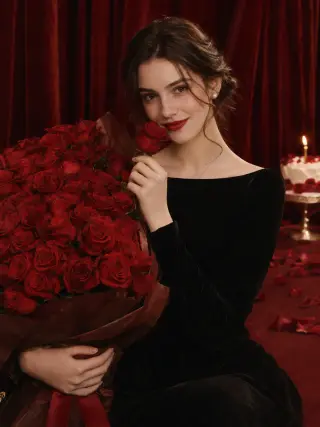
Glam gowns and wide outdoor scenes look best at a larger size, while closer portraits such as the Milestone Glam or Hundred Red Roses templates read clearly as a small profile picture. You can also choose 9:16 for stories, 1:1 for a square post or keep the default 3:4 portrait shape.
Generate a Few Photos at Once
Choosing 2 or 4 photos in one run gives you options to compare, which helps you find the smile and angle that look most like you. If you want to compare themes, keep the same selfie and change the template first, so it is easier to see what makes the difference.
Create Them Before the Day
Make your photos a day or two before your birthday so you are not rushing to choose one that morning. Download the ones you like soon after, because photos are deleted automatically 90 days after they are created.
AI Birthday Photoshoot FAQ
Quick answers to what people usually ask before they create their first AI birthday photos.
Start with your photoIs this AI birthday photoshoot free?
Only your first try is free. New accounts get 16 free credits, enough for 2 birthday photos in 2K, and photos made with free credits carry a watermark. To keep creating and remove the watermark, choose a monthly plan you can cancel anytime or a one-time credit pack.
What is an AI birthday photo generator?
An AI birthday photo generator creates new birthday portraits based on a photo of you. You upload one selfie and choose a template, and the AI uses your photo as a reference for your face while the template sets the outfit, decorations, setting and light. Every photo here is AI-generated rather than taken at a real party.
How many birthday photos do I get, and in what sizes?
Each time you generate, you choose 1, 2 or 4 photos in 1K or 2K. A 2K photo uses 8 credits and a 1K photo uses 6. The default shape is 3:4, and you can also pick 1:1, 4:3, 2:3, 3:2, 9:16 or 16:9. If a photo fails to generate, its credits are returned automatically.
Do the templates show a specific age?
No. None of the birthday templates have number balloons or an age written on them, so you can use any of them for a 21st, a 30th, a 40th or any other birthday. If you want to show your age, add it in a caption or a story sticker when you post the photo.
Will my AI birthday photos look like me?
The aim is a portrait that is clearly recognisable as you, but it is not a photograph, so details such as your hair, skin texture or smile can differ. A clear, well-lit, front-facing selfie gives the closest result, and generating 2 or 4 photos lets you pick the one that looks most like you.
Can I make birthday photos for a friend or my child?
For a friend, yes, as long as they are an adult and have given you permission to use their photo. The templates are made for adults only, so please do not upload photos of anyone under 18, including for a child's or teenager's birthday.
Are my uploaded photos private?
Yes. Your uploaded photo is used only to create your birthday photos and is deleted from our server within 2 hours. Your results are visible only to you, are never shown in a public gallery and are deleted automatically 90 days after they are created.
Can I post my AI birthday photos on social media?
Yes. You can share them on Instagram, Facebook, TikTok or anywhere else, and use them for personal and commercial purposes as long as you follow our Acceptable Use Policy. Photos made with free credits carry a watermark until you choose a plan or credit pack.
More AI Photoshoot Templates
AI Headshot GeneratorClean professional headshots for profiles, resumes and company pages.AI Christmas PhotosFestive portraits in cosy knits, party glam and snowy winter scenes.AI Portrait GeneratorSolo portraits in a chosen style, from soft studio light to beach holidays and bold editorial looks.AI Wedding Photo GeneratorBridal portraits in classic and modern wedding styles.AI Maternity PhotoshootSoft pregnancy portraits in studio and outdoor settings.AI Dating PhotosNatural dating profile photos in cafés, parks, city streets and evenings out.All AI photoshoot templatesBrowse every template by people, occasion and style.AI photoshoot generatorStart from the home page and choose any template.
Your next portrait starts with one photo.
Start with your photo