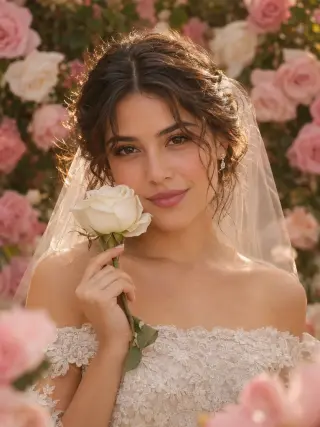
Generate AI Wedding Photos From Your Selfie
This AI wedding photo generator turns one clear selfie into a bridal portrait of you. Pick a template, upload your photo and let it handle the gown, veil, bouquet, setting and light, from a cathedral aisle to a beach at sunset.
Recent photos
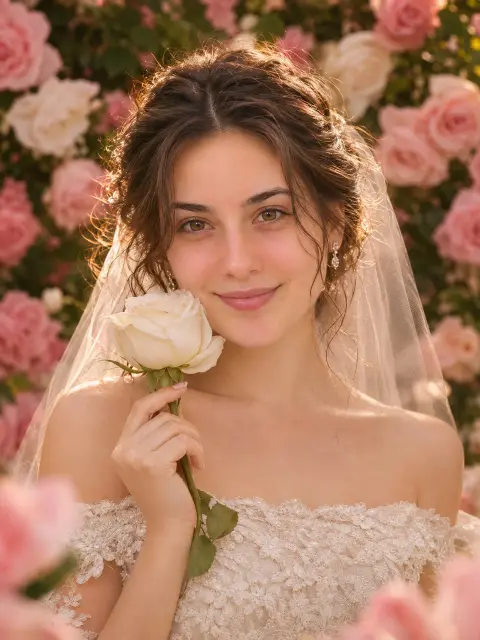
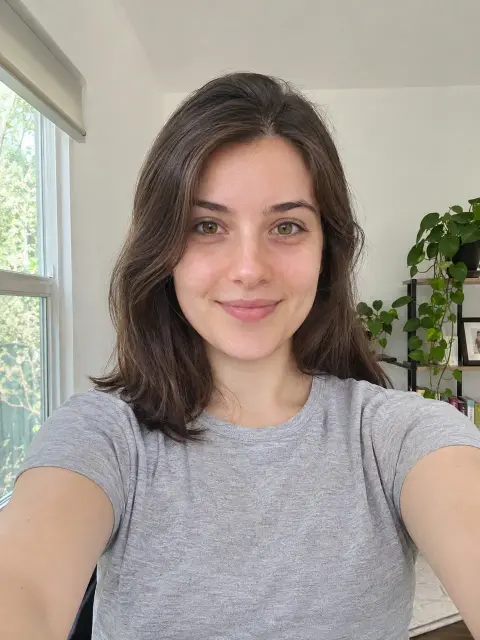 OriginalAI photoshoot
AI Wedding Photos and Bridal Portrait Templates
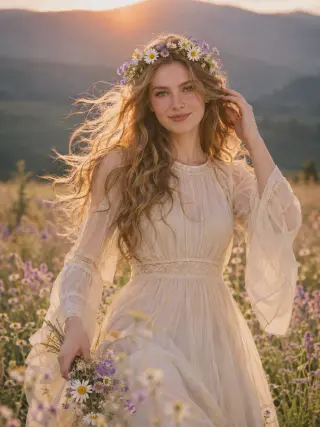
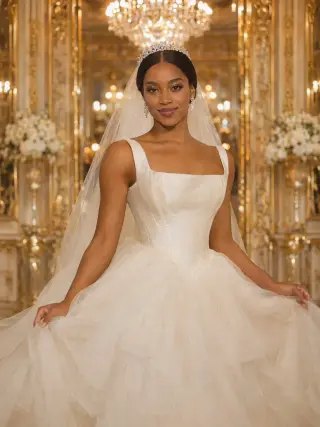
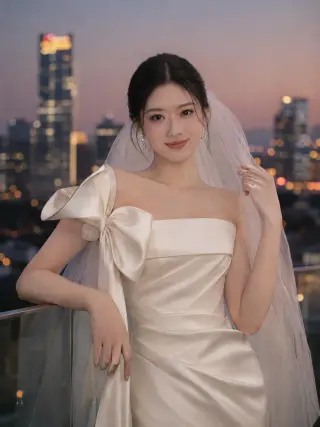
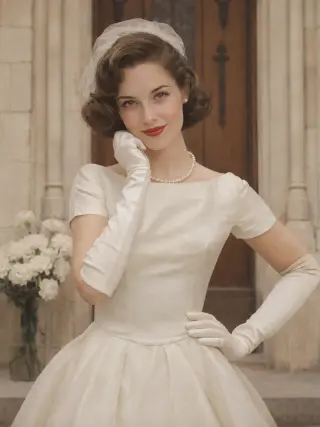
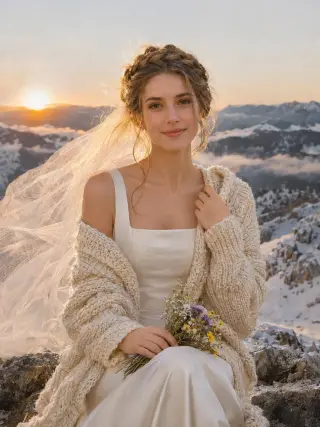
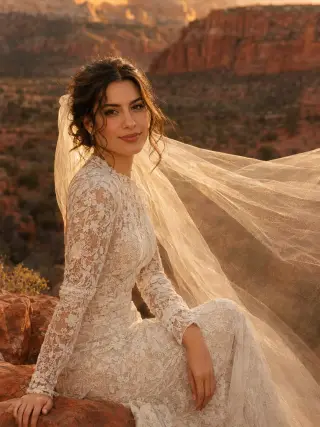
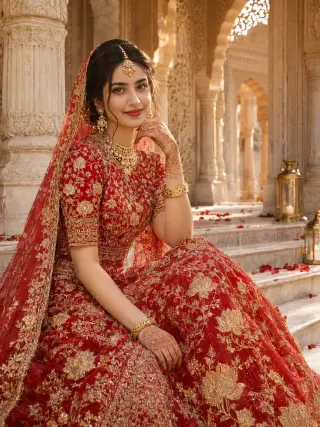
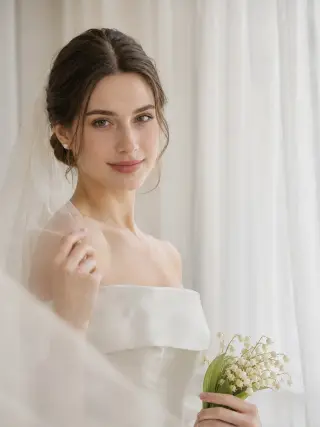
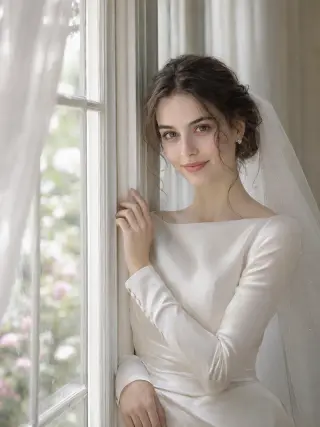
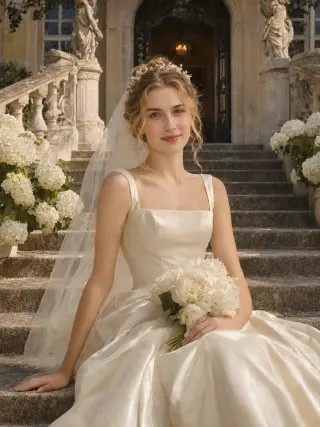
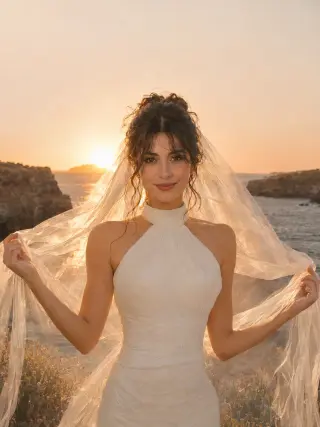
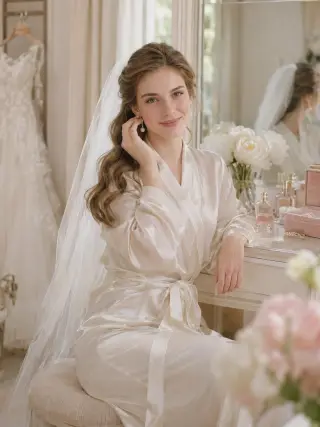
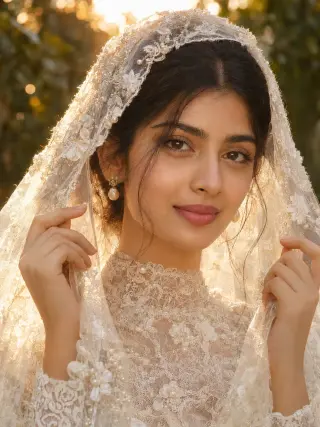
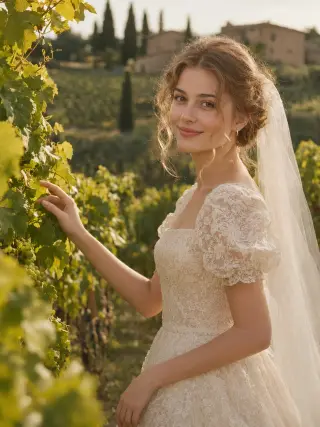
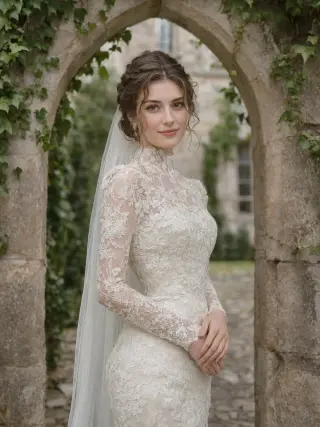
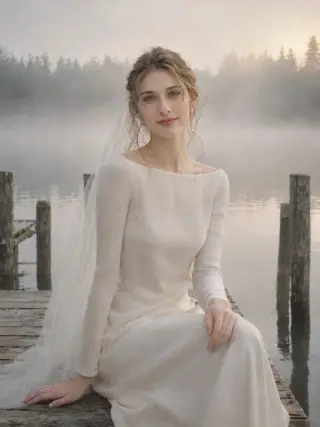
More than 20 solo bridal templates, from classic ball gowns and garden ceremonies to city halls, mountain elopements and vintage looks. Each one sets the dress, setting and light for you.
How to Create AI Wedding Photos From a Selfie
Three steps from an everyday selfie to a bridal portrait of you.
- Upload photo1
Upload a Clear Photo
Choose a sharp, front-facing picture of yourself with even light on your face.
- 2
Choose a Template
Open the wedding templates and pick the style you want to try first.
- Download3
Download Your Photos
Review your results, save the ones you like and try another style with the same photo.
What You Can Create With Our AI Wedding Photo Generator
Most brides have a picture in mind before they have a venue or a dress. Start with the mood you are drawn to, then open the matching template to see the full look.
Classic Church and Cathedral Bridal Portraits
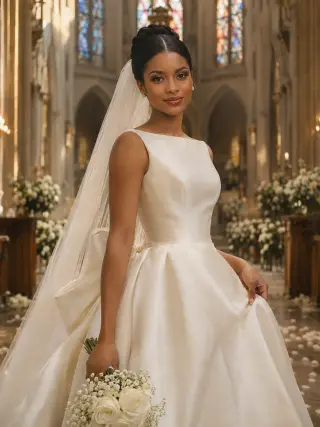
A long veil, a satin gown with a big bow at the back and a stone aisle lined with pews is the wedding photo many people picture first. The cathedral template adds stained glass, white flowers and soft window light, and the window light template gives a quieter version with a long-sleeve gown in a bright room.
Use the Cathedral Aisle templateBall Gowns, Castles and Grand Staircases
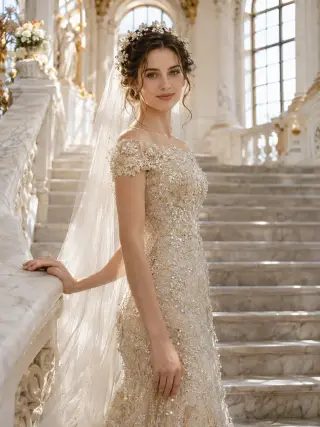
For a fairytale feel, choose a tulle ball gown under crystal chandeliers, a beaded champagne gown with a long train on a white marble staircase, a satin ball gown seated on château steps or a long-sleeve lace gown under an ivy-covered castle arch. The gown and the setting set the mood, while your face stays clear in the frame.
Use the Ballroom Ball Gown templateGarden Wedding Photos
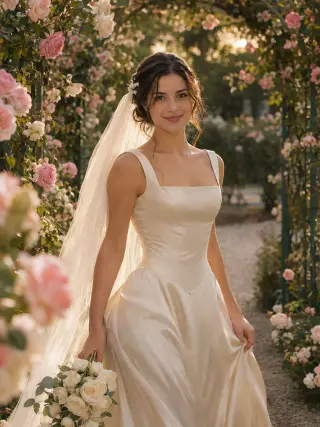
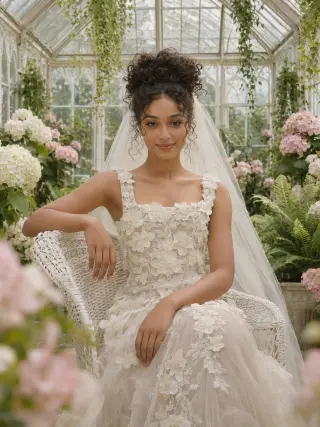
Roses, hydrangeas and soft greenery suit almost any gown. Pick a rose garden at golden hour, a seat in a glasshouse full of hydrangeas in a tulle gown with 3D flowers, or a close crop among pink climbing roses when you want your face to be the clearest part of the picture.
Use the Golden Garden templateBoho Bridal Portraits
Flowing chiffon or crochet lace, loose hair and a flower crown give boho brides a relaxed, natural look. Walk through a summer meadow at sunset, or sit on red rocks above a desert canyon with a long sheer veil drifting in the wind.
Use the Wildflower Meadow templateDestination and Elopement AI Wedding Photos
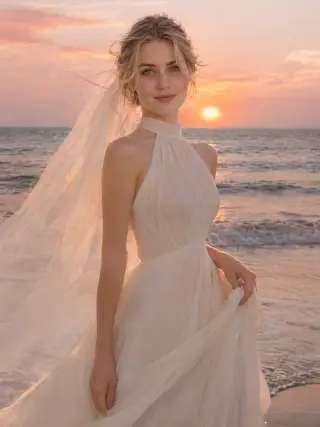
Destination templates let you picture a wedding you have not booked yet: rows of vines and cypress trees in Tuscany, a clifftop above the ocean, the edge of the waves at sunset, a misty lake dock or a mountain summit above the clouds at sunrise. They work well for elopement mood boards or for sharing a dream location with friends.
Use the Tuscan Vineyard templateModern City and Courthouse Brides
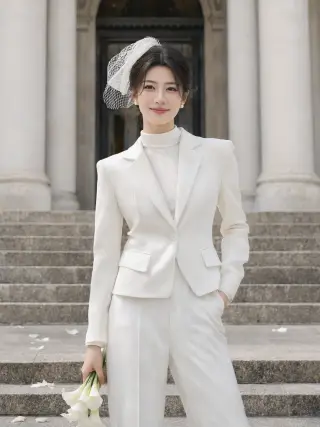
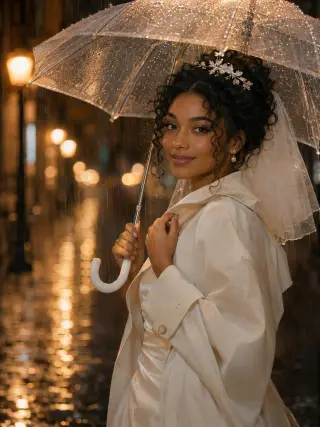
Not every bride wants a ball gown. A white trouser suit with a short birdcage veil and calla lilies suits a courthouse or registry office wedding, while a satin gown with a sculptural bow on a rooftop at dusk or a satin gown under a white trench coat on a rainy street at night gives a stylish city look.
Use the City Hall Suit templateMinimal and Editorial Bridal Looks
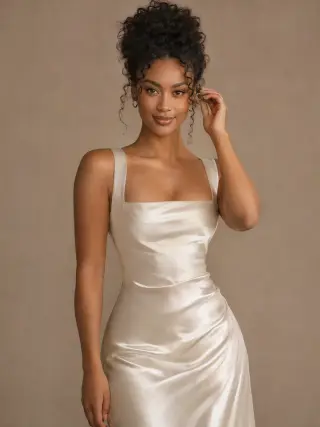
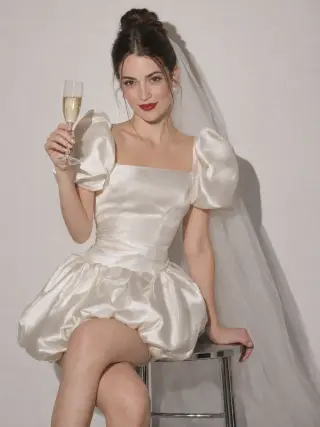
A plain studio backdrop keeps all the attention on you. The minimal template pairs a bias-cut satin slip gown with a sleek updo, and the editorial flash template seats you on a stool in a puff-sleeve mini dress with a glass of champagne, for an image closer to a fashion shoot.
Use the Minimal Satin Slip templateVintage Wedding Photos
Vintage templates recreate the look of an old family album. Choose 1950s pearls, satin gloves and a tea-length dress at a stone chapel door with a bunch of white carnations.
Use the 1950s Pearls templateGetting Ready and Close-Up Bridal Portraits
Some of the most loved wedding photos happen before the ceremony. The getting ready template shows you at a dressing table in a sunny bridal suite, putting on pearl earrings with your gown hanging nearby, and the lace veil close-up frames your face under beaded embroidery, which also makes your features easier to recognise.
Use the Getting Ready Robe templateWinter Bridal Portraits
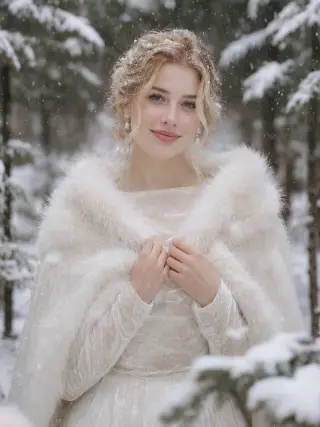
A long-sleeve velvet gown and a white faux fur cape suit a winter wedding. The snowy forest template adds snow-laden pines, soft winter light and falling snow, so you can see a winter look in any season.
Use the Winter Snow templateRed Lehenga Bridal Portrait
For brides planning a South Asian wedding or simply drawn to the look, this template shows you seated in a red lehenga with gold embroidery, a dupatta over your hair, a maang tikka, layered jewellery, bangles and henna on marble palace steps under carved arches.
Use the Red Lehenga templateHow to Get Better AI Bridal Portraits
The template handles the dress, flowers and setting. These choices are the part that stays up to you.
Start From a Clear, Front-Facing Selfie
Look straight at the camera with your whole face visible and in focus. Avoid sunglasses, hats, hands near your face and heavy beauty filters, because the result can only be as accurate as the detail in your photo.
Use Soft, Even Light in Your Photo
Face a window in daylight rather than standing under a ceiling lamp or in direct sun. Each template sets its own light, from sunset glow to candlelight, but it needs a clear view of your features to start from.
Choose Close-Ups When Your Face Matters Most
Wedding templates range from close-ups to waist-up, mid-thigh and seated shots. If you want a portrait that looks as much like you as possible, start with a close-up such as the lace veil or rose garden template, then try the wider ones for more of the dress and the setting.
Pick the Format Before You Generate
The default is a 3:4 portrait, and you can also choose 1:1, 4:3, 2:3, 3:2, 9:16 or 16:9. Use 9:16 for stories, a landscape ratio for a website banner or a save-the-date card, and 2K when you want the larger file.
Generate a Few Options
Each run can make 1, 2 or 4 photos. Small details such as your smile or the way your hair falls can vary between them, so generating 2 or 4 at once gives you a better chance of a favourite.
AI Wedding Photo Generator FAQ
Quick answers to what people usually ask before they create their first AI wedding photo.
Start with your photoIs this AI wedding photo generator free?
Only your first photos are free. New accounts get 16 free credits, enough for 2 wedding photos in 2K, and photos made with free credits carry a watermark. Any paid plan or credit pack removes the watermark: plans start at $9.99 a month and you can cancel anytime, or buy a one-time pack of 180 credits for $19.99 that never expires.
What is an AI wedding photo generator?
An AI wedding photo generator creates a new bridal portrait based on a photo of you. You upload one selfie and choose a template, and the AI uses your photo as a reference for your face while the template sets the gown, veil, flowers, setting and light. Every photo here is AI-generated, not a real photograph.
Can I make wedding photos with my partner?
Not at the moment. Every wedding template is a solo bridal portrait with one person in the frame, so couple photos and photos with a groom or guests are not offered. You can still create portraits of yourself in any template you like.
Will the bride in the photo look like me?
The aim is a portrait that is clearly recognisable as you, but it is not a photograph, so small details such as your hair, skin texture or smile can differ. A clear, well-lit, front-facing selfie gives the closest result, and close-up templates show your face in more detail than wider or seated ones.
Can I see how a wedding dress style would look on me?
You can get a feel for a style, such as a ball gown, a boho chiffon dress or a satin slip, and see which mood you like. The gowns are created for each image and are not real dresses you can buy, and the fit on your body may differ from a real fitting, so use the results as inspiration rather than a try-on.
Can I use AI wedding photos for invitations or a wedding website?
Yes. Many people use bridal portraits for save-the-date cards, a wedding website, social posts or a shared mood board. Choose a landscape ratio such as 3:2 or 16:9 for banners and cards, and 2K for the larger file. Photos made with free credits carry a watermark until you choose a plan or credit pack.
How many photos do I get, and how many credits do they use?
Each time you generate, you choose 1K or 2K and 1, 2 or 4 photos. A 2K photo uses 8 credits and a 1K photo uses 6, so four 2K photos use 32 credits. If a photo fails to generate, its credits are returned automatically.
Are my uploaded photos private?
Yes. Your uploaded photo is used only to create your wedding photos and is deleted from our server within 2 hours. Your results are visible only to you, are never shown in a public gallery and are deleted automatically 90 days after they are created. Only upload a photo of yourself, or of an adult who has given you permission.
More AI Photoshoot Templates
AI Headshot GeneratorClean professional headshots for profiles, resumes and company pages.AI Christmas PhotosFestive portraits in cosy knits, party glam and snowy winter scenes.AI Portrait GeneratorSolo portraits in a chosen style, from soft studio light to beach holidays and bold editorial looks.AI Birthday PhotoshootBirthday portraits with balloons, candles and milestone party themes.AI Maternity PhotoshootSoft pregnancy portraits in studio and outdoor settings.AI Dating PhotosNatural dating profile photos in cafés, parks, city streets and evenings out.All AI photoshoot templatesBrowse every template by people, occasion and style.AI photoshoot generatorStart from the home page and choose any template.
Your next portrait starts with one photo.
Start with your photo