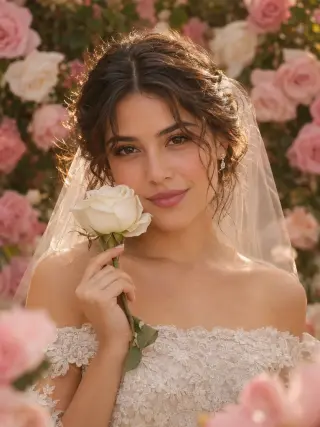
Rose Garden Close-Up
Off-shoulder lace and a white rose, framed close
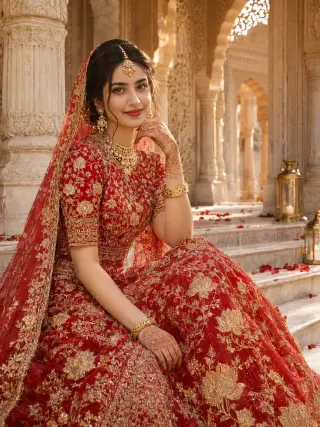
Embroidered red lehenga, gold jewellery and henna
This template shows you seated in a red lehenga with heavy gold embroidery, a matching dupatta draped over your hair and traditional bridal jewellery. Upload one clear photo of your face for a rich, colourful bridal portrait.
The template sets the styling for you, so you never have to plan or describe it.
A red lehenga with gold embroidery and a short-sleeve high-neck blouse, a sheer red dupatta, a maang tikka, jhumka earrings, a gold necklace, gold bangles and henna on the hands.
White marble palace steps with carved arches, columns, rose petals and gold lanterns.
Warm afternoon light through the arches and deep reds, framed from the knees up.
A clear view of your whole face gives the template the most to work with. These sample images show what works and what makes your face hard to read.
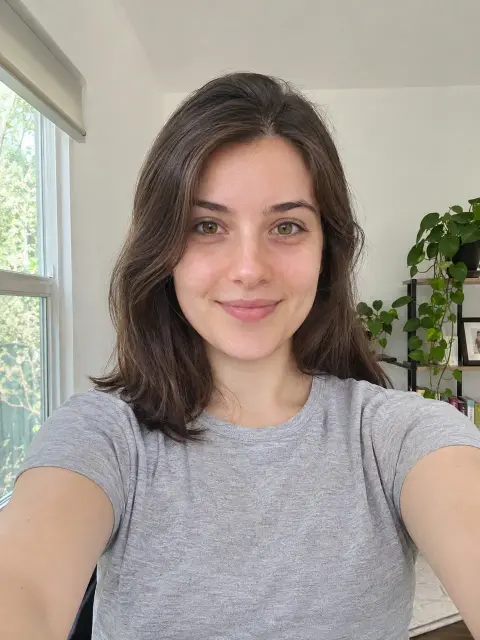
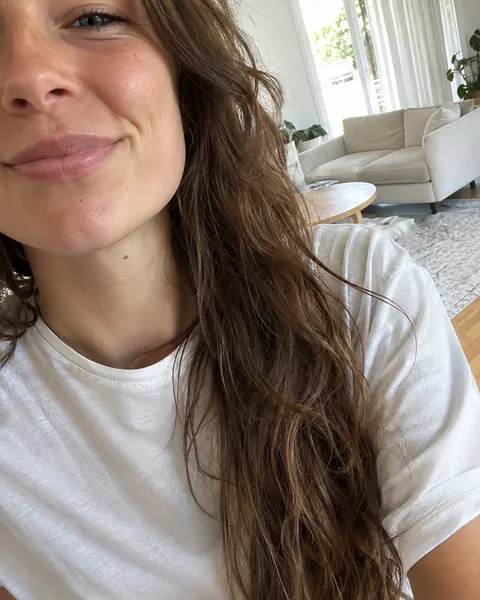
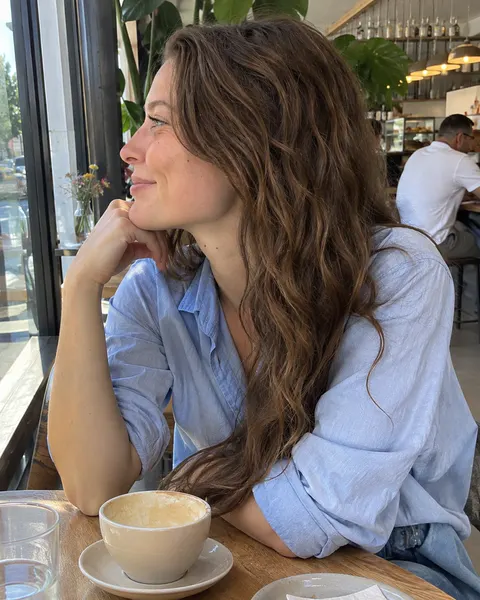
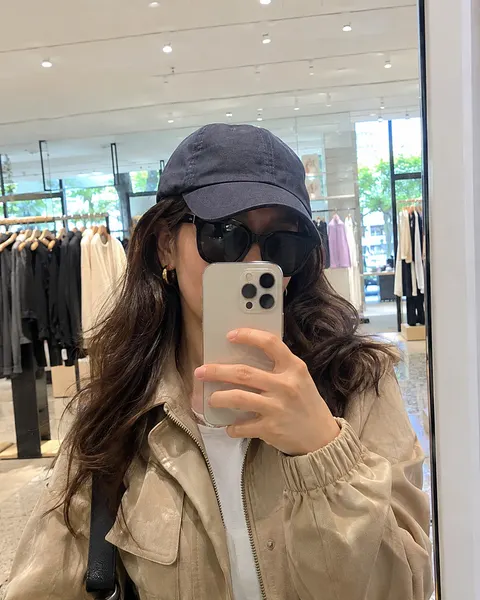
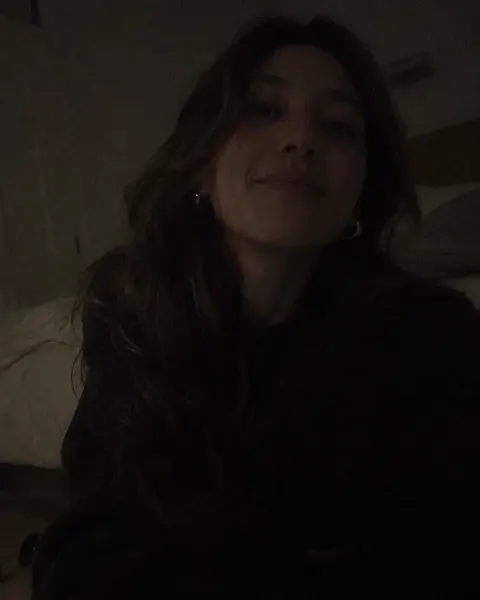
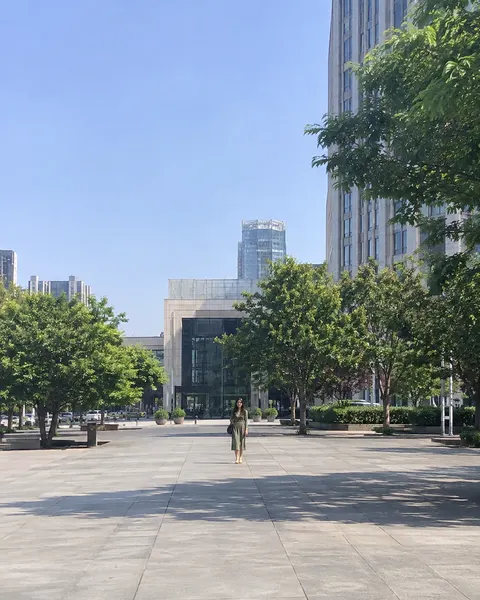
Three steps, with the template already chosen for you.
Add one clear, front-facing photo of yourself. The tool at the top of this page is ready to use.
The Red Lehenga template is already selected, so there is nothing else to set up.
Review your results and save the images you like best.
Like this look? These templates are worth trying with the same photo.
Off-shoulder lace and a white rose, framed close
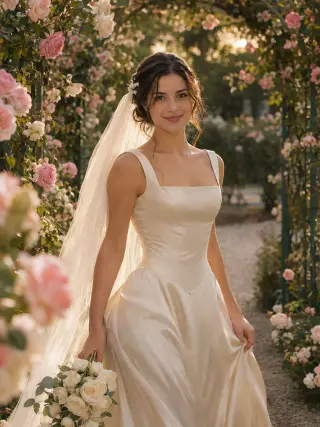
Satin gown and veil under a rose arch at sunset
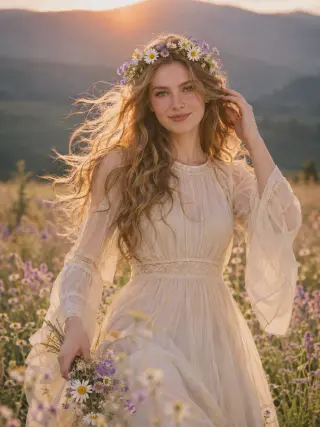
Chiffon gown and flower crown in a summer meadow
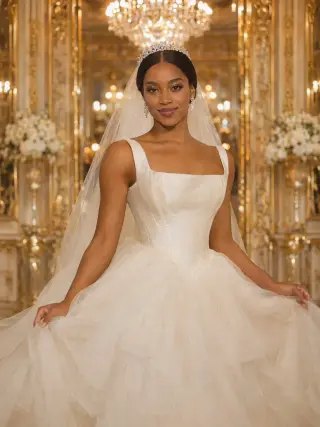
Tulle ball gown and tiara in a gilded ballroom
Your next portrait starts with one photo.
Start with your photo