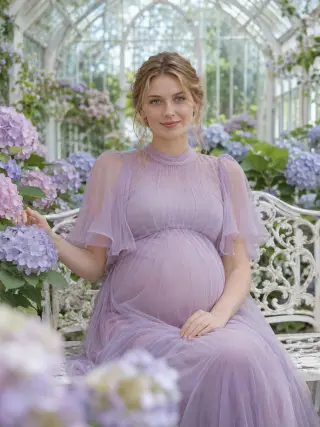
Create an AI Maternity Photoshoot From Your Photo
This AI maternity photoshoot turns one clear selfie into pregnancy portraits of you in flowing gowns, golden fields, beach sunsets and cozy rooms. Pick a template, upload a photo of your face and let the template handle the outfit, the setting, the light and the bump.
Recent photos
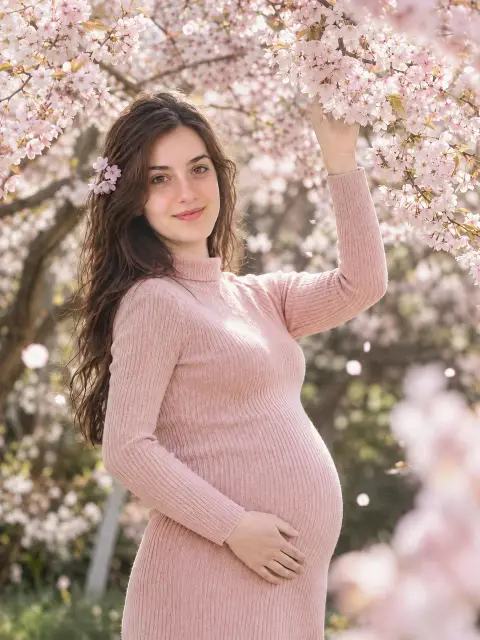
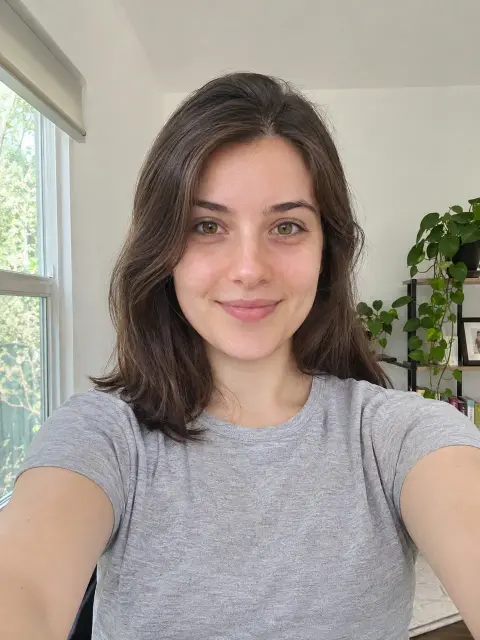 OriginalAI photoshoot
AI Maternity Photoshoot Templates
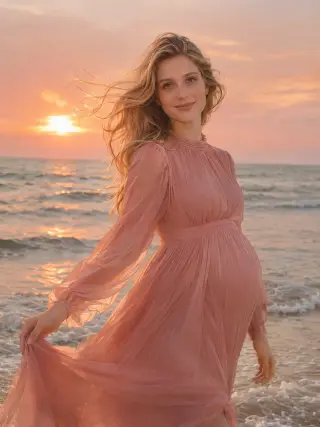
19 templates, from studio gowns and beach sunsets to flower fields, seasonal looks and a gender reveal scene. Each one sets the outfit, setting, pose and light for you.
How to Create AI Maternity Photos From a Selfie
Three steps from an everyday selfie to maternity portraits you can share.
- Upload photo1
Upload a Clear Photo
Choose a sharp, front-facing picture of yourself with even light on your face.
- 2
Choose a Template
Open the maternity templates and pick the style you want to try first.
- Download3
Download Your Photos
Review your results, save the ones you like and try another style with the same photo.
What You Can Create With an AI Pregnancy Photoshoot
Most people plan a maternity shoot around a feeling, a season or an announcement rather than a technical style. Start with the direction that fits, then open the matching template to see it in full.
Studio Maternity Portraits
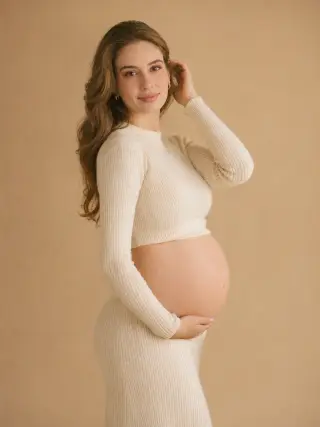
A plain backdrop, a soft cream outfit and gentle light make up the classic maternity studio portrait. The Soft Maternity template puts you in a cream rib-knit top and maxi skirt against a warm beige backdrop, so the focus stays on you and the bump. It suits framed prints and birth announcements, because nothing in the picture dates quickly.
Use the Soft Maternity templateDramatic Gowns With a Long Train
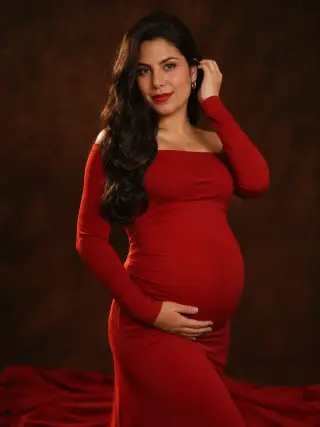
For a bolder portrait, a fitted red gown with a train that spreads across the studio floor gives you the look of a high-end session. It works best as one statement image rather than as part of a casual set.
Use the Red Train Gown templateGolden Hour Maternity Photos in a Field
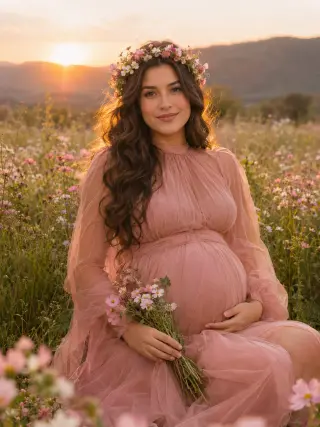
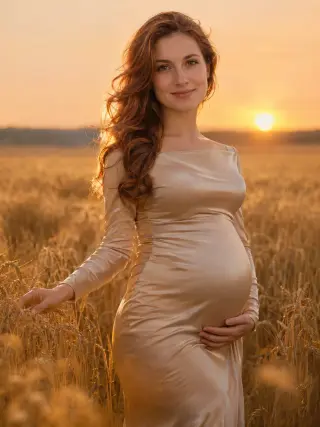
Low sun behind you, ripe wheat or tall grass around you and a gown in a warm shade is one of the most requested outdoor maternity looks. The backlight adds a glow to your hair and the fabric, and the open field keeps the background simple, so the photo still reads well as a small thumbnail.
Use the Wheat Field Sunset templateBeach Maternity Photos at Sunset
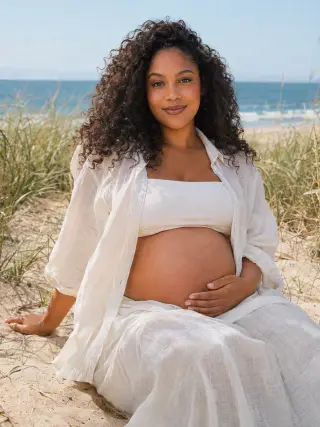
Walk through the shallow waves at sunset in a flowing gown, or sit on sunny dunes in an open linen shirt and linen skirt. Both beach templates suit a summer pregnancy, or anyone who would love a seaside shoot but does not want to travel to one late in pregnancy.
Use the Beach Sunset Gown templateForest and Desert Settings
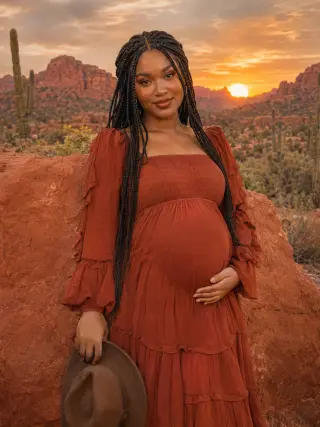
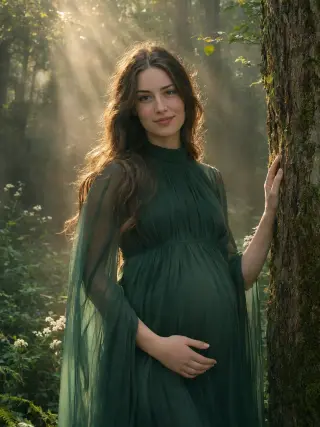
If you want something quieter than a beach, choose sunbeams through a misty forest or red sandstone rocks and cacti in the desert at sunset, with a boho dress and a felt hat in your hand. Each one has its own palette, from deep emerald to warm terracotta, so pick the mood you have in mind.
Use the Misty Forest templateFlower Fields and Gardens
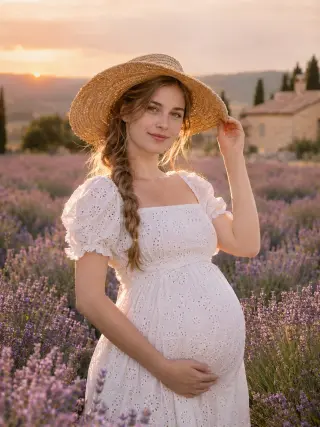
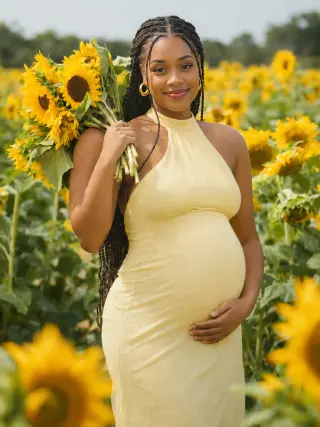
Lavender rows, sunflowers, a wildflower meadow with a flower crown and a glasshouse full of hydrangeas all surround you with colour. These are some of the softest and most romantic options, and they look good printed or shared together as a set.
Use the Lavender Field templateCozy At-Home Maternity Portraits
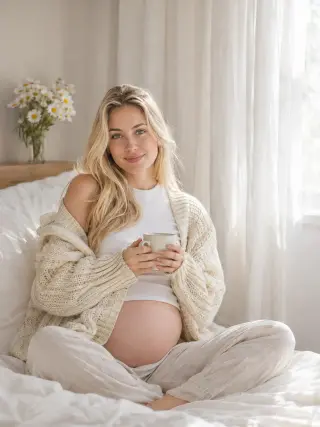
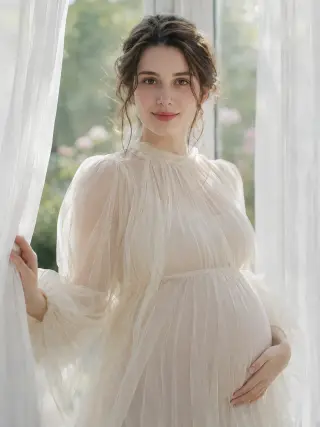
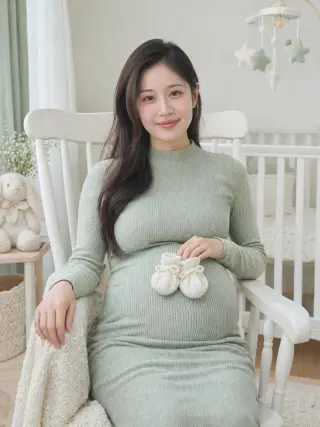
Not every maternity photo needs a gown and a view. A sheer gown by a sunlit window, an oversized cardigan and a mug of tea on a made bed, or tiny booties resting on the bump in a nursery rocking chair all feel personal and calm. They suit an announcement post or a private family album.
Use the Window Light templateSeasonal Maternity Photos
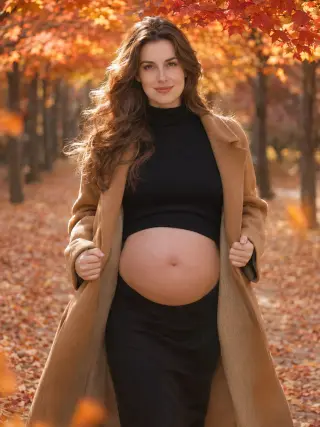
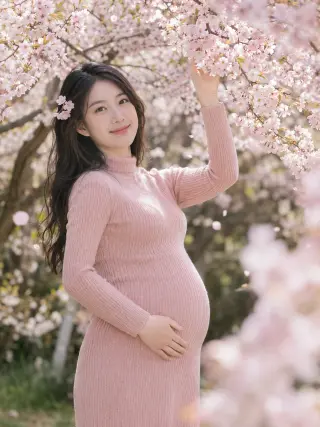
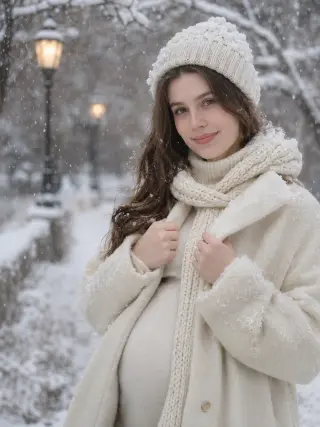
Match your photos to the time of year with a camel coat among autumn leaves, a cream wool coat and scarf in falling snow, or a pale pink knit dress under cherry blossom in spring. Seasonal templates are a simple way to remember when you were expecting, and they work well on holiday cards.
Use the Autumn Leaves templateGender Reveal Photos
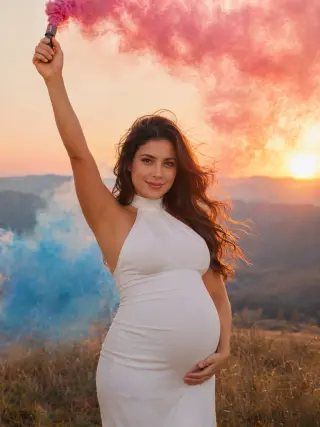
Pink and blue smoke on a hillside at sunset gives you an image for the big moment. Use it on invitations, thank-you cards or a post that shares the news with friends and family.
Use the Gender Reveal Smoke templateTraditional Saree Maternity Portraits
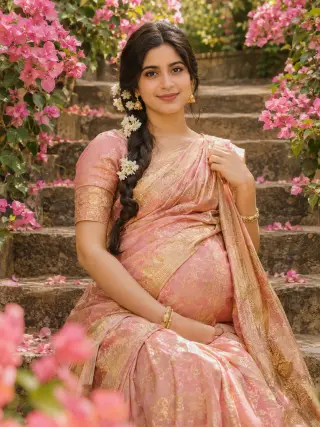
A pink and gold silk saree with gold jewellery, photographed in a garden in bloom, suits anyone who wants a maternity portrait that reflects family tradition. It pairs well with one of the gown templates if you would like both looks in the same album.
Use the Silk Saree Garden templateHow to Get Better AI Maternity Photos
The template handles the gown, the setting and the bump. These choices are the part that stays up to you.
Use a Clear, Front-Facing Selfie
Your whole face should be visible, in focus and evenly lit. Avoid sunglasses, hands near your face, heavy beauty filters and photos taken from a low angle, because the result can only be as accurate as the detail in your photo.
Any Selfie Works, With or Without a Bump
The bump in every result comes from the template, so you do not need a full-length or bump photo. A regular selfie works, even one from before you were pregnant. Keep in mind that the photos show a styled bump, not the real shape of your body.
Choose Colours and Light That Suit You
Cream, ivory and white gowns are easy to love and print well, while red, emerald and rust make a bolder image. If you want several photos for one album, pick templates with similar light, such as all golden hour or all studio, so they sit well together.
Plan Around Where the Photos Will Go
Keep the default 3:4 shape for prints and portrait posts, choose 9:16 for Stories and phone wallpapers, or 16:9 for a wide banner. Generating 2 or 4 photos at a time gives you a few options, so you can keep the one that looks most like you.
AI Maternity Photoshoot FAQ
Quick answers to what people usually ask before they create their first AI maternity photos.
Start with your photoIs this AI maternity photoshoot free?
Only your first photos are free. New accounts get 16 free credits, enough for 2 maternity photos in 2K, and photos made with free credits carry a watermark. Any plan or credit pack removes the watermark: plans start at $9.99 a month and you can cancel anytime, or buy a one-time pack of 180 credits for $19.99 that never expires.
How does an AI maternity photoshoot work?
You upload one selfie and choose a template. The AI uses your photo as a reference for your face, while the template sets the gown, the setting, the pose, the light and the bump. The result is a set of maternity portraits of yourself, made without booking a photographer or travelling to a location. Every photo here is AI-generated.
Can I do an AI pregnancy photoshoot without a photo of my bump?
Yes. Only your face is needed, so a regular selfie works, including one taken before you were pregnant. The bump comes from the template, which means your photos show a styled bump rather than your actual body. If you want a true record of how you looked during pregnancy, a real photo is the better choice.
How many photos do I get, and how many credits do they use?
Each time you generate, you choose 1, 2 or 4 photos in 1K or 2K. A 2K photo uses 8 credits and a 1K photo uses 6, so four 2K photos use 32 credits. Photos are 3:4 by default, and you can also pick 1:1, 4:3, 2:3, 3:2, 9:16 or 16:9. If a photo fails to generate, its credits are returned automatically.
Will my AI maternity photos look like me?
The aim is a portrait that is clearly recognisable as you, but it is not a photograph, so details such as your hair, skin texture or smile can differ. A clear, well-lit, front-facing selfie gives the closest result, and generating 2 or 4 photos at once lets you choose the one that looks most like you.
Can I create maternity photos of a friend or family member?
Only with her permission, and only if she is an adult. Upload your own photo, or a photo of an adult who has agreed to it. Never upload a photo of someone under 18 or of someone who has not said yes, even as a surprise gift.
Can I use AI maternity photos for a pregnancy announcement?
Yes. They work well for announcement posts, baby shower invitations, thank-you cards and phone wallpapers, and you can use them for personal and commercial purposes as long as you follow our Acceptable Use Policy. Photos made with free credits carry a watermark until you choose a plan or credit pack.
Are my uploaded photos private?
Yes. Your uploaded photo is sent to our image model only to create your maternity photos and is deleted from our server within 2 hours. Your results are visible only to you, are never shown in a public gallery and are deleted automatically 90 days after they are created, so download the ones you want to keep.
More AI Photoshoot Templates
AI Headshot GeneratorClean professional headshots for profiles, resumes and company pages.AI Christmas PhotosFestive portraits in cosy knits, party glam and snowy winter scenes.AI Portrait GeneratorSolo portraits in a chosen style, from soft studio light to beach holidays and bold editorial looks.AI Birthday PhotoshootBirthday portraits with balloons, candles and milestone party themes.AI Wedding Photo GeneratorBridal portraits in classic and modern wedding styles.AI Dating PhotosNatural dating profile photos in cafés, parks, city streets and evenings out.All AI photoshoot templatesBrowse every template by people, occasion and style.AI photoshoot generatorStart from the home page and choose any template.
Your next portrait starts with one photo.
Start with your photo