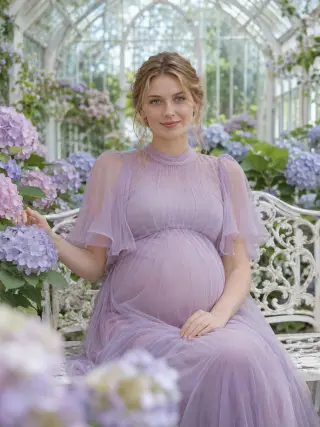
Greenhouse Tulle
Lilac tulle dress on a bench among hydrangeas

Cream wool coat and knit hat in a snowy park
This template brings your maternity portrait into a snowy park while snow is still falling, wrapped in a cream coat, scarf and knit hat. Upload one clear photo of your face and the template takes care of the outfit, the snow and the light.
The template sets the styling for you, so you never have to plan or describe it.
A cream wool coat over a cream turtleneck sweater, with a chunky knit scarf, a knit beanie and the bump just visible under the coat.
A snow-covered park path with snowy trees and glowing lamp posts, framed from the hips up.
Soft winter light reflected off the snow, with falling snowflakes and a palette of cream, white and grey.
A clear view of your whole face gives the template the most to work with. These sample images show what works and what makes your face hard to read.


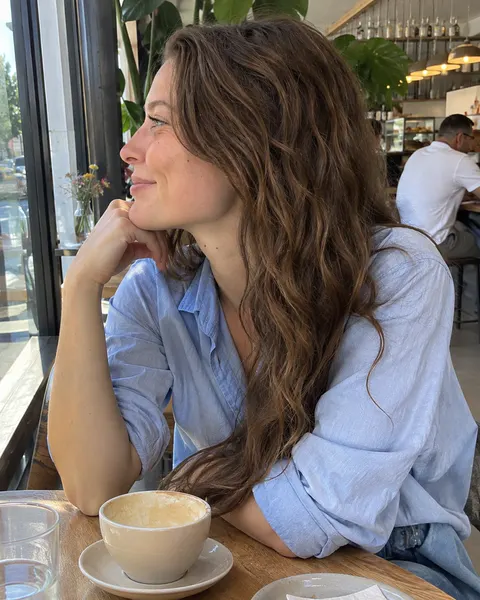

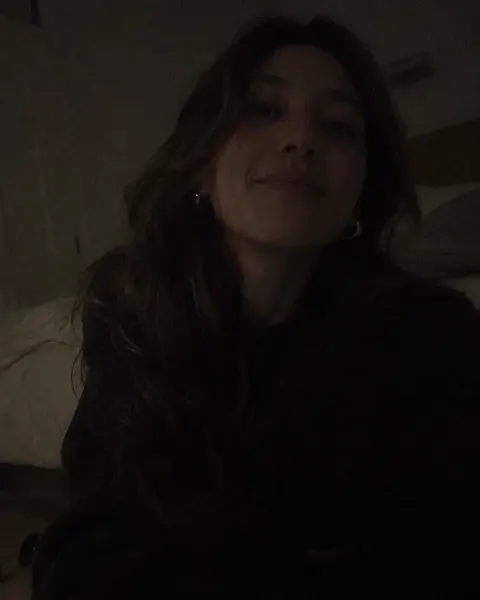
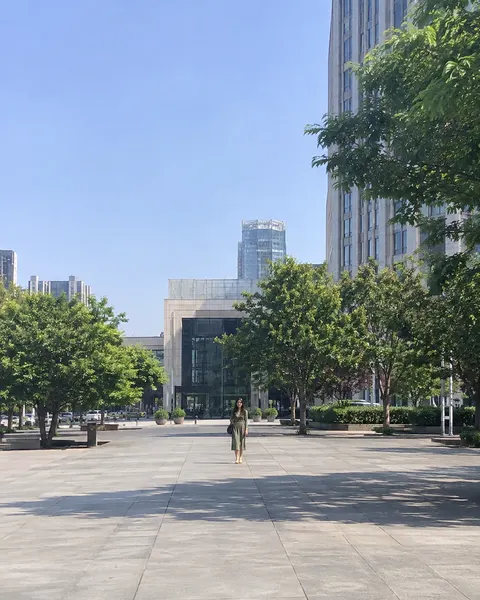
Three steps, with the template already chosen for you.
Add one clear, front-facing photo of yourself. The tool at the top of this page is ready to use.
The Winter Snowfall template is already selected, so there is nothing else to set up.
Review your results and save the images you like best.
Like this look? These templates are worth trying with the same photo.
Lilac tulle dress on a bench among hydrangeas

Blush chiffon gown blowing in the sea breeze

Open linen shirt and white skirt on the sand dunes

Oversized cream cardigan and a mug on a sunlit bed
Your next portrait starts with one photo.
Start with your photo