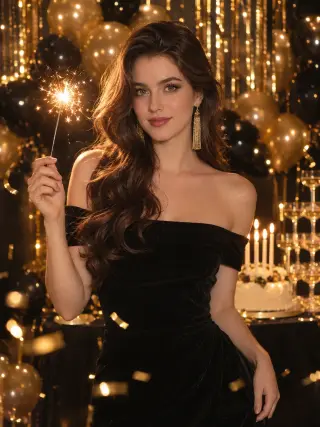
Black Velvet Glam
Off-shoulder black velvet, a sparkler and gold balloons
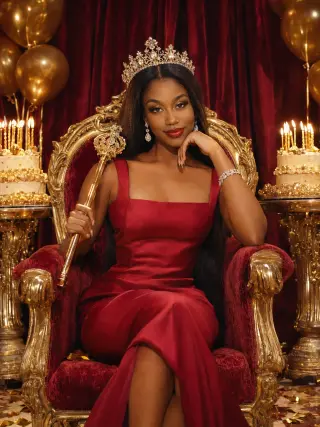
Red satin gown, a crystal crown and a velvet throne
This template crowns you birthday queen in a red satin gown and crystal crown, seated on a gilded red velvet throne with a gold sceptre resting on your shoulder. Upload one clear photo for a rich, regal birthday portrait with gold balloons and candlelit cakes on both sides.
The template sets the styling for you, so you never have to plan or describe it.
A red satin gown with a square neckline and wide straps, a crystal crown, diamond drop earrings and a diamond bracelet.
A gilded red velvet throne in front of deep red drapes, with gold balloons, candlelit birthday cakes on both sides and gold confetti on the floor.
Warm side light with fine highlights on the gold details, in deep red and gold tones.
A clear view of your whole face gives the template the most to work with. These sample images show what works and what makes your face hard to read.

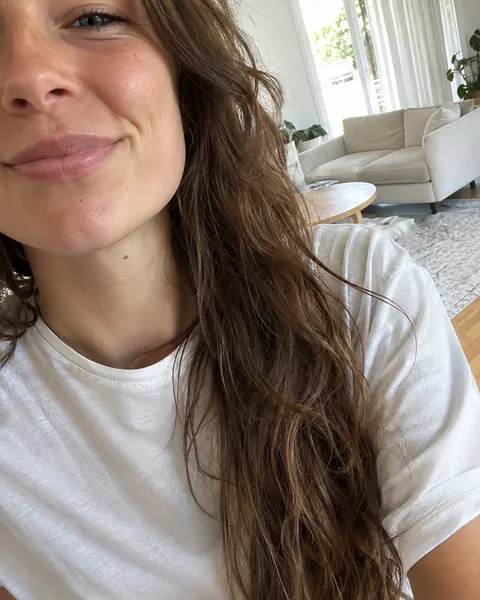
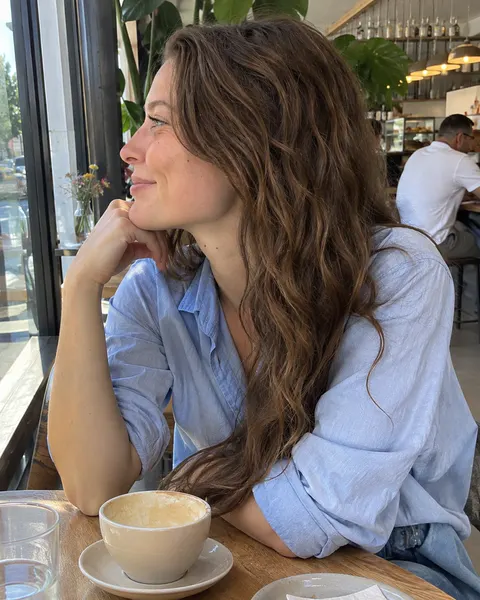
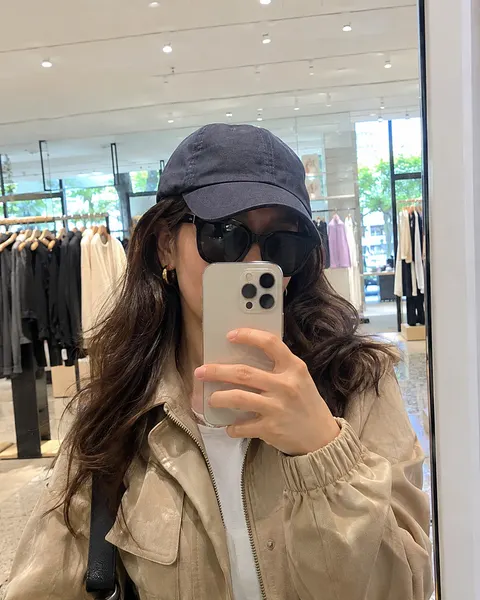
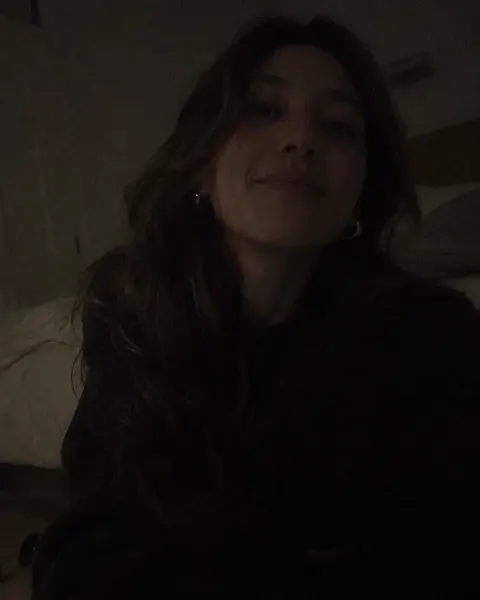
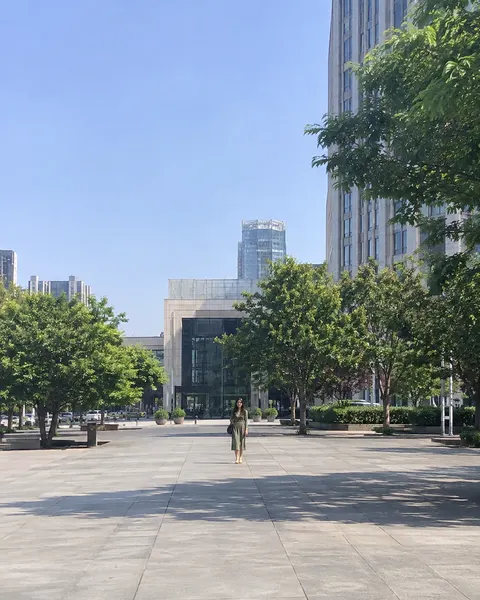
Three steps, with the template already chosen for you.
Add one clear, front-facing photo of yourself. The tool at the top of this page is ready to use.
The Velvet Throne template is already selected, so there is nothing else to set up.
Review your results and save the images you like best.
Like this look? These templates are worth trying with the same photo.
Off-shoulder black velvet, a sparkler and gold balloons

Pink sequin mini dress, gold star balloons and confetti

Champagne satin dress, heart balloons and a candlelit cake
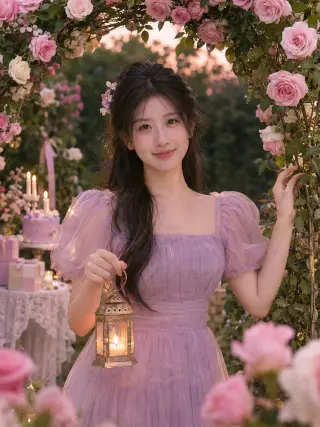
Lilac tulle dress and a lantern under a rose arch
Your next portrait starts with one photo.
Start with your photo