
Christmas Market
Plaid scarf and mulled wine at the market stalls

Cream knit and a gift opened under the tree
This template sits you under the tree with a gift just opened, lifting a gold necklace out of the box with a delighted smile. Upload one clear photo for a warm Christmas morning portrait surrounded by torn wrapping paper and ribbon.
The template sets the styling for you, so you never have to plan or describe it.
A chunky cream knit sweater with plaid pyjama trousers and long, loose dark waves.
A tree hung with baubles, opened wrapping paper and ribbon piled around you, and a fireplace with stockings.
Warm light from the tree and fireplace with soft fill on the face, in cream, red and gold tones.
A clear view of your whole face gives the template the most to work with. These sample images show what works and what makes your face hard to read.
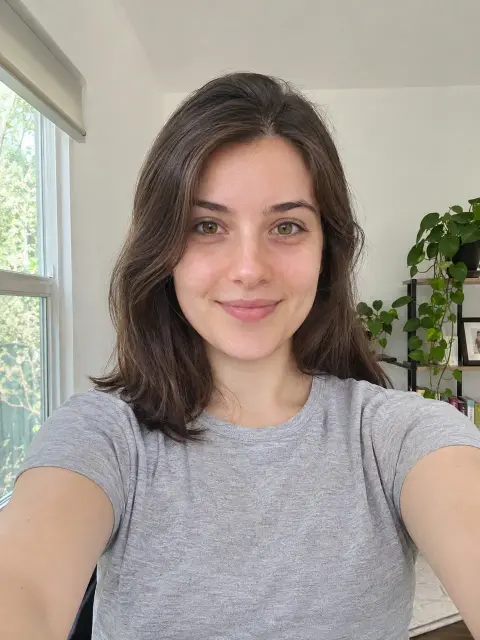
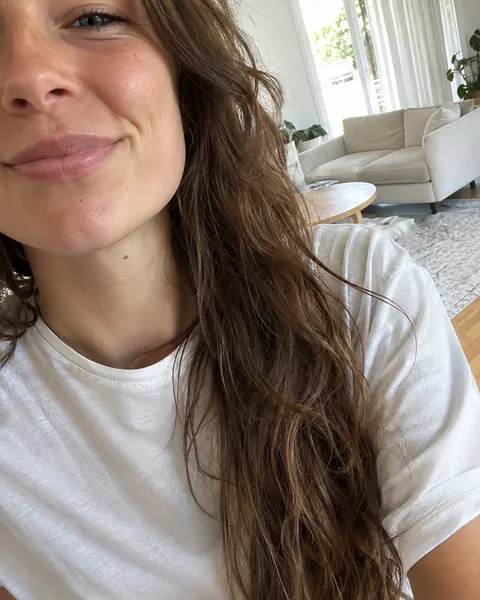
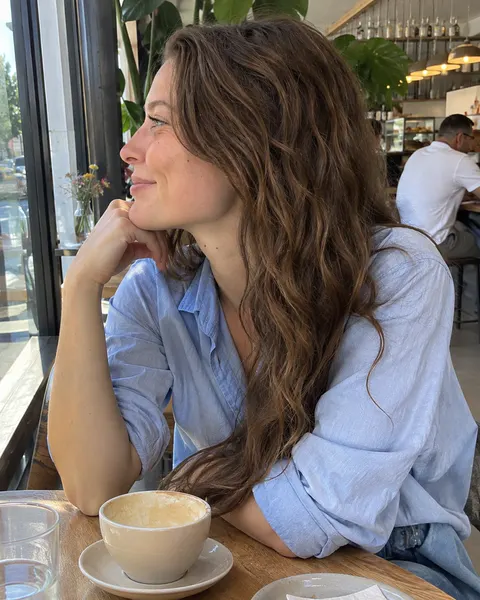
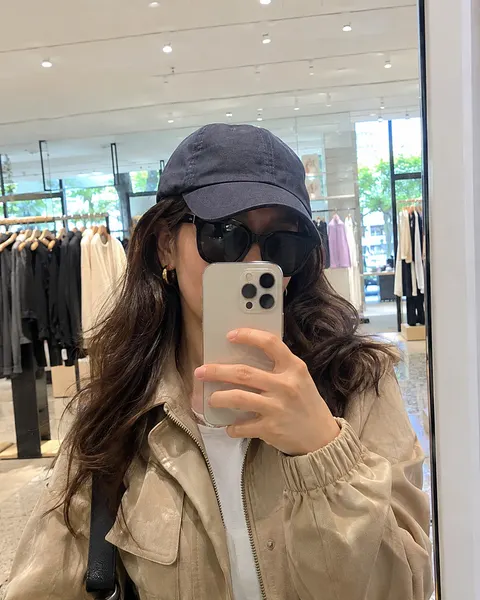
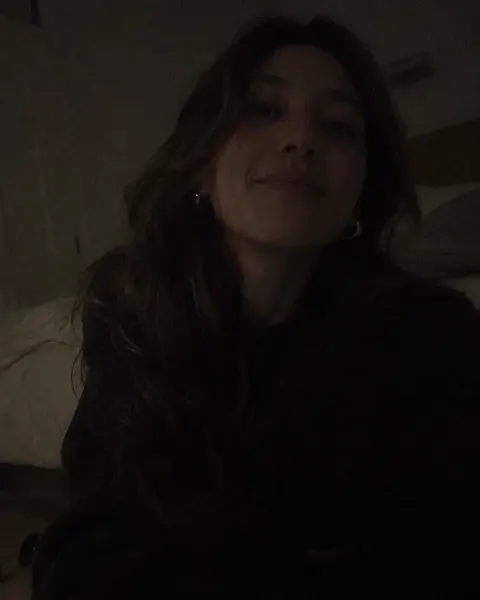
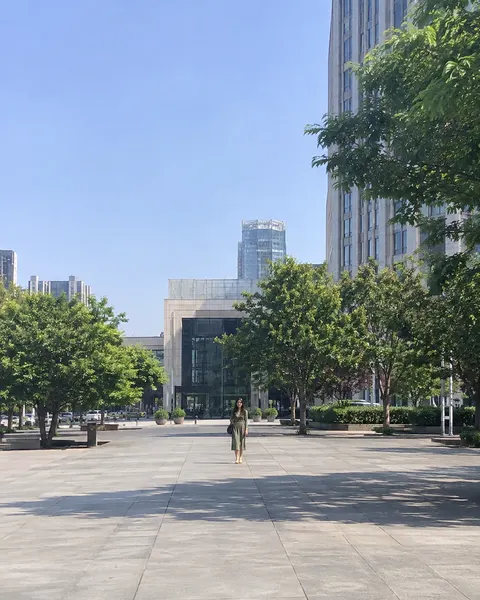
Three steps, with the template already chosen for you.
Add one clear, front-facing photo of yourself. The tool at the top of this page is ready to use.
The Opening Presents template is already selected, so there is nothing else to set up.
Review your results and save the images you like best.
Like this look? These templates are worth trying with the same photo.
Plaid scarf and mulled wine at the market stalls

Green velvet dress, untying a gift under the tree

Off-shoulder velvet and gold fairy lights in hand

Buffalo plaid and a fresh-cut tree on the shoulder
Your next portrait starts with one photo.
Start with your photo