
Christmas Market
Plaid scarf and mulled wine at the market stalls
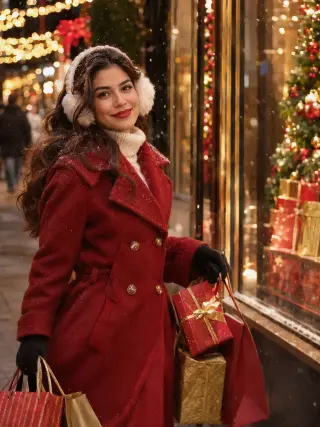
Red coat and gifts on a snowy lit-up street
This template shows you walking past lit shop windows in a red double-breasted coat and white earmuffs, carrying bags and gift boxes in both hands. Upload one clear photo for a festive street scene with string lights and light snow.
The template sets the styling for you, so you never have to plan or describe it.
A red double-breasted wool coat over a cream turtleneck, black gloves, white earmuffs and long dark waves.
A decorated shopping street with Christmas trees and gifts in the windows, string lights overhead and light falling snow.
Warm glow from the shop windows and string lights, so the street feels cosy and the red coat stands out.
A clear view of your whole face gives the template the most to work with. These sample images show what works and what makes your face hard to read.

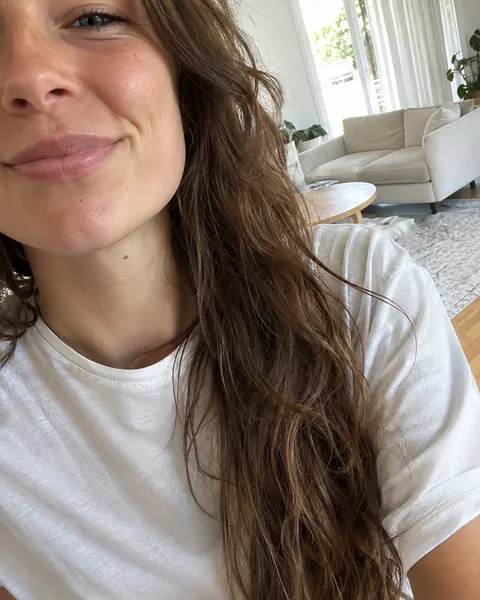
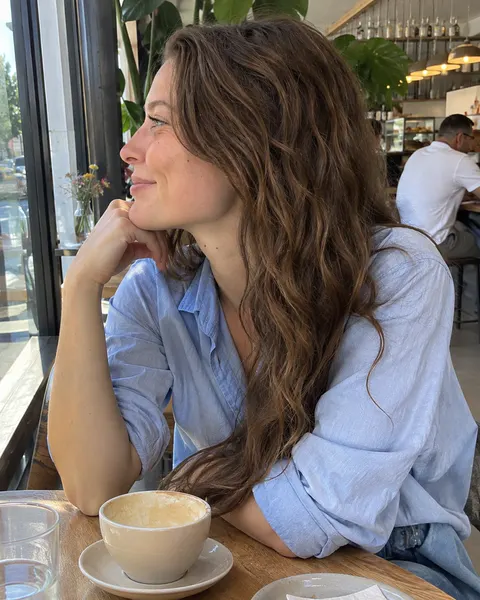
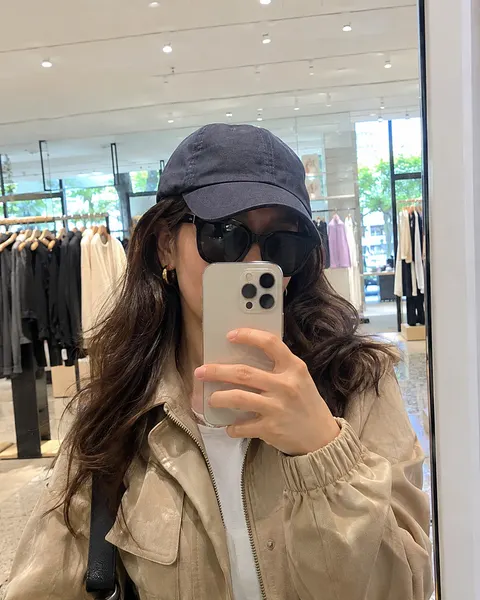
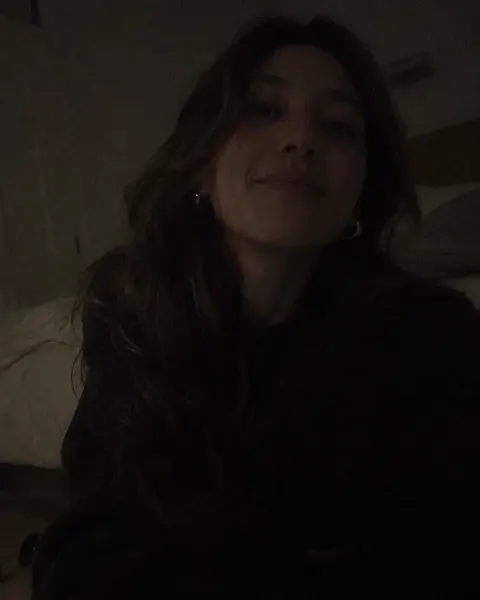
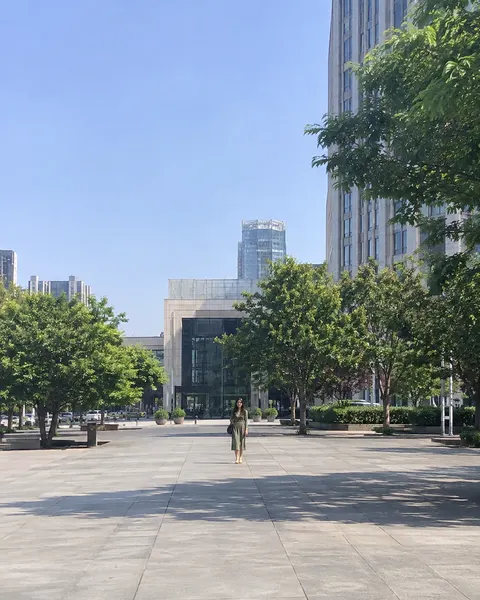
Three steps, with the template already chosen for you.
Add one clear, front-facing photo of yourself. The tool at the top of this page is ready to use.
The Holiday Shopping Street template is already selected, so there is nothing else to set up.
Review your results and save the images you like best.
Like this look? These templates are worth trying with the same photo.
Plaid scarf and mulled wine at the market stalls

Green velvet dress, untying a gift under the tree

Off-shoulder velvet and gold fairy lights in hand

Buffalo plaid and a fresh-cut tree on the shoulder
Your next portrait starts with one photo.
Start with your photo