
Autumn Street
Chunky knit and rust scarf on a leafy street

Linen shirt and backlit hair in a sunny park
This template frames you close in a park at golden hour, with the low sun lighting up your hair from behind. Upload one clear photo of your face for a warm, natural picture that suits a first dating profile photo.
The template sets the styling for you, so you never have to plan or describe it.
A relaxed cream linen shirt worn open at the collar, with small gold hoops and a fine pendant necklace.
A grassy park with tall trees, softly blurred behind you, framed from the chest up.
Low evening sun behind you that rims your hair in gold, with soft greens and warm skin tones.
A clear view of your whole face gives the template the most to work with. These sample images show what works and what makes your face hard to read.




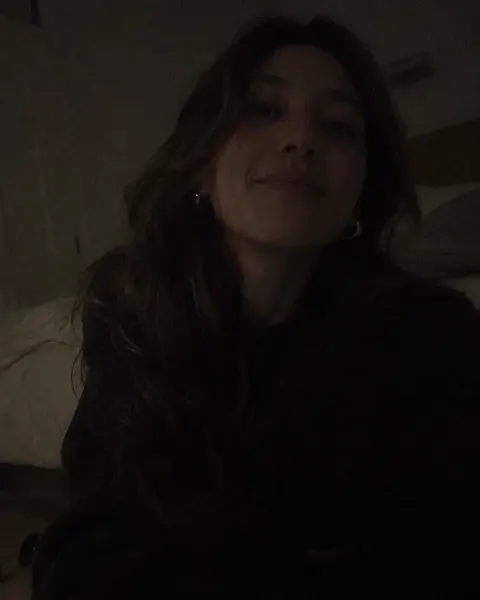
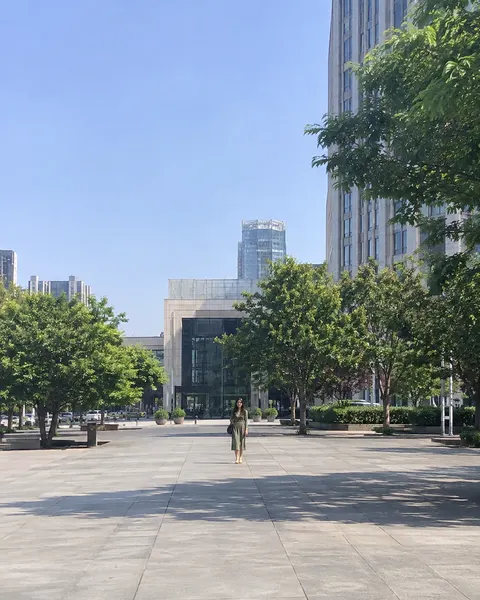
Three steps, with the template already chosen for you.
Add one clear, front-facing photo of yourself. The tool at the top of this page is ready to use.
The Golden Hour Park template is already selected, so there is nothing else to set up.
Review your results and save the images you like best.
Like this look? These templates are worth trying with the same photo.
Chunky knit and rust scarf on a leafy street

Striped linen shirt at a sunny café table

Floral sundress and sunflowers at a summer market

Floral chiffon dress on the shore at sunset
Your next portrait starts with one photo.
Start with your photo